WebDAV Navigator
WebDAV Navigator is a mobile file app for connecting to a user’s own server or network-attached storage.
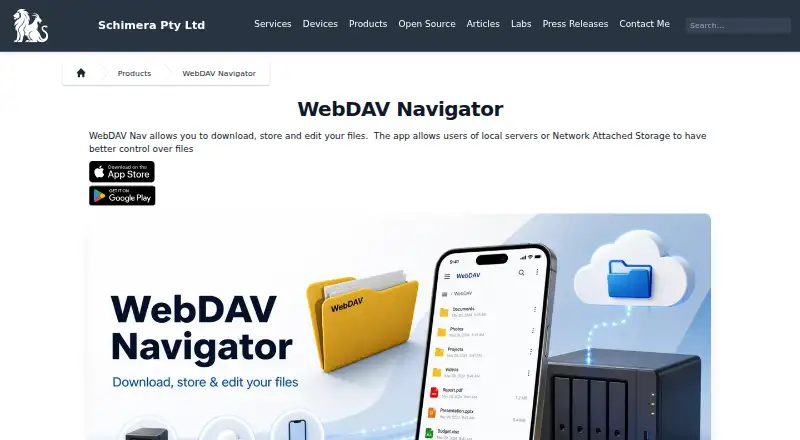
What WebDAV Navigator is
WebDAV Navigator is a mobile file app for connecting to a user’s own server or network-attached storage. It runs on Android and iOS and provides remote access without requiring cloud storage. Files can be downloaded for local use, opened in other installed applications, and then emailed or uploaded after changes. Listed formats include Microsoft Office, OpenOffice, PDF, Keynote, Pages, Numbers, RTF and DICOM. Servers that support partial requests can stream video and music, with AirPlay and Google Chromecast support listed. Folder synchronization is available when the server supports infinite-depth queries, and synchronization runs one way from local files. A built-in editor handles files such as .txt, .html, .css, .js, .rb and .py. The app also includes a WebDAV server for sharing local storage. Security options include PIN protection, client certificates, HTTPS, certificate controls and automatic logout when backgrounded. A free plan is listed, alongside one-time purchases priced at 0.99 USD, 1.99 USD and 3.99 USD for named plans.
Good
- Works with Android and iOS
- Supports many document and media formats
- Includes one-way folder synchronization
- Built-in editor and WebDAV sharing server
- Free plan available
Watch out
- Synchronization requires specific server queries
- Synchronization is one way
- Drive mounting is not available
- Some plans require one-time purchases
Who it suits
It suits Android or iOS users who manage files on personal servers or network-attached storage. Businesses and educational facilities are identified as target users.
Verdict
WebDAV Navigator focuses on direct access to personal servers rather than cloud storage. Its file handling, streaming, editing and sharing tools cover varied mobile workflows, with a free plan and paid options listed.
Plans and prices
From WebDAV Navigator's own pricing page, checked 1 Oct 2026.
| Plan | Price | What it gives you |
|---|---|---|
| WebDAV NavX | $0.99, paid once | iOS in-app purchase · adds logo and feature restrictions via hosted configuration |
| WebDAV Navigator for Android | $1.99, paid once | Android devices · 10K+ downloads shown |
| WebDAV Nav+ for iOS | $3.99, paid once | iPhone and iPad · iOS 13 or later |
The facts
Each one read from WebDAV Navigator's own pages, with the date it was checked.
What it does
- Authentication
- Android WebDAV Nav supports Basic and Digest Authentication and HTTPS including self-signed certificates.checked 1 Oct 2026
- Certificate default
- WebDAV Nav no longer trusts all SSL certificates by default for security reasons; users can enable Trust all certificates in Settings.checked 1 Oct 2026
- Editing
- A built-in text editor supports files such as .txt, .html, .css, .js, .rb and .py.checked 1 Oct 2026
- File formats
- The feature page lists support for Microsoft Office, OpenOffice, PDF, Keynote, Pages, Numbers, RTF and DICOM formats.checked 1 Oct 2026
- File handling
- Users can download files locally, open them in other installed applications, and email or upload changes.checked 1 Oct 2026
- Purpose
- WebDAV Nav lets users download, store and edit files from mobile devices connected to local servers or network-attached storage.checked 1 Oct 2026
- Remote access
- The app provides remote access to files on a user's own server without requiring cloud storage.checked 1 Oct 2026
- Security controls
- The feature page lists PIN protection, client-side certificates, optional acceptance of self-signed certificates and automatic logout when backgrounded.checked 1 Oct 2026
- Server discovery
- Bonjour integration discovers WebDAV servers advertising the _webdav._tcp service on the local network.checked 1 Oct 2026
- Sharing
- The app includes a built-in WebDAV server for sharing local storage with a computer or another WebDAV Nav client.checked 1 Oct 2026
- Streaming
- The app can stream video and music from servers supporting partial requests, with AirPlay and Google Chromecast support listed.checked 1 Oct 2026
- Support
- Schimera lists [email protected] and a Brisbane, Queensland, Australia address for contact.checked 1 Oct 2026
- Synchronization
- Folder synchronization is available, but it requires the server to support infinite-depth queries and synchronizes local files one way.checked 1 Oct 2026
- Target users
- The maker says businesses and educational facilities find WebDAV Nav secure and easy to use.checked 1 Oct 2026
The company
- Founded
- 2003checked 28 Sep 2026
- Headquarters
- Brisbane, Queensland, Australiachecked 28 Sep 2026
Alternatives to WebDAV Navigator
- 1

Owlfiles
Free planAndroidiOSExtensionmacOS8.0From $12.99 a year - 2

FolderSync
Free planAndroidLinuxmacOSWindows7.7$6.99 one-time - 3
rclone
Free planAndroidWebAPILinux7.6Free plan - 4

RaiDrive
Free planLinuxWindows7.4Free plan - 5

CloudDrive2
Free planAndroidiOSWebAPI7.3From CN¥49.99 a year - 6

Air Live Drive
Free planmacOSWindows7.2From $17 a year