Snippy Snip
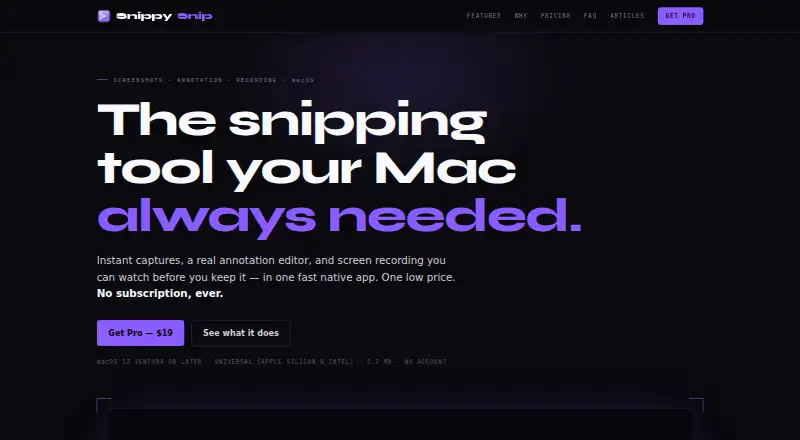
The facts below are what the maker publishes about Snippy Snip, checked and dated. Our editors have not written about it yet.
Plans and prices
From Snippy Snip's own pricing page, checked 7 Oct 2026.
| Plan | Price | What it gives you |
|---|---|---|
| Free | Free | Region, window and full-screen snips · Full annotation editor · Named capture carousel · Copy, save and share · Free forever |
| Pro | $19, paid once | Use on up to 3 Macs · Screen recording · Full-page website capture · OCR and QR · Priority support · One-time |
| Organization | $250, paid once | Unlimited seats · License tied to company email domain · Priority support · One-time |
The facts
Each one read from Snippy Snip's own pages, with the date it was checked.
What it does
- Annotation
- Its editor includes a pen, highlighter, arrows, shapes, text, numbered callouts, crop, undo, and zoom.checked 7 Oct 2026
- Capture modes
- It captures a region, window, or full screen and offers an optional 3-, 5-, or 10-second timer.checked 7 Oct 2026
- Clipboard
- A capture goes to the clipboard when it opens and is recopied as the user annotates it.checked 7 Oct 2026
- Compatibility
- It requires macOS 13 Ventura or later and supports Apple Silicon and Intel Macs.checked 7 Oct 2026
- Export
- Captures can be saved as PNG or JPEG at full Retina quality; Pro adds export sizes with presets for ChatGPT and Claude.checked 7 Oct 2026
- Export formats
- PNG, JPEG; video and GIF recording exportschecked 24 Sep 2026
- Integrations
- The app can share through the macOS share sheet, and the maker describes assigning its capture shortcut to a mouse button through Logi Options+.checked 7 Oct 2026
- Organization licensing
- The Organization plan offers unlimited seats under one license tied to the company's email domain.checked 7 Oct 2026
- Privacy
- The maker says the app has no telemetry, analytics, or account requirement, and captures stay on the Mac unless the user copies, saves, or shares them.checked 7 Oct 2026
- Pro limit
- A Pro license can be used on up to 3 Macs.checked 7 Oct 2026
- Purpose
- Snippy Snip is a native Mac app for capturing screenshots, annotating them, and recording the screen.checked 7 Oct 2026
- Recording
- Screen recordings can include a camera overlay, be paused and resumed, previewed in the editor, and saved as video or GIF.checked 7 Oct 2026
- Redaction tools
- Yeschecked 24 Sep 2026
- Support
- Pro and Organization plans include priority support.checked 7 Oct 2026
Where it runs
- Browser extension
- Nochecked 24 Sep 2026
Money
- Free plan
- Yeschecked 24 Sep 2026
The company
- Team collaboration
- Nochecked 24 Sep 2026
Alternatives to Snippy Snip
- 1

Awesome Screenshot
Free planiOSWebExtensionmacOS8.3From $5 a month - 2

Monosnap
Free planWebExtensionLinuxmacOS8.1From $2.50 a month - 3
Usersnap
AndroidiOSWebAPI7.9From €49 a month - 4

Greenshot
Free planWindows7.8$1.99 one-time - 5
ShareX
Free planOpen sourceWindows7.6Free plan - 6
Markup Hero
Free planExtensionmacOSWindows7.6From $3 a month