TSR Watermark Image
TSR Watermark Image is desktop software for adding protective marks to photos and other images before they are shared online.
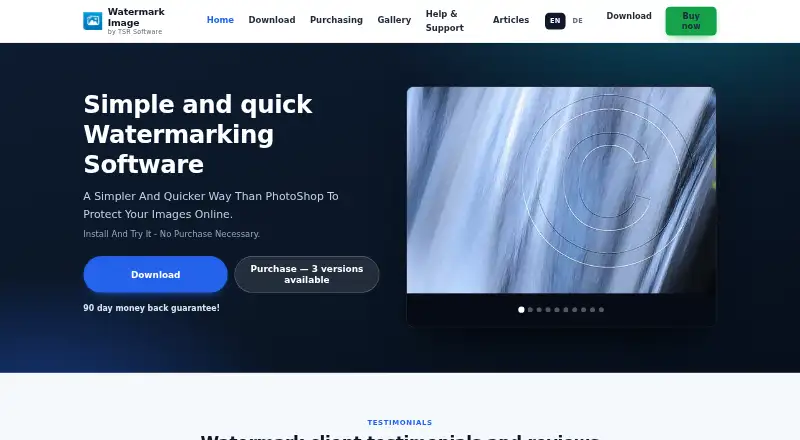
What TSR Watermark Image is
TSR Watermark Image is desktop software for adding protective marks to photos and other images before they are shared online. It runs on Windows and macOS and supports batch watermarking, including unlimited files and unattended processing. Watermarks can use text, images, or 3D designs, with borders, crosses, and special effects also available. Output can be saved as JPEG, TIFF, PNG, BMP, or GIF. Paid editions can copy EXIF, XMP, IPTC, and other metadata, and support multipage TIFF files. A command-line option loads a configuration file for batch jobs. Share editions upload to Facebook, WordPress, and FTP, while Secure Share adds FTP over SSL/TLS. The free trial costs nothing and places an “Unregistered TSR Watermark Image” mark on results. The free edition is for personal use; business use needs a paid license.
Good
- Unlimited unattended batch watermarking
- Text, image, and 3D watermark options
- Outputs JPEG, TIFF, PNG, BMP, and GIF
- Paid editions copy image metadata
- User license permits installation on all owned computers
Watch out
- Free edition is limited to personal use
- Trial results include an unregistered watermark
- WordPress and FTP uploads are not in Professional
- Secure FTP requires the Secure Share edition
Who it suits
It suits photographers and employees who need to watermark images before posting them online. Windows and macOS users can choose desktop installs, while businesses need a purchased license.
Verdict
TSR Watermark Image covers batch protection, varied watermark styles, and several output formats. Its paid editions add metadata handling and upload options, while business users must purchase a license.
Plans and prices
From TSR Watermark Image's own pricing page, checked 9 Oct 2026.
| Plan | Price | What it gives you |
|---|---|---|
| Free trial | Free | Trial results include “Unregistered TSR Watermark Image” watermark |
| Professional | $29.95, paid once | Unlimited batch watermarking; metadata copying; no special font pack or WordPress/FTP upload · One time payment |
| Professional + Share | $59.95, paid once | Unlimited batch watermarking; 225 special watermark fonts; WordPress and FTP upload · One time payment |
| Professional + Secure Share | $139.95, paid once | Unlimited batch watermarking; WordPress and FTP upload; secure FTP upload · One time payment |
The facts
Each one read from TSR Watermark Image's own pages, with the date it was checked.
What it does
- Batch processing
- The maker says batch watermarking supports unlimited files and can run without user interaction.checked 9 Oct 2026
- Command line
- The FAQ documents a command line option that loads a configuration file to batch watermark images.checked 9 Oct 2026
- Integrations
- Share editions provide upload to Facebook, WordPress and FTP; Secure Share adds FTP upload over SSL/TLS.checked 9 Oct 2026
- Intended users
- The maker presents the software for photographers and employees who need to watermark images before posting them online.checked 9 Oct 2026
- License
- The maker says its license is user based and permits installation on all of the user's computers.checked 9 Oct 2026
- Metadata
- Paid editions copy EXIF, XMP, IPTC and other metadata; the maker lists multipage TIFF support for paid editions.checked 9 Oct 2026
- Output formats
- The software can output JPEG, TIFF, PNG, BMP and GIF files.checked 9 Oct 2026
- Payment and refund
- The maker describes the purchase as a one time payment and advertises a 90 day money back guarantee.checked 9 Oct 2026
- Purpose
- The software batch adds watermarks to photos and images to help protect them when shared online.checked 9 Oct 2026
- Security
- The Secure Share edition supports secure FTP upload using an SSL/TLS connection.checked 9 Oct 2026
- Support
- The maker offers help pages, a contact form and email support, and says it tries to help as quickly as possible.checked 9 Oct 2026
- Watermark types
- It supports text, image and 3D watermarks, along with borders, crosses and special effects.checked 9 Oct 2026
Money
- Free edition limit
- The free version is limited to personal use; business use requires a purchased license.checked 9 Oct 2026
Where it runs
- Platform
- The maker provides a download for Windows.checked 9 Oct 2026
Alternatives to TSR Watermark Image
- 1

Watermark.ws
Free planAndroidiOSWebAPI7.9From $4 a month - 2

DoWatermark
Free planAndroidiOSWeb7.8$4.99 one-time - 3
eZy Watermark
Free planAndroidiOSWebmacOS7.3From $1.99 a month - 4
Watermarkly
Free planAndroidiOSWebLinux7.3From $19.95 a year - 5
Watermark Maker
Free planAndroidiOS6.9$24.99 one-time - 6
Terma
Free planWebLinuxmacOSSelf-hosted6.8Free plan