Telmetra
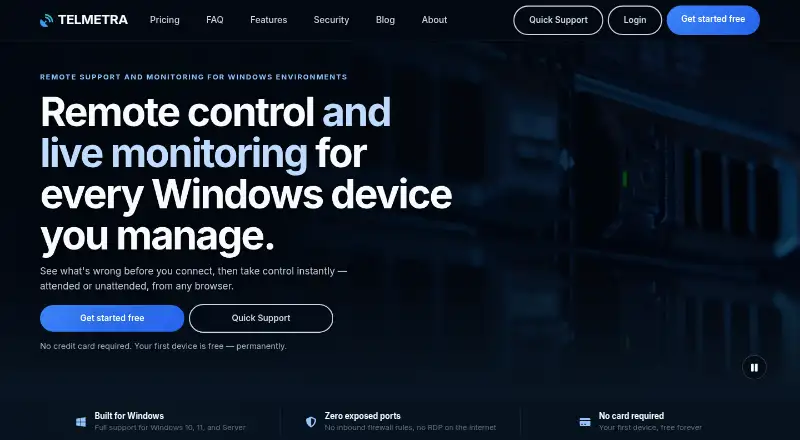
Telmetra combines remote control and live monitoring for Windows devices in a web console.
What Telmetra is
Telmetra combines remote control and live monitoring for Windows devices in a web console. Technicians can connect to managed devices unattended or provide one-time Quick Support using a code, and users can connect from a browser on a computer or phone. Monitoring can show CPU, RAM, disk, services, and event logs, with email and push alerts. The console also displays pending, installed, failed, and critical Windows updates and whether a reboot is needed. Scheduled folder and SQL Server backups can go to Google Drive, Backblaze B2, or a file server; run history and failure alerts are available. Other listed tools include SMART storage health checks, optional session recording, and maintenance automation for disk cleanup, startup apps, and sleep settings. Telmetra supports Windows 10, Windows 11, and Windows Server hosts, but not macOS or Linux. The site says sessions use encrypted transport, devices connect outbound without inbound firewall ports, and connection history is kept. The first computer is free forever; each additional computer costs €2.50 a month, VAT excluded.
Good
- First computer is free forever.
- Supports unattended access and code-based Quick Support.
- Monitors system resources, services, and event logs.
- Backups can target Google Drive, Backblaze B2, or a file server.
- Browser access works from a phone.
Watch out
- macOS and Linux hosts are not supported.
- Each additional computer costs €2.50 a month, VAT excluded.
- Support is limited to weekdays, 09:00–17:00 EET.
Who it suits
Telmetra is intended for small IT teams and MSPs supporting client Windows PCs. It may suit technicians who want browser-based access alongside device monitoring and scheduled backups.
Verdict
Telmetra combines Windows remote access, monitoring, update visibility, and backup tools. Its free first-computer plan and per-device charge make the device limit and supported host systems important considerations.
Plans and prices
From Telmetra's own pricing page, checked 11 Oct 2026.
| Plan | Price | What it gives you |
|---|---|---|
| First computer | Free | 1 device · Forever |
| Each extra computer | €2.50 a month | Per additional device · unlimited clients per account · Monthly; VAT excluded |
The facts
Each one read from Telmetra's own pages, with the date it was checked.
What it does
- Backups
- Scheduled folder and SQL Server backups can go to Google Drive, Backblaze B2, or a file server, with run history and failure alerts.checked 11 Oct 2026
- Data location
- Telmetra says it is EU-based, headquartered in Varna, Bulgaria, with primary infrastructure in the EU; processing locations may vary by provider, configuration, and deployment.checked 11 Oct 2026
- Integrations
- The listed backup destinations include Google Drive, Backblaze B2, and a file server.checked 11 Oct 2026
- Intended users
- The About page describes the product as intended for small IT teams and MSPs supporting client Windows PCs.checked 11 Oct 2026
- Monitoring
- Monitoring can show CPU, RAM, disk, services, and event logs, with email and push alerts.checked 11 Oct 2026
- Other features
- The product lists SMART storage health checks, optional session recording, and maintenance automation for disk cleanup, startup apps, and sleep settings.checked 11 Oct 2026
- Product
- Telmetra combines remote control and live monitoring for Windows devices in one console.checked 11 Oct 2026
- Remote access
- Technicians can connect to managed devices unattended or provide one-time Quick Support using a code.checked 11 Oct 2026
- Security
- The site says sessions use encrypted transport, devices connect outbound without inbound firewall ports, and connection history is kept for accountability.checked 11 Oct 2026
- Session retention
- The site says optional session recordings and selected session input and audit data are retained for 30 days after a session.checked 11 Oct 2026
- Support
- The site offers email and in-app chat support for installation, login, and billing questions Monday through Friday, 09:00–17:00 EET.checked 11 Oct 2026
Where it runs
- Browser access
- Users can connect from any browser, including a browser on a phone.checked 11 Oct 2026
- Supported devices
- Telmetra supports Windows 10, Windows 11, and Windows Server hosts; macOS and Linux hosts are not supported.checked 11 Oct 2026
- Windows updates
- Managed devices show pending, installed, failed, and critical Windows updates and whether a reboot is required.checked 11 Oct 2026
The company
- Headquarters
- Varna, Bulgariachecked 28 Sep 2026
Alternatives to Telmetra
- 1

DWService
Free planOpen sourceAndroidiOSWebAPI9.4From $40 a year - 2

ManageEngine Remote Access Plus
Free planAndroidiOSWebAPI9.0From $75 a year - 3

Zoho Assist
Free planAndroidiOSWebLinux8.8From $10 a month - 4

AirDroid Remote Support
Free planAndroidiOSWebAPI8.8From $18.99 a year - 5
dualmon
Free planAndroidiOSWebmacOS8.6From $19 a year - 6
Iperius Remote
Free planAndroidiOSLinuxmacOS8.5Free plan