QQ Browser
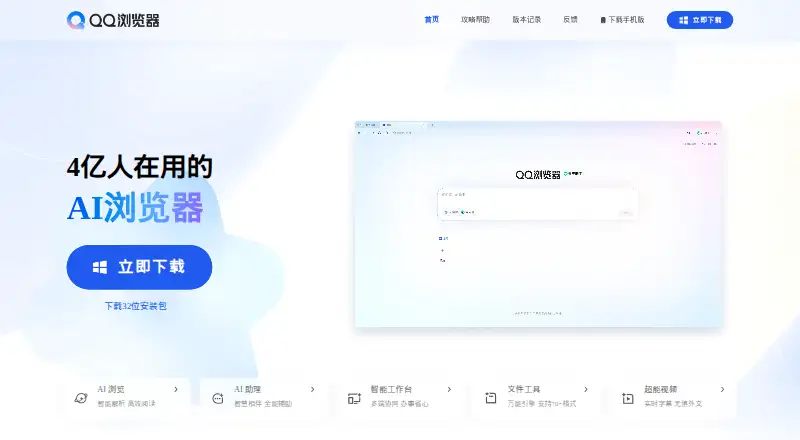
The facts below are what the maker publishes about QQ Browser, checked and dated. Our editors have not written about it yet.
The facts
Each one read from QQ Browser's own pages, with the date it was checked.
What it does
- Account integrations
- The license agreement says the software can be logged into using QQ or WeChat accounts.checked 7 Oct 2026
- AI assistant
- The homepage says users can complete complex tasks through conversation with its AI assistant.checked 7 Oct 2026
- AI browsing
- The homepage describes AI tools for summarizing webpage content and helping users understand complex information.checked 8 Oct 2026
- Document tools
- The help page lists document conversion, PDF compression and merging, translation, content extraction, password setting, page editing, watermarks, signatures, and stamps.checked 7 Oct 2026
- Dual engine
- The help page says QQ Browser uses Chromium and IE engines and can switch to IE compatibility mode for sites such as online banking and intranets.checked 7 Oct 2026
- File tools
- The homepage says its file tools can preview more than 70 formats and use AI to summarize documents, create mind maps, translate, and generate presentations.checked 8 Oct 2026
- License limit
- The agreement grants a personal, non-transferable, non-exclusive license for non-commercial use on one terminal device.checked 8 Oct 2026
- Open source
- Nochecked 23 Sep 2026
- Privacy
- The license agreement says Tencent uses professional encryption for storage and transmission of personal information and does not disclose it without user permission except where laws require.checked 7 Oct 2026
- Privacy and security
- The agreement says Tencent uses encryption for personal information storage and transmission, while noting it cannot guarantee complete security.checked 8 Oct 2026
- Product
- QQ Browser is Tencent’s browser software for viewing webpages, text, and media, with bookmarks, browsing history, search, and downloads.checked 8 Oct 2026
- Sign-in
- The software agreement says users can sign in with a QQ or WeChat account.checked 8 Oct 2026
- Support
- The official homepage lists Tencent’s main switchboard as 0755-86013388.checked 8 Oct 2026
- Tab management
- The homepage describes AI tab grouping by topic and split-screen browsing across two or three pages.checked 8 Oct 2026
- Usage limits
- The license permits personal, noncommercial use on one terminal device.checked 7 Oct 2026
- Video features
- The homepage says it can extract and summarize video chapters, translate subtitles in 16 languages, and open videos in a pop-up window.checked 7 Oct 2026
- Video tools
- The homepage says the browser can extract and summarize video chapters, translate subtitles across 16 languages, and show video in a pop-out window.checked 8 Oct 2026
Where it runs
- Browser engine
- otherchecked 23 Sep 2026
- Browser engines
- The official help page says the Windows browser uses Chromium and IE dual-core engines, with automatic or manual switching for compatibility.checked 8 Oct 2026
- Supported platforms
- bothchecked 23 Sep 2026
The company
- Founded
- The homepage copyright notice says Tencent copyright dates from 1998.checked 7 Oct 2026
- Headquarters
- Shenzhen, Chinachecked 28 Sep 2026
- Maker
- The homepage identifies the maker as 深圳市腾讯计算机系统有限公司 (Tencent) and gives its location as Shenzhen; it displays a 1998–2026 copyright notice.checked 8 Oct 2026
Money
- Free plan
- Yeschecked 23 Sep 2026
Alternatives to QQ Browser
- 1

Brave Browser
Free planOpen sourceAndroidiOSLinuxmacOS9.2Free plan - 2

AVG Secure Browser
Free planAndroidWebExtensionmacOS8.8From $39.99 a year - 3

Kameleo
Free planAndroidiOSWebAPI8.8Free plan - 4

DuckDuckGo Browser
Free planAndroidiOSmacOSWindows8.7Free plan - 5

Opera
Free planAndroidiOSWebExtension8.6From $48 a year - 6

Waterfox
Free planOpen sourceAndroidExtensionLinuxmacOS8.6From $5 a month