PhotoMarks
The facts below are what the maker publishes about PhotoMarks, checked and dated. Our editors have not written about it yet.
Plans and prices
From PhotoMarks's own pricing page, checked 9 Oct 2026.
| Plan | Price | What it gives you |
|---|---|---|
| PhotoMarks for Windows & macOS | — | One license is for one computer · 12 months of free updates · Not stated on the purchase page |
| Update PhotoMarks | — | One update is valid for one instance · Includes 6 months of free updates · Not stated on the purchase page |
The facts
Each one read from PhotoMarks's own pages, with the date it was checked.
What it does
- Batch processing
- The desktop version can watermark thousands of images in one session using multi-core CPUs.checked 9 Oct 2026
- File formats
- The desktop version supports more than 50 image formats, including RAW formats from DSLR cameras.checked 9 Oct 2026
- Image editing
- Desktop features include resizing, automatic rotation, cropping, renaming, and decorative frames.checked 9 Oct 2026
- Integrations
- Desktop users can upload images through FTP, send them by email, and upload to Flickr.checked 9 Oct 2026
- iPhone and iPad
- The iPhone and iPad app supports multiple text and logo layers, full-resolution export, undo and redo, and loading photos or capturing them with the camera.checked 9 Oct 2026
- License limit
- One desktop license is for use on one Windows or Mac computer.checked 9 Oct 2026
- Mobile sharing
- The iPhone and iPad page lists Facebook, Instagram, Twitter, and email as sharing options.checked 9 Oct 2026
- Payments
- The maker says license purchases are processed through FastSpring and that Bits&Coffee does not handle card or PayPal payments directly.checked 9 Oct 2026
- Refund policy
- The maker says it will refund a purchase if the product fails to meet expectations within 60 days of purchase.checked 9 Oct 2026
- Security and privacy
- Bits&Coffee says its software contains no adware, spyware, or other malicious code and does not send personal information from the software to its servers.checked 9 Oct 2026
- Support
- The maker says it responds to email queries within 24 hours or less during business days.checked 9 Oct 2026
- Text and logo marks
- Desktop text marks support customizable positioning, tiling, rotation, multiline text, fonts, shadows, and strokes; logo marks support positioning, tiling, rotation, scaling, shadows, and strokes.checked 9 Oct 2026
- Updates
- A new PhotoMarks purchase includes 12 months of free updates; after that, users can purchase an update to activate the latest release.checked 9 Oct 2026
- What it does
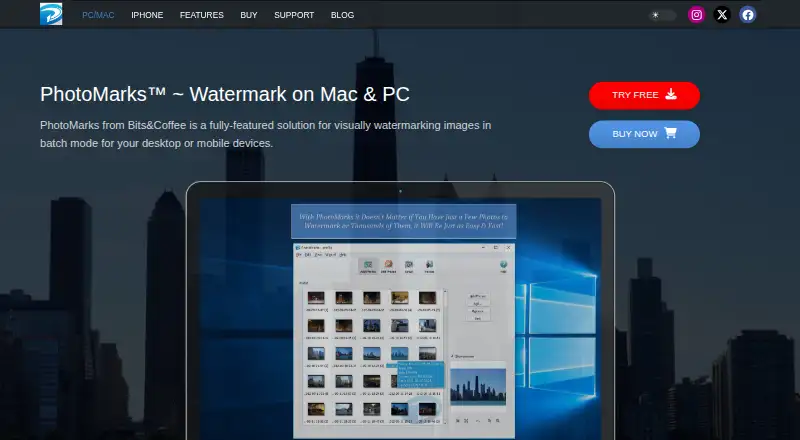
- PhotoMarks is software for adding visual watermarks to photos, including in batch mode on desktop.checked 9 Oct 2026
The company
- Headquarters
- Craiova, Romaniachecked 28 Sep 2026
Money
- Trial
- The maker offers a fully featured trial version for free; the page does not state its duration.checked 9 Oct 2026
Alternatives to PhotoMarks
- 1

Watermark.ws
Free planAndroidiOSWebAPI7.9From $4 a month - 2

DoWatermark
Free planAndroidiOSWeb7.8$4.99 one-time - 3
eZy Watermark
Free planAndroidiOSWebmacOS7.3From $1.99 a month - 4
Watermarkly
Free planAndroidiOSWebLinux7.3From $19.95 a year - 5
Watermark Maker
Free planAndroidiOS6.9$24.99 one-time - 6
Terma
Free planWebLinuxmacOSSelf-hosted6.8Free plan