FocusDesk
FocusDesk is a Windows tool for blocking distracting websites and applications during work or study.
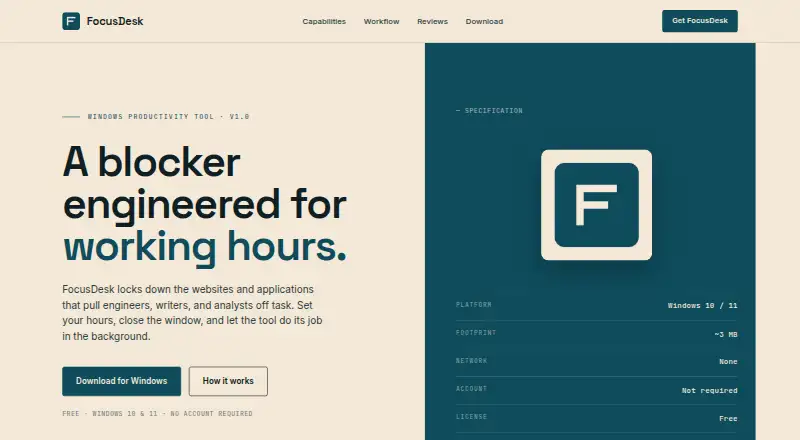
What FocusDesk is
FocusDesk is a Windows tool for blocking distracting websites and applications during work or study. It blocks domains across browsers by adding them to the Windows hosts file, then reverses those changes when a block ends. For applications, it terminates selected programs by executable name if they start during a blocking session.
Users can set recurring focus hours for individual weekdays, including periods that cross midnight, or turn on a session manually. FocusDesk runs locally: block lists and preferences remain on the device, and the maker says the software does not transmit them to FocusDesk or other parties. It also says the app does not initiate network connections during normal operation. The free plan costs nothing, needs no account, and is listed at about 3 MB. FocusDesk supports Windows 10 and 11, and operation requires Administrator privileges. Blocking may be bypassed by browsers that use DNS-over-HTTPS, VPNs, or alternative network paths. The license permits personal and commercial productivity use on devices the user owns or controls.
Good
- Blocks websites across browsers using the hosts file.
- Can terminate selected applications during a block.
- Supports recurring weekday schedules, including overnight periods.
- Runs locally and requires no account.
- License permits personal and commercial productivity use.
Watch out
- Requires Administrator privileges.
- DNS-over-HTTPS browsers, VPNs, or other paths may bypass blocking.
- No mobile apps are available.
Who it suits
FocusDesk suits engineers, writers, analysts, or other users who want scheduled or manual blocking on Windows. It is for users comfortable granting Administrator privileges and working within its stated network limitations.
Verdict
FocusDesk offers local website and application blocking with weekday schedules and manual sessions. Its usefulness depends on whether its Windows-only approach and Administrator requirement fit your setup.
Plans and prices
From FocusDesk's own pricing page, checked 8 Oct 2026.
| Plan | Price | What it gives you |
|---|---|---|
| Free | Free | Windows 10 and 11 · no account required · ~3 MB |
The facts
Each one read from FocusDesk's own pages, with the date it was checked.
Where it runs
- Application blocking
- It terminates selected applications by executable name when they launch during a block.checked 8 Oct 2026
What it does
- License
- The maker grants a royalty-free license for personal and commercial productivity use on devices the user owns or controls.checked 8 Oct 2026
- Local operation
- The software runs locally and does not exchange data with a FocusDesk server.checked 8 Oct 2026
- Manual sessions
- Users can skip a schedule and turn on a blocking session with a manual toggle.checked 8 Oct 2026
- Network
- The maker says the software does not initiate network connections during normal operation.checked 8 Oct 2026
- Notable limitation
- The maker says DNS-over-HTTPS browsers, VPNs, and alternative network paths may bypass blocking.checked 8 Oct 2026
- Permissions
- Operation requires Administrator privileges.checked 8 Oct 2026
- Privacy
- The software stores block lists and preferences on the device and does not transmit them to FocusDesk or other parties.checked 8 Oct 2026
- Purpose
- FocusDesk blocks websites and applications that distract engineers, writers, and analysts.checked 8 Oct 2026
- Schedules
- Users can set focus hours by weekday, including time ranges that cross midnight.checked 8 Oct 2026
- System requirements
- The maker lists Windows 10 and 11 as supported platforms.checked 8 Oct 2026
- Website blocking
- It adds blocked domains to the Windows hosts file, works across browsers, and reverses those changes when blocking ends.checked 8 Oct 2026
Alternatives to FocusDesk
- 1

Freedom
Free planAndroidiOSWebExtension8.2From $40 a year - 2

Opal
Free planAndroidiOSExtensionmacOS8.0From $8.29 a month - 3

ScreenZen
Free planAndroidiOSmacOSWindows7.3$49 one-time - 4
Focus Bear
Free planAndroidiOSmacOSWindows7.2From $9.99 a month - 5

one sec
AndroidiOSExtensionLinux7.2From $19.99 a year - 6

FocusMe
AndroidiOSExtensionLinux7.1$249 one-time