WinMTR
WinMTR is a free Windows network troubleshooting tool that combines ping and traceroute to monitor packet loss, latency, and routes in real time.
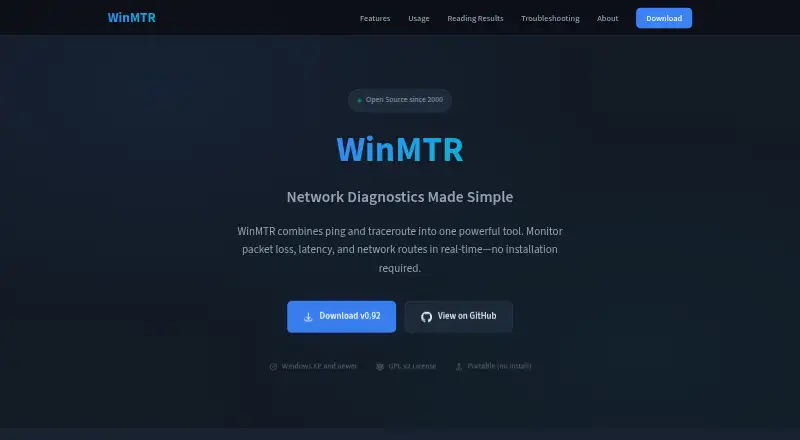
What WinMTR is
WinMTR is a free Windows network troubleshooting tool that combines ping and traceroute to monitor packet loss, latency, and routes in real time. It reports packet loss at every hop and shows best, worst, and average response times for each hop. Results can be copied to the clipboard or exported as text or HTML. Command-line use supports scripting and automation, and both 32-bit and 64-bit versions are available. WinMTR is distributed as a ZIP archive that runs after extraction without installation, and it is released under the GPL v2 license. The listed Free plan costs nothing and supports Windows XP and newer. Packet-loss analysis and a command-line interface are included, while path visualization and DNS diagnostics are not. Network administrators, ISP support teams, and everyday users can use it for connectivity troubleshooting. Some routers ignore ICMP requests, so blank hops or timeouts may be normal.
Good
- Combines ping and traceroute
- Reports packet loss per hop
- Shows best, worst, and average latency
- Exports text or HTML reports
- Supports command-line automation
Watch out
- No path visualization
- No DNS diagnostics
- Some routers may produce blank hops
- Windows-only software
Who it suits
It suits network administrators, ISP support teams, and everyday users diagnosing connectivity. Its portable ZIP distribution also fits users who do not want an installation step.
Verdict
WinMTR offers focused, portable packet-loss and latency diagnostics with report export and scripting support. Users should account for its missing visualization and DNS features, plus normal ICMP timeouts from some routers.
Plans and prices
From WinMTR's own pricing page, checked 7 Oct 2026.
| Plan | Price | What it gives you |
|---|---|---|
| Free | Free | Windows XP and newer · portable · GPL v2 |
The facts
Each one read from WinMTR's own pages, with the date it was checked.
What it does
- Architecture
- The site says users can choose a 32-bit or 64-bit version.checked 7 Oct 2026
- Command line
- The site says WinMTR supports command-line use for scripting and automation.checked 7 Oct 2026
- Distribution
- WinMTR is distributed as a ZIP that can be extracted and run without installation.checked 7 Oct 2026
- ICMP behavior
- The troubleshooting page says some routers ignore ICMP requests, so blank hops or timeouts can be normal.checked 7 Oct 2026
- Intended users
- The site describes it as used by network administrators, ISP support teams, and everyday users troubleshooting connectivity.checked 7 Oct 2026
- Latency
- It shows best, worst, and average response times at each hop.checked 7 Oct 2026
- License
- WinMTR is released under the GPL v2 license.checked 7 Oct 2026
- Packet loss
- It reports packet loss at each hop along the network path.checked 7 Oct 2026
- Purpose
- WinMTR combines ping and traceroute to monitor packet loss, latency, and network routes in real time.checked 7 Oct 2026
- Reports
- Results can be copied to the clipboard or exported as text or HTML.checked 7 Oct 2026
- Support
- The site lists contact as contact AT winmtr.net and invites developers to contribute.checked 7 Oct 2026
The company
- Founded
- 2000checked 28 Sep 2026
Where it runs
- Platforms
- The site describes WinMTR as a Windows application and says it supports Windows XP and newer.checked 7 Oct 2026
Alternatives to WinMTR
- 1

Globalping
Free planOpen sourceiOSWebAPIExtension8.3Free plan - 2

PingPlotter
Free planiOSWebAPILinux8.2From $6.99 a month - 3
nPerf
Free planAndroidiOSWebAPI8.0Free plan - 4

inSSIDer
Free planAndroidmacOSWindows7.6From $200 a year - 5
iperf2
Free planOpen sourceAndroidLinuxmacOSSelf-hosted7.4Free plan - 6

NetSpot
Free planAndroidiOSmacOSWindows7.4$199 one-time