Virtual Robotics Toolkit
The facts below are what the maker publishes about Virtual Robotics Toolkit, checked and dated. Our editors have not written about it yet.
Plans and prices
From Virtual Robotics Toolkit's own pricing page, checked 8 Oct 2026.
| Plan | Price | What it gives you |
|---|---|---|
| Subscription License | Priced on request | 1 User · 7 Sample Projects · EV3 Mindstorms and Makecode for EV3 support · Updated FLL and WRO mats each year · Build custom mats and import robots |
The facts
Each one read from Virtual Robotics Toolkit's own pages, with the date it was checked.
What it does
- 3D model import
- Users can import creations made with LEGO Digital Designer, MLCAD, or LDCad into a physics enabled simulation.checked 8 Oct 2026
- Integrations
- The download page lists EV3 Software as required for programming EV3 robots, and LEGO Digital Designer and LDraw All In One Installer as required to build custom robots.checked 8 Oct 2026
- Intended users
- The maker describes the toolkit as useful for educators, robotics teams, and enthusiasts learning or practicing robotics.checked 8 Oct 2026
- License options
- The maker directs customers seeking volume licenses to contact support by email.checked 8 Oct 2026
- Operating systems
- The download page offers Windows and Mac versions.checked 8 Oct 2026
- Physics
- The simulator lets users change surface friction and gravity to explore their effects on a robot.checked 8 Oct 2026
- Programming
- Users can program virtual robots with the LEGO MINDSTORMS EV3 programming environment.checked 8 Oct 2026
- Purpose
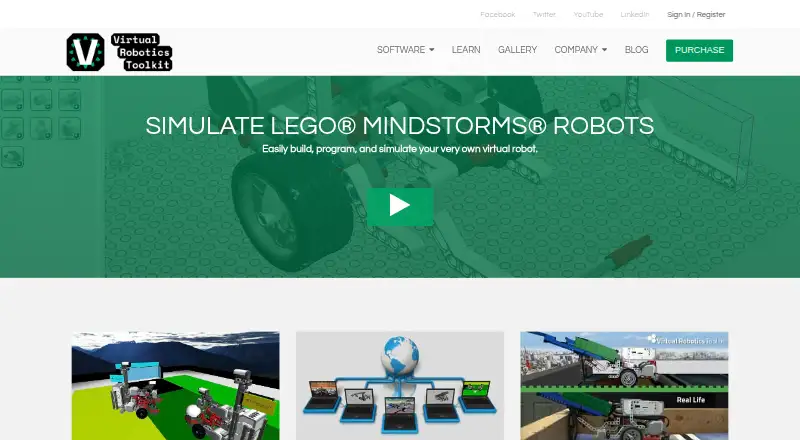
- The toolkit lets users build, program, and simulate LEGO MINDSTORMS robots.checked 8 Oct 2026
- Sensors
- Listed sensor support includes EV3 ultrasonic, color, touch, infrared, and gyro sensors, plus HiTechnic infrared and compass sensors.checked 8 Oct 2026
- Support
- The documentation offers learning materials for different skill levels and links to an official forum.checked 8 Oct 2026
- System requirements
- The documented minimum requirements include a 64-bit operating system, 4 GB RAM, an Intel i3/i5 or AMD A8/A10 processor, and an internet connection for initial activation, competitions, and the Learning Environment.checked 8 Oct 2026
The company
- Headquarters
- Winnipeg, Manitoba, Canadachecked 28 Sep 2026
Money
- Trial
- The installation guide says users can start a 15-day free trial after installing the software.checked 8 Oct 2026
Alternatives to Virtual Robotics Toolkit
- 1
FinchBlox
Free planOpen sourceAndroidiOSWebmacOS7.8Free plan - 2
mBlock
Free planOpen sourceAndroidiOSWebLinux7.8Free plan - 3

Ozobot Classroom
Free planAndroidiOSWebmacOS7.4Free plan - 4
EdScratch
Free planAndroidiOSWebmacOS7.3Free plan - 5
VEXcode
Free planAndroidiOSWebExtension7.3From $199 a year - 6
Wonder Workshop Blockly
Free planAndroidiOSWeb7.3From $125 a year