My Scanner App
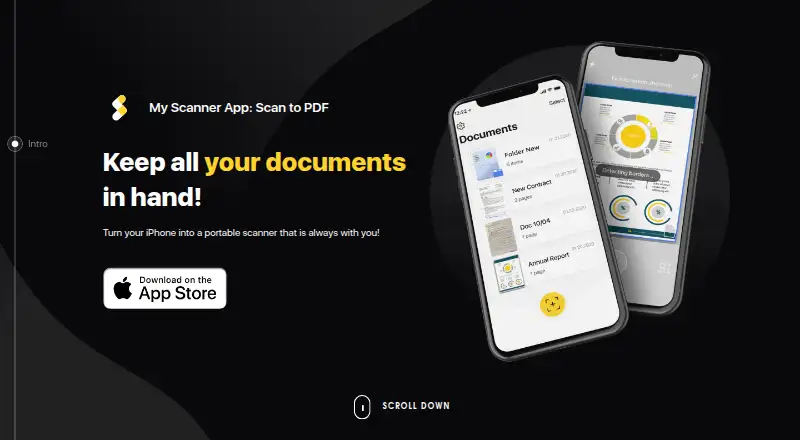
The facts below are what the maker publishes about My Scanner App, checked and dated. Our editors have not written about it yet.
Plans and prices
From My Scanner App's own pricing page, checked 11 Oct 2026.
| Plan | Price | What it gives you |
|---|---|---|
| Basic | Free | Basic features; scans stored on mobile device |
| Premium subscription | Priced on request | Additional services and features · Subscription options and pricing are shown on the App page; subscription duration is shown before purchase |
The facts
Each one read from My Scanner App's own pages, with the date it was checked.
Where it runs
- Android app
- Nochecked 22 Sep 2026
- iOS app
- Yeschecked 22 Sep 2026
What it does
- Auto capture
- Yeschecked 22 Sep 2026
- Automatic capture
- The app offers one-tap scanning with automatic shutter and border detection.checked 11 Oct 2026
- Data collection
- The privacy policy says the app processes photos and documents uploaded by users and may access the camera roll with consent; it also describes automatic processing of device and usage information.checked 11 Oct 2026
- Document scanning
- The app scans documents, ID cards, books, receipts, notes, whiteboards, schedules and timetables.checked 11 Oct 2026
- File formats
- Scans can be saved as PDF, JPG or TXT; the listed main features specify PDF or JPEG.checked 11 Oct 2026
- Image adjustments
- Scans can be saved in grayscale, black and white or color, with color and perspective correction.checked 11 Oct 2026
- Intended use
- The terms state that the app is for personal, non-commercial use.checked 11 Oct 2026
- Local document storage
- The terms say document scans are stored locally on the device and are not sent to third parties unless exported to other apps or devices.checked 11 Oct 2026
- OCR
- The app uses OCR to extract and edit text from scanned documents.checked 11 Oct 2026
- OCR included
- Yeschecked 22 Sep 2026
- Security
- The privacy policy says the maker uses technical and organizational measures, including seeking to encrypt personal data where possible, and does not guarantee absolute security.checked 11 Oct 2026
- Signatures and sharing
- Users can add a signature to scans and share or export scans; the site also lists emailing, printing and cloud-storage upload.checked 11 Oct 2026
- Subscription renewal
- Subscriptions renew automatically unless canceled at least 24 hours before the end of the trial or current subscription period, as applicable.checked 11 Oct 2026
- Support
- The terms direct users with questions or support requests to the maker’s support email.checked 11 Oct 2026
Money
- Free plan
- Yeschecked 22 Sep 2026
- Paid features and trial
- The app provides basic features for free; additional features require paid subscriptions, and Premium may be available during a free trial whose duration is shown at signup.checked 11 Oct 2026
Alternatives to My Scanner App
- 1

Smallpdf
Free planAndroidiOSWebWindows8.9From $10 a month - 2

DocuWare
AndroidiOSWebAPI8.6From £1,060 a month - 3

CamScanner
Free planAndroidiOSWebmacOS8.4From $59.99 a year - 4

Docutain
Free planAndroidiOSWindows8.4From €2.08 a month - 5

Google Photos
Free planAndroidiOSWebAPI8.4Free plan - 6

Easy Scanner
Free planAndroidiOS8.2From $4.49 a month