Mobile Scanner
The facts below are what the maker publishes about Mobile Scanner, checked and dated. Our editors have not written about it yet.
Plans and prices
From Mobile Scanner's own pricing page, checked 11 Oct 2026.
| Plan | Price | What it gives you |
|---|---|---|
| Free | Free | Free to download; ads and in-app purchases |
| Yearly Premium | — | Unlimited scans and folders · unlimited export · batch scanning · unlimited cloud storage · no ads · 1 year; auto-renews unless canceled at least 24 hours before the current period ends |
The facts
Each one read from Mobile Scanner's own pages, with the date it was checked.
Where it runs
- Android app
- Yeschecked 23 Sep 2026
- iOS app
- Yeschecked 23 Sep 2026
What it does
- Data rights
- The privacy policy says users may request access, correction, deletion, or portability of personal information, subject to limitations.checked 11 Oct 2026
- Developer
- Google Play identifies the developer as Glority Global Group Limited and lists an address in Hong Kong.checked 11 Oct 2026
- Document security
- The app lets users set passwords to lock confidential documents and folders.checked 11 Oct 2026
- File sharing
- Users can share scans by email, upload them to Dropbox, Google Drive, and OneDrive, and print PDFs from the app.checked 11 Oct 2026
- Image editing
- Features include automatic border detection and cropping, rotation, color adjustment, resizing, filters, and tools to erase imperfections.checked 11 Oct 2026
- Multipage PDF
- Yeschecked 23 Sep 2026
- OCR
- Built-in OCR recognizes text from scans, which users can edit and export as TXT.checked 11 Oct 2026
- OCR included
- Yeschecked 23 Sep 2026
- Premium limit
- The store listing describes Premium as including unlimited scans and folders, unlimited export, batch scanning, unlimited cloud storage, and ad-free use.checked 11 Oct 2026
- Privacy practices
- The privacy policy says the company may collect account details, scanned content and metadata, device information, and usage information, and states that uploaded documents, photos, and images will not be publicly shared.checked 11 Oct 2026
- Scanning
- The app supports high-resolution and batch scanning, including saving multiple scanned pages as one PDF.checked 11 Oct 2026
- Searchable PDF
- Yeschecked 23 Sep 2026
- Security practices
- The privacy policy says the company uses commercially reasonable measures such as encryption, firewalls, and server authentication, while noting it cannot guarantee security.checked 11 Oct 2026
- Support
- The app listing provides support at [email protected].checked 11 Oct 2026
- What it does
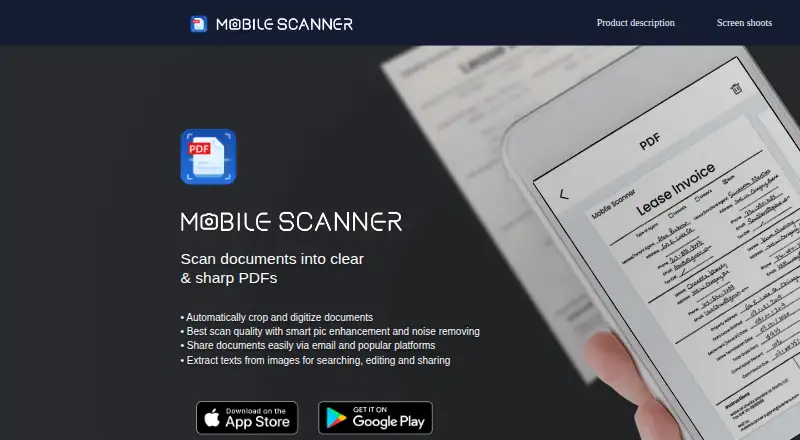
- Mobile Scanner scans documents, notes, photos, receipts, and books into PDFs and images, and uses OCR to convert images into text and searchable PDFs.checked 11 Oct 2026
Money
- Free plan
- Yeschecked 23 Sep 2026
The company
- Headquarters
- 11/F., Capital Centre, 151 Gloucester Road, Wan Chai, Hong Kongchecked 28 Sep 2026
Alternatives to Mobile Scanner
- 1

Smallpdf
Free planAndroidiOSWebWindows8.9From $10 a month - 2

DocuWare
AndroidiOSWebAPI8.6From £1,060 a month - 3

Docutain
Free planAndroidiOSWindows8.4From €2.08 a month - 4

CamScanner
Free planAndroidiOSWebmacOS8.3From $59.99 a year - 5

Google Photos
Free planAndroidiOSWebAPI8.3Free plan - 6
TapScanner
Free planAndroidiOSWeb8.2From $39.99 a year