
GameOptimizer
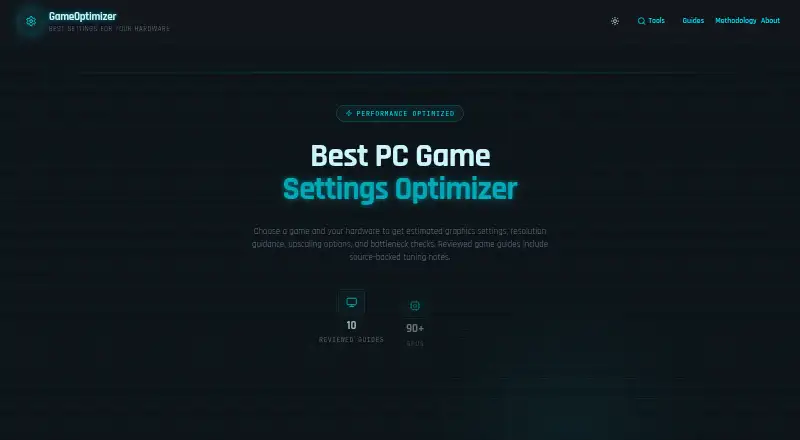
GameOptimizer is a free web tool that recommends PC graphics settings from a selected game, GPU, CPU, and system RAM.
What GameOptimizer is
GameOptimizer is a free web tool that recommends PC graphics settings from a selected game, GPU, CPU, and system RAM. Suggestions cover resolution, graphics presets, DLSS, FSR, XeSS, ray tracing, textures, and shadows. The tool flags likely CPU, GPU, VRAM, and RAM bottlenecks and explains which settings to adjust first. GPU Finder compares estimated hardware tiers for a chosen game, resolution, and target framerate. The calculator covers a broad selection of PC games, with source-backed editorial guidance for around 50. For competitive titles, its model favors framerate and clarity over maximum visual quality. The methodology uses published review benchmarks and generation comparisons to rate hardware, plus benchmark coverage and community reports about game demand. Recommendations and framerate figures are model estimates, not measurements from the user’s exact PC. The site also publishes guides on settings, upscalers, CPU bottlenecks, and memory.
Good
- Free web tool
- Covers major upscaling options
- Flags CPU, GPU, VRAM, and RAM bottlenecks
- Includes GPU hardware tier comparisons
- Offers competitive-game guidance
Watch out
- Figures are estimates, not exact-PC measurements
- Game coverage varies by title
- Only web access is listed
- Around 50 games have source-backed guidance
Who it suits
GameOptimizer suits PC players choosing settings for their own hardware or comparing GPU needs for specific games. It is useful for users who want bottleneck guidance and estimated target-framerate hardware tiers.
Verdict
GameOptimizer provides free, structured guidance for graphics settings and hardware comparisons. Its estimates can inform planning, but users should treat them as model outputs rather than measurements from their own computer.
Plans and prices
From GameOptimizer's own pricing page, checked 9 Oct 2026.
| Plan | Price | What it gives you |
|---|---|---|
| Free | Free | Free tool; recommendations are estimates |
The facts
Each one read from GameOptimizer's own pages, with the date it was checked.
What it does
- Audience
- The tool is aimed at PC players choosing settings for their own hardware and comparing GPU needs for games.checked 9 Oct 2026
- Bottlenecks
- The tool flags likely CPU, GPU, VRAM, and RAM bottlenecks and explains which settings to adjust first.checked 9 Oct 2026
- Competitive games
- For competitive titles, the model favors framerate and clarity over maximum visual quality.checked 9 Oct 2026
- Estimate limits
- Settings recommendations and framerate figures are model estimates, not measurements on the user's exact PC.checked 9 Oct 2026
- Game coverage
- The site says its calculator covers a broad selection of PC games and around 50 have source-backed editorial guidance.checked 9 Oct 2026
- GPU Finder
- GPU Finder compares estimated hardware tiers for a selected game, resolution, and target framerate.checked 9 Oct 2026
- Guides
- GameOptimizer publishes PC gaming guides about graphics settings, upscalers, CPU bottlenecks, and memory.checked 9 Oct 2026
- Method
- The methodology uses published review benchmarks and generation comparisons to rate hardware, and benchmark coverage and community reports for game demand.checked 9 Oct 2026
- Purpose
- GameOptimizer recommends PC graphics settings based on the selected game, GPU, CPU, and system RAM.checked 9 Oct 2026
- Settings
- Recommendations cover resolution, graphics presets, DLSS/FSR/XeSS upscaling, ray tracing, textures, and shadows.checked 9 Oct 2026
Alternatives to GameOptimizer
- 1
ARC Raiders Config Tuner
Free planOpen sourceLinuxSelf-hostedWindows7.9Free plan - 2
Razer Game Clips
Free planAndroidiOSAPIWindows7.6Free plan - 3
Smart Game Booster
Free planWindows7.5From $17.99 a year - 4
Gaming Optimizer
Free planWindows7.4Free plan - 5

NVIDIA ShadowPlay
Free planWindows7.4Free plan - 6

TargetFPS
Free planWeb7.4Free plan