
FTPManager Pro
FTPManager Pro is an app for accessing and managing files on FTP servers from an iPhone or iPad.
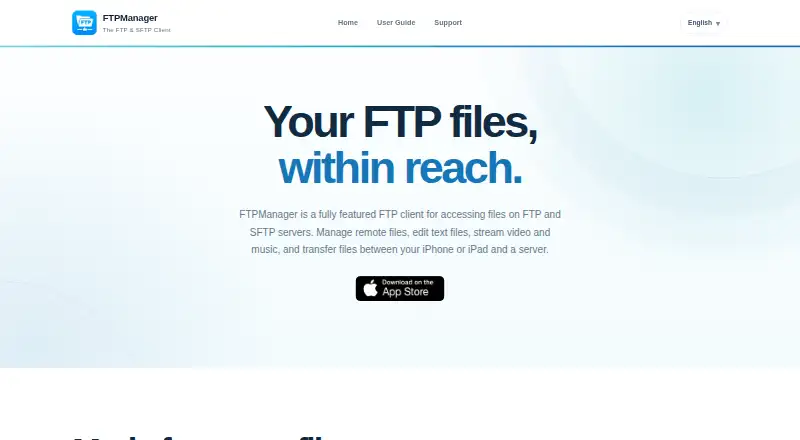
What FTPManager Pro is
FTPManager Pro is an app for accessing and managing files on FTP servers from an iPhone or iPad. It connects through FTP, FTPS, and SFTP over SSH, and lets users copy, move, rename, delete, sort, and search files. Transfers can run between servers, cloud storage, and iOS devices, with drag and drop support; the App Store listing also says the app can access Dropbox. A built-in text editor provides line numbers, syntax highlighting, and full-text search, and the app can display listed document, photo, music, and video formats. For local transfers, its FTP server moves files between a computer and an iPhone or iPad on the same Wi-Fi network, using port 2121. Nearby iOS devices can also exchange files directly without Wi-Fi or LTE. Configuration export, import, and MDM distribution are available only in the Pro version. The App Store requires iOS 15.0 or later on iPhone and iPadOS 15.0 or later on iPad.
Good
- Supports FTP, FTPS, and SFTP over SSH
- File operations include copy, move, rename, and search
- Built-in text editor and media viewing
- Transfers between nearby iOS devices without Wi-Fi or LTE
Watch out
- No free plan is listed
- Requires iOS 15.0 or later on iPhone
- MDM distribution is exclusive to the Pro version
Who it suits
FTPManager Pro suits iPhone and iPad users who need to manage remote server files or transfer files among servers, cloud storage, and mobile devices. Its built-in server and nearby-device transfers also suit users moving files locally.
Verdict
FTPManager Pro combines remote file management, editing, viewing, and several transfer options in one app. Check the iOS requirements and plan details before choosing it.
Plans and prices
From FTPManager Pro's own pricing page, checked 3 Oct 2026.
| Plan | Price | What it gives you |
|---|---|---|
| FTPManager Pro | $2.99, paid once | iPhone and iPad · iOS 15.0 or later |
The facts
Each one read from FTPManager Pro's own pages, with the date it was checked.
What it does
- Built-in server
- The app includes an FTP server for transferring files between a computer and iPhone or iPad on the same Wi-Fi network; its FTP port is 2121.checked 3 Oct 2026
- Cloud integration
- The App Store listing states that FTPManager Pro can access Dropbox.checked 3 Oct 2026
- Editing and viewing
- It includes a text editor with line numbers, syntax highlighting, and full-text search, and supports viewing listed document, photo, music, and video formats.checked 3 Oct 2026
- File operations
- Users can copy, move, rename, delete, sort, and search files.checked 3 Oct 2026
- File synchronization
- Yeschecked 20 Sep 2026
- MDM
- Configuration export, import, and MDM distribution are available exclusively in the Pro version.checked 3 Oct 2026
- Nearby transfer
- It transfers files directly between nearby iOS devices without Wi-Fi or LTE.checked 3 Oct 2026
- Protocol coverage
- ftp-ftps-sftpchecked 20 Sep 2026
- Protocols
- It supports FTP, FTP over TLS (FTPS), and SFTP over SSH.checked 3 Oct 2026
- Purpose
- FTPManager Pro accesses and manages files on FTP servers from iPhone or iPad.checked 3 Oct 2026
- Security and privacy
- The App Store page says the developer reports that the app collects no data; Apple says this developer-provided privacy information has not been verified by Apple.checked 3 Oct 2026
- Support
- The maker’s support page lists [email protected] and @SkyjosApps on Twitter as contact options.checked 3 Oct 2026
- System requirement
- The App Store listing requires iOS 15.0 or later for iPhone and iPadOS 15.0 or later for iPad.checked 3 Oct 2026
- Transfers
- It transfers files among servers, cloud storage, and iPhone or iPad, and supports drag and drop.checked 3 Oct 2026
Money
- Free plan
- Nochecked 20 Sep 2026
Alternatives to FTPManager Pro
- 1

Filestash
Free planOpen sourceAndroidiOSWebAPI8.5From $50 a month - 2
Monsta FTP
Free planAndroidiOSWebLinux7.4From $29 a year - 3

CloudMounter
macOSWindows7.1 - 4
Cyberduck
Free planmacOSWindows7.1Free plan - 5

WinSCP
Free planOpen sourceWindows7.1Free plan - 6
CrossFTP
Free planLinuxmacOSWindows7.0$24.99 one-time