
DrissionPage
DrissionPage is an open-source Python web automation tool for Windows, Linux, and macOS.
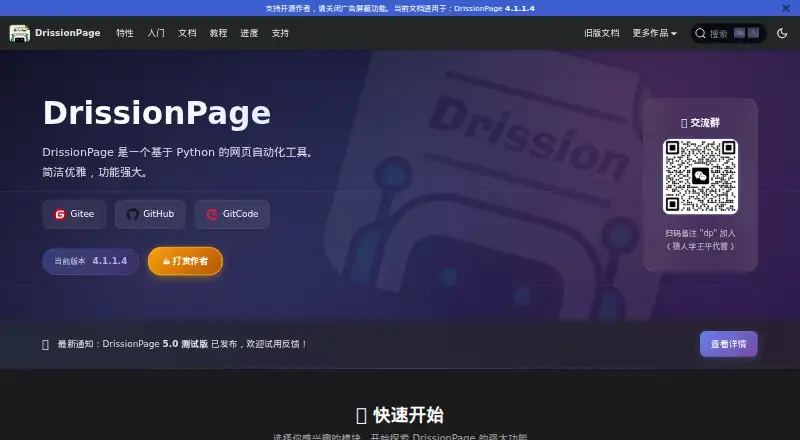
What DrissionPage is
DrissionPage is an open-source Python web automation tool for Windows, Linux, and macOS. It offers two working modes: controlling a browser or sending and receiving network requests. Browser workflows can create or connect to a Chromium-based browser, open tabs and pages, locate elements, interact with them, run JavaScript, monitor network data, and download files. SessionPage uses a requests Session for webpage access while providing page-style parsing and element lookup. Installation uses pip, with Python 3.6 or later supported. Chrome is the default browser; Edge and other Chromium-based browsers can be configured, and Electron apps are listed as compatible. Default browser settings reuse user data, which may retain login details and history; the auto_port option can create a fresh profile. The software is free for personal, non-commercial use. Commercial use requires written authorisation, and the terms prohibit unlawful activity and ignoring site rules.
Good
- Browser and request modes in one tool
- Supports Windows, Linux, and macOS
- Runs JavaScript and monitors network data
- SessionPage provides parsing and element lookup
- Open source with pip installation
Watch out
- Commercial use requires written authorisation
- Default profiles may retain login data and history
- Supports Chromium-based browsers rather than multiple engines
Who it suits
It suits Python developers automating Chromium or Electron workflows on desktop operating systems. It is intended for personal, non-commercial use unless the author provides written commercial authorisation.
Verdict
DrissionPage brings browser control and request-based access into one Python package, with tools for page interaction, parsing, downloads, and network monitoring. Its usage terms are important: commercial work needs written permission, and default profiles can reuse existing browser data.
Plans and prices
From DrissionPage's own pricing page, checked 8 Oct 2026.
| Plan | Price | What it gives you |
|---|---|---|
| DrissionPage | Free | Personal, non-commercial use; commercial use requires the author's written authorization |
The facts
Each one read from DrissionPage's own pages, with the date it was checked.
Where it runs
- Browser automation
- Its browser workflow creates or connects to a browser, accesses tabs and pages, finds elements, and interacts with them.checked 8 Oct 2026
- Browser profiles
- The browser guide says default settings reuse browser user data, which may retain login data and history; auto_port can create a fresh browser profile.checked 8 Oct 2026
- Browser support
- The preparation guide says Chrome is the default browser and Edge or other Chromium-based browsers can be configured similarly.checked 8 Oct 2026
What it does
- Commercial use
- The terms grant personal, non-commercial use and require written author authorization for commercial use.checked 8 Oct 2026
- Dual modes
- It can control a browser and send or receive network requests.checked 8 Oct 2026
- Installation
- The maker instructs users to install DrissionPage with pip.checked 8 Oct 2026
- Integrations
- The maker lists Gitee, GitHub, and GitCode project links and describes compatibility with Chromium browsers and Electron apps.checked 8 Oct 2026
- Network tools
- The browser control documentation describes running JavaScript, monitoring network data, and downloading files.checked 8 Oct 2026
- Product
- DrissionPage is a Python-based web automation tool.checked 8 Oct 2026
- Request mode
- SessionPage uses a requests Session to access webpages and provides page-like parsing and element lookup.checked 8 Oct 2026
- Security and liability
- The terms say the software is for learning and research and disclaim author responsibility for consequences of use.checked 8 Oct 2026
- Support
- The maker lists an author email address, a WeChat contact, a discussion group, and links to tutorials and community resources.checked 8 Oct 2026
- Supported environments
- The installation page lists Windows, Linux, and Mac, Python 3.6 or later, and Chromium-based browsers such as Chrome and Edge, plus Electron apps.checked 8 Oct 2026
- Use restrictions
- The terms prohibit unlawful use, attacks, harassment, and ignoring target-site Robots rules or terms of service.checked 8 Oct 2026
Alternatives to DrissionPage
- 1

TestCafe
Free planOpen sourceAndroidiOSWebAPI8.7From $20 a month - 2

Cypress
Free planOpen sourceWebAPILinuxmacOS8.4From $67 a month - 3

Katalon Studio
Free planAndroidiOSWebAPI8.4From $1,000 a year - 4
testRigor
Free planAndroidiOSWebAPI8.3From $300 a month - 5

Kameleo
Free planAndroidiOSWebAPI8.2Free plan - 6

TestingBot
AndroidiOSWebAPI7.9From $20 a month