Ariolic Disk Scanner
Ariolic Disk Scanner is a free Windows utility that checks disks for read errors that may signal drive degradation.
What Ariolic Disk Scanner is
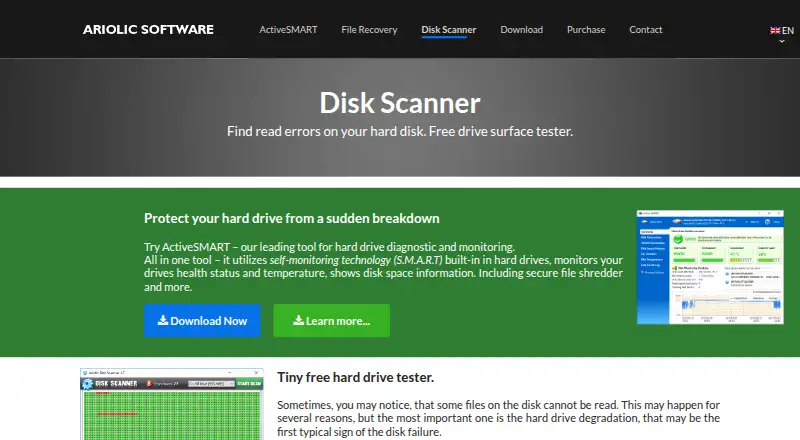
Ariolic Disk Scanner is a free Windows utility that checks disks for read errors that may signal drive degradation. It scans every sector on supported media in read-only mode, displays bad clusters in an image, and lists files located on unreadable sectors. It supports all flavors of FAT and NTFS, and can scan internal and external disks visible in Windows, including USB sticks, Micro SD cards, CDs, and DVDs. The utility requires no installation and can be run from a flash drive or another disk. Ariolic describes its checks as read-only and says they do not harm data. The tool is intended as an early warning for users whose drives show signs of failure, not as a repair utility: a scan does not guarantee that the underlying issue will be fixed. It is freeware, and the product page links to a free download hosted on CNET.
Good
- Scans every sector in read-only mode.
- Shows bad clusters in an image.
- Lists files on unreadable sectors.
- Runs without installation.
- Supports internal and external media visible in Windows.
Watch out
- Windows only.
- A scan does not guarantee a fix.
- No read/write testing.
Who it suits
It suits Windows users who want to check supported disks for read errors, especially when a drive shows signs of failure. It can identify affected files, but a scan does not guarantee a fix for the underlying issue.
Verdict
Ariolic Disk Scanner can flag read errors and identify files on unreadable sectors without writing to the disk. Treat it as an early warning rather than a way to resolve an underlying drive problem.
Plans and prices
From Ariolic Disk Scanner's own pricing page, checked 4 Oct 2026.
| Plan | Price | What it gives you |
|---|---|---|
| Disk Scanner | Free | Freeware · Windows disk scanning utility |
The facts
Each one read from Ariolic Disk Scanner's own pages, with the date it was checked.
What it does
- Affected files
- After a scan, it lists files located on unreadable sectors.checked 4 Oct 2026
- Data safety
- Ariolic says all checks are read-only and do not harm the data.checked 4 Oct 2026
- Download
- The product page links to a free download hosted on CNET.checked 4 Oct 2026
- File systems
- It supports all flavors of FAT and the NTFS file system.checked 4 Oct 2026
- Intended users
- Ariolic describes the utility as a free, easy-to-use tool for users whose drives show signs of failure.checked 4 Oct 2026
- Limit
- Ariolic’s knowledge base says disk scanning can provide an early warning but does not guarantee fixing underlying issues.checked 4 Oct 2026
- Portable
- It requires no installation and can be run from a flash drive or another disk.checked 4 Oct 2026
- Purpose
- Disk Scanner checks hard disks for read errors that may signal drive degradation.checked 4 Oct 2026
- Scan method
- It scans disk clusters in read-only mode and displays bad clusters in an image.checked 4 Oct 2026
- Sector coverage
- It checks every sector on supported media for read errors.checked 4 Oct 2026
- Supported media
- It scans internal and external disks, including USB sticks, Micro SD cards, CDs, and DVDs.checked 4 Oct 2026
- Supported operating system
- The product page describes scanning disks visible in Windows, and Ariolic’s home page labels Disk Scanner as designed for Windows.checked 4 Oct 2026
Alternatives to Ariolic Disk Scanner
- 1
nvm
Free planOpen sourceLinuxmacOSSelf-hostedWindows7.4Free plan - 2
Active@ Hard Disk Monitor
Free planWindows7.3$49.95 one-time - 3
Avidemux
Free planOpen sourceWebLinuxmacOSWindows7.3Free plan - 4
Hard Disk Sentinel
Free planLinuxWindows6.9$22 one-time - 5
smartmontools
Free planLinuxmacOSWindows6.8Free plan - 6
DRevitalize
Free planWindows6.7Free plan