
Aduku Stacker
Aduku Stacker combines photographs taken at different focus distances into a sharp image, for macro, product, landscape, and microscopy photography.
What Aduku Stacker is
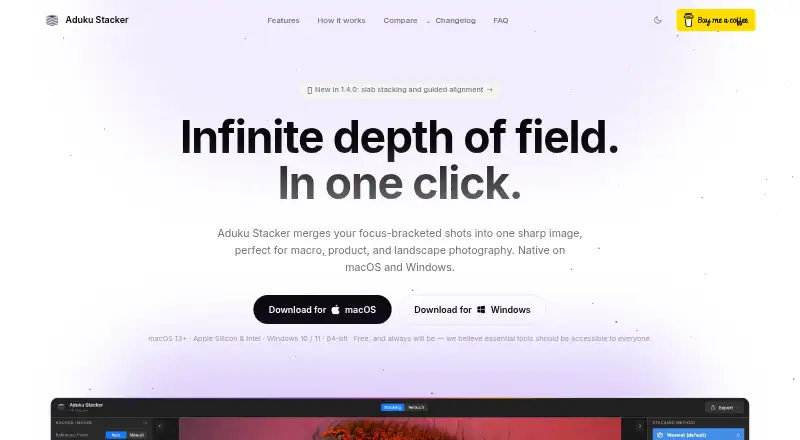
Aduku Stacker combines photographs taken at different focus distances into a sharp image, for macro, product, landscape, and microscopy photography. It offers Wavelet, Pyramid, Weighted, Hybrid, and Depthmap merge methods. Its default workflow processes images at 16-bit and uses 32-bit floating-point merge calculations; memory-bounded batching is available for deep stacks. Alignment can use feature matching and subpixel refinement, with focus-breathing correction, homography, mesh warp, and manual seeding as options. It imports JPEG, PNG, TIFF, BMP, HEIC, and DNG, and exports JPEG, PNG, TIFF, linear DNG, and depth maps. Proprietary RAW files may need Adobe DNG Converter on macOS. Retouching lets users paint from aligned source frames, erase strokes, and undo or redo, but there is no clone tool. Processing is local and needs no internet connection. It is free for macOS 13 or later and 64-bit Windows 10/11; 8 GB RAM is sufficient for most stacks, with 16 GB recommended for deep 16-bit RAW stacks.
Good
- Five merge methods are available.
- Automatic alignment includes subpixel refinement.
- Supports JPEG, PNG, TIFF, HEIC, and DNG import.
- Processes images locally without an internet connection.
Watch out
- No clone tool for retouching.
- Proprietary RAW import may require Adobe DNG Converter on macOS.
- Requires macOS 13+ or 64-bit Windows 10/11.
Who it suits
It suits photographers combining focus-bracketed images, including macro, product, landscape, and microscopy work. The command-line engine may also suit people scripting batch processing.
Verdict
Aduku Stacker provides several merge and alignment options, with local processing and a command-line tool. Check the operating-system requirements and the macOS RAW-import caveat before choosing it.
Plans and prices
From Aduku Stacker's own pricing page, checked 30 Sep 2026.
| Plan | Price | What it gives you |
|---|---|---|
| Aduku Stacker | Free | macOS 13+ (Apple Silicon & Intel) · Windows 10/11 64-bit |
The facts
Each one read from Aduku Stacker's own pages, with the date it was checked.
What it does
- Alignment
- Automatic alignment includes feature matching and subpixel refinement, with options for focus-breathing correction, homography, mesh warp, and manual alignment seeding.checked 30 Sep 2026
- Command line
- The focus-stacking engine also ships as a command-line tool with parameter flags for scripting batch processing.checked 30 Sep 2026
- Connectivity
- The FAQ says the app needs no internet connection for image processing.checked 30 Sep 2026
- Image processing
- The default workflow processes images at 16-bit, uses 32-bit floating-point merge math, and supports memory-bounded batching for deep stacks.checked 30 Sep 2026
- Import and export
- It supports JPEG, PNG, TIFF, BMP, HEIC, and DNG import, plus JPEG, PNG, TIFF, linear DNG, and depth-map export; proprietary RAW import may require Adobe DNG Converter on macOS.checked 30 Sep 2026
- Merge methods
- It offers five merge methods: Wavelet, Pyramid, Weighted, Hybrid, and Depthmap.checked 30 Sep 2026
- Privacy
- The app processes photographs locally and says it does not upload images, create user accounts, or transmit analytics or telemetry.checked 30 Sep 2026
- Purpose
- Aduku Stacker combines focus-bracketed photographs into one sharp image for macro, product, landscape, and microscopy photography.checked 30 Sep 2026
- Retouching
- Users can paint from aligned source frames, erase strokes, and undo or redo retouching; the app does not yet have a clone tool.checked 30 Sep 2026
- Support
- The maker lists [email protected] for questions and support, and says it has no obligation to provide support, maintenance, or updates.checked 30 Sep 2026
- System requirements
- The stated requirements are macOS 13 or later or 64-bit Windows 10/11; 8 GB RAM is sufficient for most stacks and 16 GB is recommended for deep 16-bit RAW stacks.checked 30 Sep 2026
The company
- Maker
- The terms identify the publisher as Suriyanarayanan R Srinivasan of Aduku Labs, and the site says the product is made in India.checked 30 Sep 2026
Alternatives to Aduku Stacker
- 1
Focus Stacking Online
Free planAndroidiOSWebLinux7.3Free plan - 2
OpenFocus
Free planOpen sourceLinuxmacOSSelf-hostedWindows7.1Free plan - 3
CKAN
Free planLinuxmacOSWindows6.9Free plan - 4
ImageFocus Alpha
Free planAndroidiOSLinuxmacOS6.6Free plan - 5
focus-stack
Free planLinuxmacOSWindows6.5Free plan - 6
CombineZP
Free planWindows6.4Free plan