ZSA Oryx
ZSA Oryx is a free, cloud-based configurator for customizing layouts and generating firmware for ZSA keyboards.
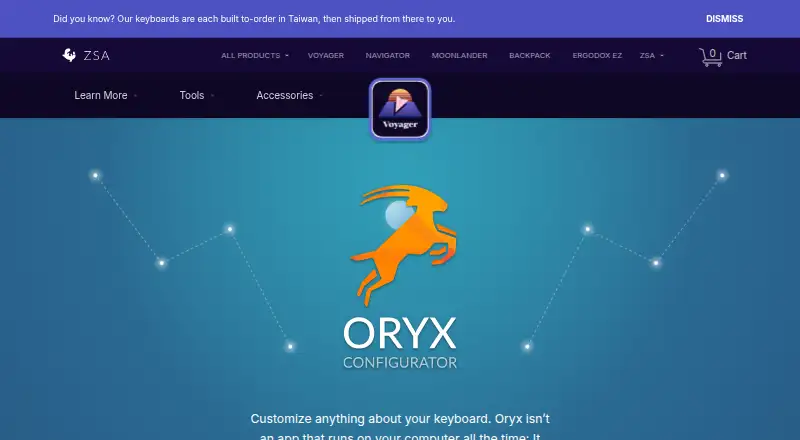
What ZSA Oryx is
ZSA Oryx is a free, cloud-based configurator for customizing layouts and generating firmware for ZSA keyboards. It runs on Linux, macOS, Windows, and the web, and can be tried without owning a ZSA keyboard. Key mapping lets a key send a character when tapped and act as a modifier such as Ctrl or Alt while held. You can record dynamic macros, create up to 32 virtual layers, and adjust lighting effects, animations, layer colors, debounce delay, and AutoShift. Oryx also lets users search for and clone layouts shared by others. After configuring a layout, firmware can be flashed through a Chromium-based browser, Keymapp, or the Zapp command-line app; Keymapp downloads are available for Windows, macOS, and Linux. Anonymous use is available with reduced functionality. Accounts support email, Google, or GitHub login and two-factor authentication. Layouts and macros are public by default, with private layouts available to signed-in users.
Good
- Free plan with cross-platform access
- Supports macros and up to 32 layers
- Onboard device memory is supported
- Layouts can be searched and cloned
- Firmware flashing has three methods
Watch out
- Per-app profiles are not supported
- Anonymous use has reduced functionality
- Layouts and macros are public by default
Who it suits
Oryx suits ZSA keyboard owners who want detailed layout, macro, layer, and lighting controls. It also suits people who want to explore the configurator before buying a keyboard.
Verdict
Oryx combines deep keyboard remapping with firmware flashing and shared layouts. Its free access and broad platform support make it a practical configurator, though privacy and profile limitations matter.
Plans and prices
From ZSA Oryx's own pricing page, checked 11 Oct 2026.
| Plan | Price | What it gives you |
|---|---|---|
| Oryx | Free | For ZSA keyboard layouts |
The facts
Each one read from ZSA Oryx's own pages, with the date it was checked.
What it does
- Account and login
- Oryx can be used without an account with reduced functionality; accounts support email or Google and GitHub login and two-factor authentication.checked 11 Oct 2026
- Data handling
- ZSA says it does not sell personal information, and Oryx account data is stored on hosting-provider infrastructure.checked 11 Oct 2026
- Firmware flashing
- After configuring a layout, users can flash it from a Chromium-based browser, Keymapp, or the Zapp command-line app.checked 11 Oct 2026
- Layout privacy
- Layouts and their macros are public by default; signed-in users can make layouts private, and anonymous layouts persist indefinitely.checked 11 Oct 2026
- Lighting and settings
- Users can control lighting effects, animations, layer-specific colors, debounce delay, and AutoShift.checked 11 Oct 2026
- Security
- Oryx supports two-factor authentication, and ZSA says it uses reasonable administrative, technical, and physical safeguards while noting it cannot guarantee absolute security.checked 11 Oct 2026
- Shared layouts
- Users can search and clone layouts created by other users.checked 11 Oct 2026
- Support
- Oryx support is provided by email at [email protected].checked 11 Oct 2026
- Supported operating systems
- cross-platformchecked 22 Sep 2026
- Try before purchase
- ZSA says people can try Oryx even if they do not yet own one of its keyboards.checked 11 Oct 2026
- What it does
- Oryx is a cloud-based configurator that customizes keyboard layouts and makes firmware for ZSA boards.checked 11 Oct 2026
Where it runs
- Desktop platforms
- Keymapp downloads are offered for Windows, macOS, and Linux.checked 11 Oct 2026
- Key mapping
- Users can assign keys to send a character when tapped and a modifier such as Ctrl or Alt when held.checked 11 Oct 2026
- Macros and layers
- Oryx supports recording and playing dynamic macros and creating up to 32 virtual layers.checked 11 Oct 2026
- Macro support
- Yeschecked 22 Sep 2026
- Onboard device memory
- Yeschecked 22 Sep 2026
- Per-app profiles
- Nochecked 22 Sep 2026
Money
- Free plan
- Yeschecked 22 Sep 2026
The company
- Headquarters
- Toronto, Ontario, Canadachecked 28 Sep 2026
Alternatives to ZSA Oryx
- 1
SteelSeries GG
Free planAndroidiOSWebAPI8.3Free plan - 2
be quiet! IO Center
Free planWebLinuxmacOSWindows7.9Free plan - 3
Rebind
Free planLinuxmacOSWindows7.8$199 one-time - 4

Akko Cloud Driver
Free planWebmacOSWindows7.8Free plan - 5
MonsGeek Driver
Free planWebLinuxmacOSWindows7.8Free plan - 6
ROCCAT Swarm II
Free planAndroidiOSWindows7.8Free plan