X-Mouse Button Control
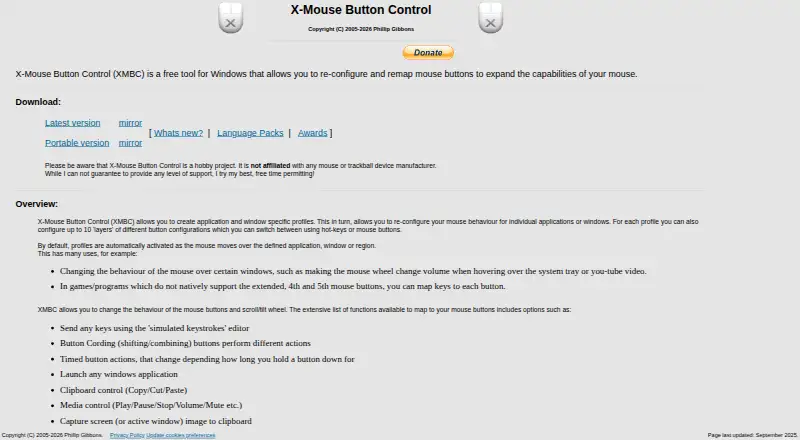
The facts below are what the maker publishes about X-Mouse Button Control, checked and dated. Our editors have not written about it yet.
Plans and prices
From X-Mouse Button Control's own pricing page, checked 20 Sep 2026.
| Plan | Price | What it gives you |
|---|---|---|
| Free | Free | Free to install and use · Windows mouse-button remapping · Application and window profiles |
| X-Mouse Button Control | Free | Free for anyone to install and use · Windows · supports up to 5 mouse buttons |
The facts
Each one read from X-Mouse Button Control's own pages, with the date it was checked.
What it does
- Actions
- Button mappings include simulated keystrokes, button chording, timed actions, launching Windows applications, clipboard and media controls, and screen capture.checked 11 Oct 2026
- Architecture
- The software supports 32-bit and 64-bit Windows, and the installer selects the required version automatically.checked 11 Oct 2026
- Development focus
- The author says limited available time means development is primarily focused on bugs affecting current functionality rather than new features.checked 11 Oct 2026
- Downloads
- The page offers a latest version and a portable version.checked 11 Oct 2026
- License and warranty
- The included license says the software is free to install and use and is provided without warranty; the page says downloads are checked for known viruses when published.checked 11 Oct 2026
- Mouse limit
- XMBC supports up to five mouse buttons and relies on the standard mouse driver to send the fourth- and fifth-button messages.checked 11 Oct 2026
- Privacy
- The optional crash reporter sends a Windows crash dump, settings file, and log file to the author's server; the privacy policy says no other contact is made to that webserver, apart from version checks via DNS.checked 11 Oct 2026
- Profiles
- It supports application- and window-specific profiles, with up to 10 configurable layers per profile.checked 11 Oct 2026
- Profile switching
- Profiles activate automatically as the mouse moves over a defined application, window, or region.checked 11 Oct 2026
- Purpose
- XMBC is a free Windows tool for reconfiguring and remapping mouse buttons.checked 11 Oct 2026
- Sensitivity controls
- Yeschecked 20 Sep 2026
- Support
- The author describes XMBC as a hobby project, cannot guarantee a level of support, and directs users to the support forums and Discord server.checked 11 Oct 2026
- Supported operating systems
- windowschecked 20 Sep 2026
Money
- Free plan
- Yeschecked 20 Sep 2026
Where it runs
- Macro support
- Yeschecked 20 Sep 2026
- Per-app profiles
- Yeschecked 20 Sep 2026
- Windows support
- The page lists Windows 10 and 11 and GUI editions of Windows Server 2012 R2, 2016, 2019, and 2022 as currently supported; it says older versions may also work but are unsupported.checked 11 Oct 2026
The company
- Maker and business status
- The maker identifies Phillip Gibbons and says Highrez/Highresolution Enterprises is a personal hobby site, not a legal entity or commercial business.checked 11 Oct 2026
Alternatives to X-Mouse Button Control
- 1
SteelSeries GG
Free planAndroidiOSWebAPI8.3Free plan - 2
be quiet! IO Center
Free planWebLinuxmacOSWindows7.9Free plan - 3
Rebind
Free planLinuxmacOSWindows7.8$199 one-time - 4

Akko Cloud Driver
Free planWebmacOSWindows7.8Free plan - 5
MonsGeek Driver
Free planWebLinuxmacOSWindows7.8Free plan - 6
ROCCAT Swarm II
Free planAndroidiOSWindows7.8Free plan