
Workyard
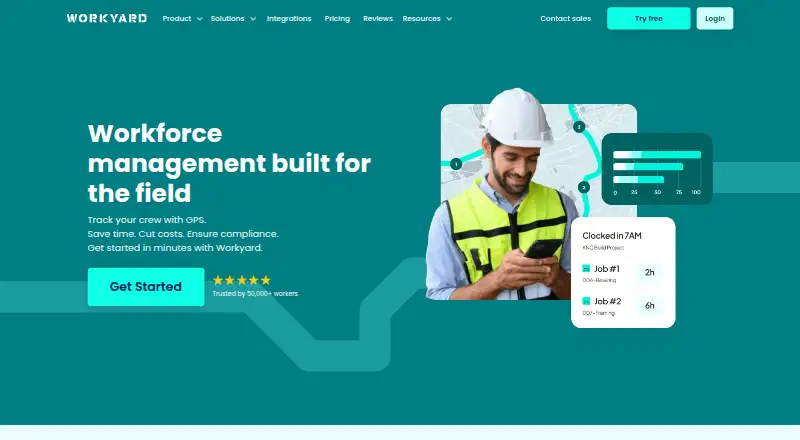
The facts below are what the maker publishes about Workyard, checked and dated. Our editors have not written about it yet.
Plans and prices
From Workyard's own pricing page, checked 7 Oct 2026.
| Plan | Price | What it gives you |
|---|---|---|
| Starter | $6 a month | GPS-verified time · time clock · breaks and overtime · timesheet reports · notes, receipts and photos · Billed annually; monthly billing also available. The page states plans start at $6 per user/month but does not specify Starter’s individual price. |
| Pro | Priced on request | Everything in Starter · scheduling and tasks · time-off management · geofence clock rules · project tracking and labor cost reporting |
| Autopilot | Priced on request | Everything in Pro · AI timekeeping · automatic time allocation and clock actions · break compliance · ERP sync · API access |
| Enterprise | Priced on request | Everything in Autopilot · large rollout support · custom integrations · scalable pricing · dedicated account manager |
The facts
Each one read from Workyard's own pages, with the date it was checked.
What it does
- Compliance
- Autopilot includes meal and rest break compliance, incident reporting, signed time-card documentation and alerts.checked 7 Oct 2026
- Developer API
- Workyard offers a developer REST API and describes it as supporting integrations with systems and workflows; its pricing page says Autopilot includes API access.checked 7 Oct 2026
- GPS time tracking
- Its GPS time clock records addresses visited, time on site, driving trips, mileage and travel time.checked 7 Oct 2026
- Intended customers
- Workyard says it is focused on contractors and serves specialty contractors and self-performing general contractors.checked 7 Oct 2026
- Location privacy
- The help center says location data is collected while a worker is clocked in and stops when they clock out; break-time location is hidden.checked 7 Oct 2026
- Payroll and accounting integrations
- The integrations page lists connections including ADP, Gusto, QuickBooks, Sage, NetSuite, Paychex, Paycor and Rippling.checked 7 Oct 2026
- Product
- Workyard describes itself as a construction operations and workforce management platform for specialty contractors and self-performing general contractors.checked 7 Oct 2026
- Scheduling and tasks
- The Pro plan includes office-to-field scheduling, task management, recurring tasks, checklists and schedule notifications.checked 7 Oct 2026
- Smart Forms
- The Smart Forms add-on includes an AI form generator, a drag-and-drop form builder, mobile forms and 200 ready-made templates.checked 7 Oct 2026
- Support
- The Starter plan includes hands-on phone support from Workyard’s customer success team and technical help with integrations.checked 7 Oct 2026
Where it runs
- Mobile apps
- The help center directs users to download the Workyard Crew app for iPhone from the App Store or for Android from Google Play.checked 7 Oct 2026
Money
- Project costing
- Workyard can require workers to assign time to projects or cost codes and automatically calculate project labor costs at clock-out.checked 7 Oct 2026
- Trial
- Workyard advertises a 14-day free trial with no credit card required and cancellation at any time.checked 7 Oct 2026
Alternatives to Workyard
- 1
BusyBusy
Free planAndroidiOSWebAPI8.1From $9.99 a month - 2
QuickBooks Time
AndroidiOSWebAPI7.8From $20 a month - 3

Fareclock
Free planAndroidiOSWebLinux7.5Free plan - 4
Werx
AndroidiOSWeb7.0From $49 a month - 5
ClockShark
AndroidiOSWeb6.5 - 6
mJob
AndroidiOSWeb6.2