Wise Game Booster
Wise Game Booster is a free Windows utility for managing settings and background activity that may affect gaming performance.
What Wise Game Booster is
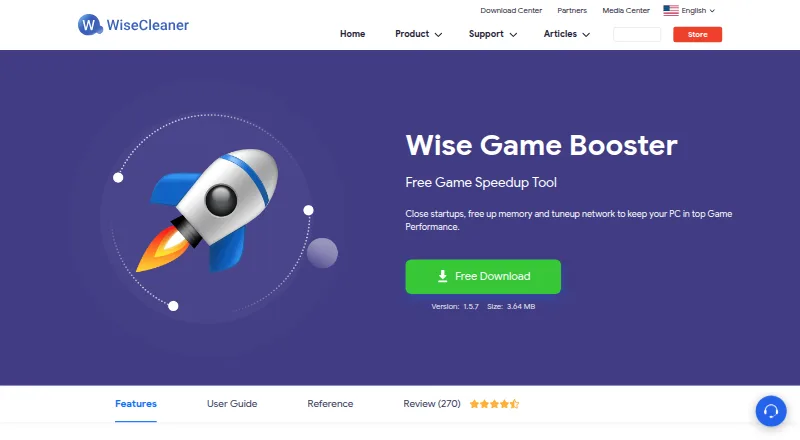
Wise Game Booster is a free Windows utility for managing settings and background activity that may affect gaming performance. It can optimize system settings, processes, and services together with one click, or let users handle each area individually. Add games to My Games to organize them and check game information. Advanced users can manually end processes or stop services, with suggestions available for those actions; a stopped service can be restored to its prior state. The product page also says Wise Game Booster can tune network settings to help keep a PC performing well for games. It supports Windows 11, 10, 8/8.1, and 7 in 32-bit and 64-bit editions. Listed minimum requirements are a Pentium 1 GHz or above, 4 GB RAM or above, and 20 MB of disk space. The download page lists version 1.5.7, dated 2020-12-04, and offers a portable version. WiseCleaner says email support representatives respond within 24 hours.
Good
- One-click or individual optimization options
- Games can be organized in My Games
- Stopped services can be restored
- Portable version is available
Watch out
- Windows only
- Listed version dates to 2020-12-04
- Requires at least 4 GB RAM
Who it suits
It suits Windows gamers who want a one-click option for system, process, and service optimization. Manual process and service controls may also suit advanced users.
Verdict
Wise Game Booster combines one-click optimization with manual controls and a service restore option. Its listed platform is Windows, and its download page lists version 1.5.7.
Plans and prices
From Wise Game Booster's own pricing page, checked 29 Sep 2026.
| Plan | Price | What it gives you |
|---|---|---|
| Free | Free | Windows 11, 10, 8/8.1, 7 (32-bit and 64-bit) · Free download |
The facts
Each one read from Wise Game Booster's own pages, with the date it was checked.
What it does
- Current listed version
- The download page lists version 1.5.7, size 3.64 MB, dated 2020-12-04.checked 29 Sep 2026
- Game library
- Users can add games to My Games to manage them and check game information.checked 29 Sep 2026
- Intended users
- The product page describes one-click optimization for gamers and manual process and service controls for advanced users.checked 29 Sep 2026
- Manual controls
- Advanced users can manually end processes or stop services, and the product offers suggestions for those operations.checked 29 Sep 2026
- Network claim
- The product page says it can tune up the network to help keep a PC performing well for games.checked 29 Sep 2026
- One-click optimization
- The product can optimize system settings, processes, and services with one click or let users optimize them individually.checked 29 Sep 2026
- Portable option
- The download page offers a portable version of Wise Game Booster.checked 29 Sep 2026
- Privacy policy
- WiseCleaner's online privacy statement was last updated March 13, 2025, and says it applies to data collected through most of its websites, services, and offline product support.checked 29 Sep 2026
- Purpose
- Wise Game Booster is a free utility designed to improve gaming performance by optimizing system settings, ending unnecessary programs, and stopping irrelevant services.checked 29 Sep 2026
- Requirements
- The listed minimum requirements are a Pentium 1 GHz or above, 4 GB RAM or above, and 20 MB of disk space.checked 29 Sep 2026
- Restore services
- The product can restore a service to its prior state after it has been stopped for optimization.checked 29 Sep 2026
- Support
- WiseCleaner says its support representatives assist by email, with responses within 24 hours.checked 29 Sep 2026
The company
- Founded
- 2005checked 28 Sep 2026
Where it runs
- Supported Windows
- The reference page lists Windows 11, 10, 8/8.1, and 7 in both 32-bit and 64-bit editions.checked 29 Sep 2026
Alternatives to Wise Game Booster
- 1

PotatoBoost
Free planWindows7.2Free plan - 2

PC Game Booster
Free planWindows6.8From $18.95 a year - 3
Gaming Optimizer
Free planWindows6.6Free plan - 4

w0a
Free planWindows6.6From $2.99 a month - 5
GameGain
Windows6.3 - 6
CorePin
Free planWindows6.1Free plan