ValleySoft Disk Analyzer
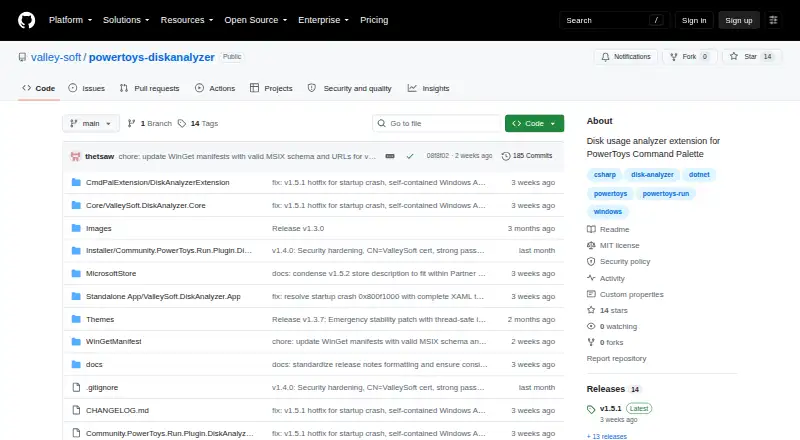
The facts below are what the maker publishes about ValleySoft Disk Analyzer, checked and dated. Our editors have not written about it yet.
Plans and prices
From ValleySoft Disk Analyzer's own pricing page, checked 12 Oct 2026.
| Plan | Price | What it gives you |
|---|---|---|
| ValleySoft DiskAnalyzer | Free | Windows 10/11 · x64 or ARM64 · PowerToys Run plugin requires PowerToys v0.97.0 or later |
The facts
Each one read from ValleySoft Disk Analyzer's own pages, with the date it was checked.
What it does
- Architecture support
- The project lists Windows 10 and Windows 11 on x64 or ARM64 as supported platforms.checked 12 Oct 2026
- Data handling
- The project describes disk analysis as read-only and says the app never modifies system files.checked 12 Oct 2026
- Exportable reports
- Yeschecked 22 Sep 2026
- File actions
- Users can export scan results to CSV and send files or directories to the Windows Recycle Bin from the app.checked 12 Oct 2026
- Installation
- The project offers MSIX, Microsoft Store, WinGet, standalone installer, ZIP, and source build installation options.checked 12 Oct 2026
- Integrations
- The project provides integrations with PowerToys Run, Windows Command Palette, Windows File Explorer context menus, Microsoft Store, and WinGet.checked 12 Oct 2026
- Large files
- The app can scan a drive for its 100 largest files and filter for files over 100 MB that have not been modified in 12 or more months.checked 12 Oct 2026
- Notable installation detail
- The README says the sideloaded MSIX is signed with a self-signed certificate and may require trusting that certificate or enabling Windows Developer Mode.checked 12 Oct 2026
- PowerToys requirement
- The PowerToys Run plugin requires Microsoft PowerToys v0.97.0 or later.checked 12 Oct 2026
- Purpose
- DiskAnalyzer analyzes drive and folder usage through a standalone GUI, a PowerToys Run plugin, and a Windows Command Palette extension.checked 12 Oct 2026
- Scan scope
- files_folderschecked 22 Sep 2026
- Security updates
- The security policy says only the latest project release receives security updates and lists version 1.5.x as supported.checked 12 Oct 2026
- Support
- The support page directs users to email [email protected] and asks bug reports to include Windows version, app version, and an issue description or screenshot.checked 12 Oct 2026
- Visual analysis
- The standalone app includes interactive donut and bar charts for visualizing folder size distribution.checked 12 Oct 2026
- Vulnerability reporting
- The project asks users to report vulnerabilities through GitHub private vulnerability reporting and says it will acknowledge reports within 48 hours and provide a status update within seven days.checked 12 Oct 2026
Where it runs
- Desktop platforms
- windowschecked 22 Sep 2026
Alternatives to ValleySoft Disk Analyzer
- 1

WizTree
Free planmacOSWindows8.0Free plan - 2
LumaDisk
Free planmacOSWindows7.9$6.89 one-time - 3

Disk Usage Analyzer
Free planOpen sourceLinuxmacOS7.7Free plan - 4

FolderSizes
Free planWindows7.7$30 one-time - 5
SizeTrend
Free planWindows7.7$69.99 one-time - 6
dust
Free planOpen sourceLinuxmacOSWindows7.6Free plan