
Uninstalr
Uninstalr is a Windows app for removing software, with leftover scanning, forced uninstall and batch uninstall.
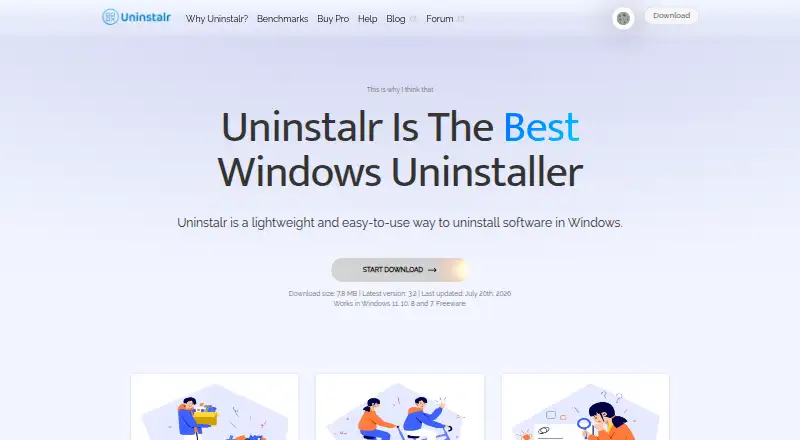
What Uninstalr is
Uninstalr is a Windows app for removing software, with leftover scanning, forced uninstall and batch uninstall. Its custom engine can continue removing an app without further interaction once the process starts. Before removal begins, it shows the paths it would remove and lets users exclude paths; its maker advises reviewing the list and making a backup first. It detects 16 listed types, including Microsoft Store apps, package-manager apps and games from several platforms. Installed apps appear in a single list that users can search, sort and filter, and the app calculates disk use in real time. It also shows installed apps’ countries of origin; the maker says that feature works locally without sending data elsewhere. Uninstalr comes as a portable or setup version with the same functionality. The download page lists Windows 11, 10, 8 and 7 support. Uninstalr Free is available for personal, commercial and client-computer use. Uninstalr Pro costs $39 a month (billed One-time payment; 1 computer). A Pro and WinFindr Pro bundle costs $56 a month (billed One-time payment; 1 computer).
Good
- Includes leftover scanning and batch uninstall.
- Shows removal paths before uninstalling.
- Portable and setup versions have the same functionality.
- Free version permits commercial and client-computer use.
- Purchases have an unconditional 30-day money-back guarantee.
Watch out
- Available for Windows only.
- Install monitoring is not available.
- Free users are directed to the discussion forum.
- Maker advises creating a backup before uninstalling.
Who it suits
Uninstalr suits Windows users who want to review removal paths or uninstall multiple apps at once. The maker also permits free use by technicians working on client computers and businesses.
Verdict
Uninstalr combines several removal options with a preview of paths to be removed. Review those paths and create a backup before uninstalling, as the maker advises.
Plans and prices
From Uninstalr's own pricing page, checked 7 Oct 2026.
| Plan | Price | What it gives you |
|---|---|---|
| Uninstalr Free | Free | Freeware · personal, commercial, and client-computer use |
| Uninstalr Pro | $39, paid once | Licensed for 1 computer · free updates and new features for life · lifetime premium technical support · One-time payment |
| Uninstalr Pro + WinFindr Pro Bundle | $56, paid once | Licensed for 1 computer · free updates and new features for life · lifetime premium technical support · One-time payment |
The facts
Each one read from Uninstalr's own pages, with the date it was checked.
Where it runs
- App details
- It shows installed apps in one list, supports searching, sorting, and filtering, and calculates app disk use in real time.checked 7 Oct 2026
- App origin
- It shows the country of origin of installed apps and says this feature operates locally without sending data elsewhere.checked 7 Oct 2026
- Supported apps
- It detects and uninstalls 16 listed types, including Microsoft Store apps, package-manager apps, and games from several platforms.checked 7 Oct 2026
What it does
- Batch uninstall
- It can uninstall many apps at the same time, including apps that do not support silent uninstallation.checked 7 Oct 2026
- Data location
- The maker says its servers are in the EU and data users send to it is stored inside the EU.checked 7 Oct 2026
- Distribution and compatibility
- It is available as portable and setup versions with the same functionality, and the download page lists Windows 11, 10, 8, and 7 support.checked 7 Oct 2026
- Forced uninstall
- Yeschecked 23 Sep 2026
- Install monitoring
- Nochecked 23 Sep 2026
- Leftover scan
- Yeschecked 23 Sep 2026
- Portable version
- Yeschecked 23 Sep 2026
- Privacy
- The maker says the app collects no personal information; optional bug-report and developer-data submissions may include file paths that could contain a username.checked 7 Oct 2026
- Purpose
- Uninstalr is a lightweight Windows app for uninstalling software.checked 7 Oct 2026
- Refund
- The pricing page states that purchases are backed by an unconditional 30-day money-back guarantee.checked 7 Oct 2026
- Removal review
- Before uninstallation starts, it displays the paths that would be removed and lets users exclude paths.checked 7 Oct 2026
- Safety guidance
- The maker advises users to review the removal data and create a backup before uninstalling.checked 7 Oct 2026
- Support
- Free users are directed to the discussion forum; Uninstalr Pro license owners receive technical support.checked 7 Oct 2026
- Unattended uninstall
- Its custom engine can remove apps without further user interaction after the process starts.checked 7 Oct 2026
Money
- Free plan
- Yeschecked 23 Sep 2026
- Free use
- The maker says the freeware can be used by individuals, computer technicians working on client computers, and businesses.checked 7 Oct 2026
The company
- Headquarters
- Tallinn, Estoniachecked 19 Oct 2026
Alternatives to Uninstalr
- 1
Argente Uninstall Manager
Free planWindows7.4From €9 a year - 2
IObit Uninstaller
Free planWindows7.4Free plan - 3

Wise Program Uninstaller
Free planWindows7.3From $14.95 a year - 4

Geek Uninstaller
Free planWindows7.0Free plan - 5

Uninstall Tool
Windows6.8$24.95 one-time - 6

Ashampoo UnInstaller
Windows6.6From $12 a year