
SyncDrop
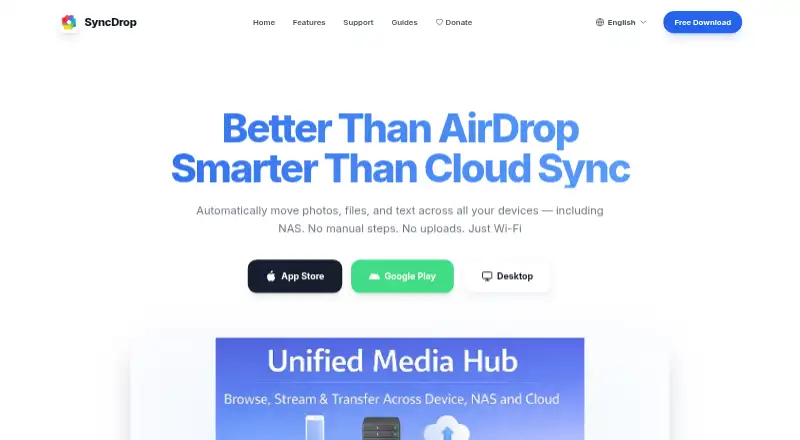
The facts below are what the maker publishes about SyncDrop, checked and dated. Our editors have not written about it yet.
Plans and prices
From SyncDrop's own pricing page, checked 30 Sep 2026.
| Plan | Price | What it gives you |
|---|---|---|
| Premium Monthly | $1.99 a month | Premium features; specific limits not stated · $1.99 monthly |
| Premium Yearly | $9.99 a year | Premium features; specific limits not stated · $9.99 yearly |
| Lifetime Premium | $24.99, paid once | Premium features; specific limits not stated · $24.99 lifetime |
The facts
Each one read from SyncDrop's own pages, with the date it was checked.
What it does
- Automatic backups
- The homepage describes automated photo and video transfers triggered by Wi-Fi, geofencing, charging, or new photos.checked 30 Sep 2026
- Cloud integrations
- The homepage lists Dropbox, Google Drive, Google Photos, S3, MinIO, and Cloudflare as supported cloud services.checked 30 Sep 2026
- Computer transfer
- The site says its free Windows and Mac companion app supports drag-and-drop transfers and automatic device detection on local Wi-Fi.checked 30 Sep 2026
- File integrity
- The homepage says TCP transfers use MD5 checksums to verify files and prevent corruption.checked 30 Sep 2026
- Intended users
- The computer-transfer page describes SyncDrop for people moving media between phones, computers, and private storage, including creative workflows and large-screen viewing.checked 30 Sep 2026
- Privacy
- The App Store listing says peer-to-peer transfers use TLS 1.3, data does not touch a central server, and no account is required.checked 30 Sep 2026
- Security
- The NAS page says transfers use industry-standard encryption over local networks or secure remote connections.checked 30 Sep 2026
- Storage protocols
- SyncDrop supports SFTP, SMB, WebDAV, and S3-compatible storage for direct backup and media access.checked 30 Sep 2026
- Support
- SyncDrop's support center provides a Windows network-profile troubleshooting guide and Studio Mode instructions.checked 30 Sep 2026
- What it does
- SyncDrop transfers files, syncs clipboards, and backs up photos across devices and private storage.checked 30 Sep 2026
Where it runs
- Browser access
- SyncDrop says users can browse, upload, and download media from a web browser on Windows, Mac, or Linux over Wi-Fi.checked 30 Sep 2026
The company
- Headquarters
- Guangzhou, Guangdong, Chinachecked 23 Sep 2026
Alternatives to SyncDrop
- 1

Ente Photos
Free planOpen sourceAndroidiOSWebLinux8.6From $2.49 a month - 2

IDrive
Free planAndroidiOSWebLinux8.4From $0.25 a month - 3

PhoneCopy
Free planAndroidiOSWebLinux8.2From €1.99 a month - 4

PhotoSync
Free planAndroidiOSWebLinux8.0From $6.49 a year - 5

Rawback
Free planiOSWebAPILinux8.0From $1.99 a month - 6
Tonfotos
Free planAndroidiOSLinuxmacOS8.0$59 one-time