Remote Ripple
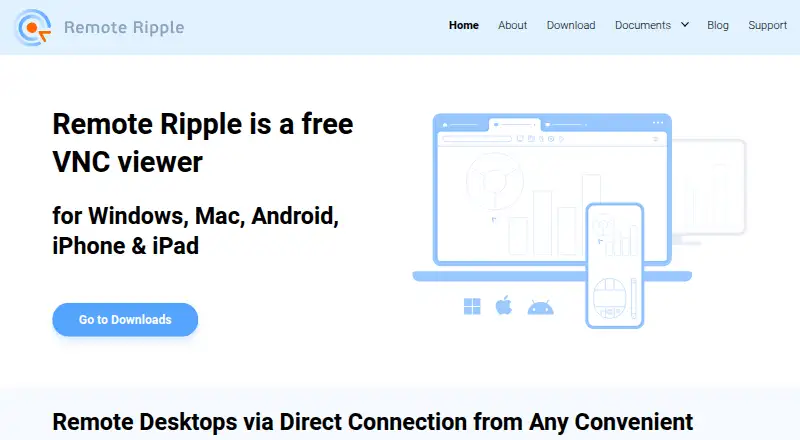
The facts below are what the maker publishes about Remote Ripple, checked and dated. Our editors have not written about it yet.
Plans and prices
From Remote Ripple's own pricing page, checked 20 Sep 2026.
| Plan | Price | What it gives you |
|---|---|---|
| Free | Free | Free to use · Free commercial-use license · Unlimited installations under the license |
| Remote Ripple | Free | Free license · unlimited computers or virtual machines · Windows, Mac, iPhone/iPad, Android |
The facts
Each one read from Remote Ripple's own pages, with the date it was checked.
What it does
- Compatibility
- The maker says Remote Ripple is compatible with any VNC-based software and recommends TightVNC Server for Windows.checked 12 Oct 2026
- Connection model
- It connects directly to a remote computer and requires VNC server software on that computer.checked 12 Oct 2026
- File transfer
- Yeschecked 20 Sep 2026
- License
- The license grants a free, non-exclusive, non-transferable worldwide right to install and run the software on unlimited computers or virtual machines.checked 12 Oct 2026
- Mobile control
- The mobile versions include MouseTool, which lets users control a remote PC as if sitting in front of it.checked 12 Oct 2026
- Network access
- For direct access over the internet, the FAQ says the VNC server must be reachable by public IP, which may require router port forwarding.checked 12 Oct 2026
- Notable limitation
- The FAQ says there is currently no zoom function or option to choose a monitor when viewing a remote device with several monitors.checked 12 Oct 2026
- Purpose
- Remote Ripple is a VNC viewer for accessing and controlling remote PCs from mobile and desktop devices.checked 12 Oct 2026
- Security
- The maker says passwords are not stored or transmitted to its servers; passwords are saved locally on the device and protected using operating system APIs.checked 12 Oct 2026
- Session limit
- The Windows app can save up to 10 sessions and removes the earliest session when a new one exceeds that limit.checked 12 Oct 2026
- SSH encryption
- The FAQ says connecting through an SSH tunnel encrypts traffic between Remote Ripple and the VNC server.checked 12 Oct 2026
- Support
- Users can submit questions and suggestions through the support form, and the maker says it will reply by email.checked 12 Oct 2026
- Transfer requirement
- File transfer requires TightVNC Server or another VNC server with the full Tight file transfer extension.checked 12 Oct 2026
Money
- Free plan
- Yeschecked 20 Sep 2026
The company
- Headquarters
- Tomsk, Russian Federationchecked 28 Sep 2026
- Maker
- Remote Ripple is developed by GlavSoft LLC, the creators of TightVNC.checked 12 Oct 2026
Where it runs
- Mobile apps
- Yeschecked 20 Sep 2026
- Supported platforms
- Windows,macOS,iOS,Androidchecked 20 Sep 2026
- Windows features
- The Windows version supports clipboard exchange, file transfer, and saving data for the last 10 started remote access sessions.checked 12 Oct 2026
Alternatives to Remote Ripple
- 1

DWService
Free planOpen sourceAndroidiOSWebAPI9.2From $40 a year - 2

ManageEngine Remote Access Plus
Free planAndroidiOSWebAPI9.0From $75 a year - 3

Zoho Assist
Free planAndroidiOSWebLinux8.9From $10 a month - 4

HopToDesk
Free planAndroidiOSLinuxmacOS8.8From $159 a year - 5

ThinLinc
Free planAndroidiOSWebLinux8.7From $103 a year - 6

TeamViewer Remote
Free planAndroidiOSWebLinux8.5Free plan