Pruneapple
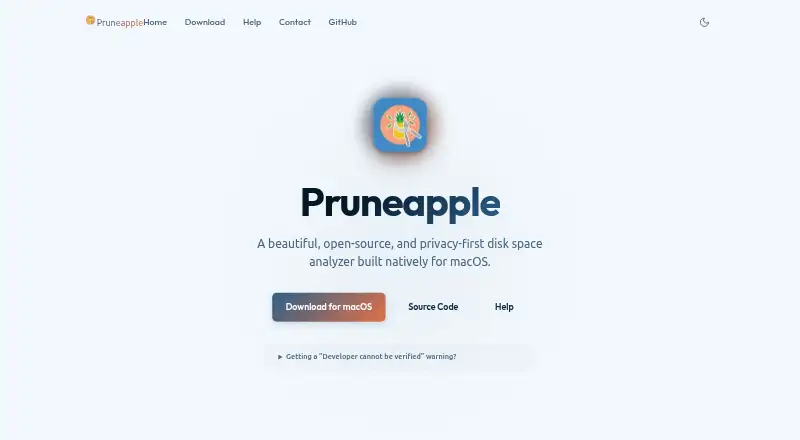
The facts below are what the maker publishes about Pruneapple, checked and dated. Our editors have not written about it yet.
The facts
Each one read from Pruneapple's own pages, with the date it was checked.
What it does
- APFS measurement
- It calculates physical disk usage to account for APFS clones and sparse files and match Finder values.checked 12 Oct 2026
- Availability
- The precompiled app is distributed outside the Mac App Store, and macOS requires manual authorization on first launch.checked 12 Oct 2026
- Background scans
- During long scans, the app can remain in the menu bar, prevent system sleep, and provide a trackpad haptic when scanning finishes.checked 12 Oct 2026
- Contact
- The product site invites users to contact Alex with questions, feedback, or feature requests.checked 12 Oct 2026
- CSV export
- The app can export directory data to CSV with delimiter detection based on locale.checked 12 Oct 2026
- Disk map
- It displays nested folder usage as concentric rings in a sunburst chart, with sizes and paths available on hover.checked 12 Oct 2026
- Distribution
- The app is distributed outside the Mac App Store, and first launch may require manual authorization in macOS security settings.checked 12 Oct 2026
- Exportable reports
- Yeschecked 22 Sep 2026
- File permissions
- Scanning protected locations may require read-only access to folders such as Desktop, Documents, or Downloads; without permission, those locations may appear empty.checked 12 Oct 2026
- Finder workflow
- Clicking a chart segment opens the selected item in Finder for review or cleanup.checked 12 Oct 2026
- Offline privacy
- The help guide says the app runs offline without telemetry, tracking, or network calls, and performs scan calculations locally.checked 12 Oct 2026
- Permissions
- Scanning requires read-only access to the selected files and folders; denied access can cause those locations to be reported as empty.checked 12 Oct 2026
- Physical disk usage
- It measures physical APFS disk allocation, accounting for sparse files, clones, and compression.checked 12 Oct 2026
- Privacy
- The app operates offline with no telemetry, tracking, or network calls, and performs scan calculations locally on the Mac.checked 12 Oct 2026
- Purpose
- Pruneapple is an open-source, privacy-first disk space analyzer built natively for macOS.checked 12 Oct 2026
- Read-only behavior
- The app does not delete or modify files directly; users manage deletions in Finder.checked 12 Oct 2026
- Read-only safety
- Pruneapple does not delete files; users manage deletions through Finder.checked 12 Oct 2026
- Scan scope
- files_folderschecked 22 Sep 2026
- Smart Prune
- Local Apple Intelligence heuristics analyze large candidate files and suggest items for pruning.checked 12 Oct 2026
- Source and license
- The project is available on GitHub under the MIT License and can be built from source.checked 12 Oct 2026
- Support
- Users can contact the developer with questions, feedback, or feature requests, and can donate to support development.checked 12 Oct 2026
- Treemap view
- Nochecked 22 Sep 2026
Where it runs
- Desktop platforms
- macoschecked 22 Sep 2026
Money
- Free plan
- Yeschecked 22 Sep 2026
Alternatives to Pruneapple
- 1

WizTree
Free planmacOSWindows8.0Free plan - 2
LumaDisk
Free planmacOSWindows7.9$6.89 one-time - 3

Disk Usage Analyzer
Free planOpen sourceLinuxmacOS7.7Free plan - 4

FolderSizes
Free planWindows7.7$30 one-time - 5
SizeTrend
Free planWindows7.7$69.99 one-time - 6
dust
Free planOpen sourceLinuxmacOSWindows7.6Free plan