OpenSpace
OpenSpace is free, open-source software for interactive exploration of space data from NASA, ESA, and research institutions.
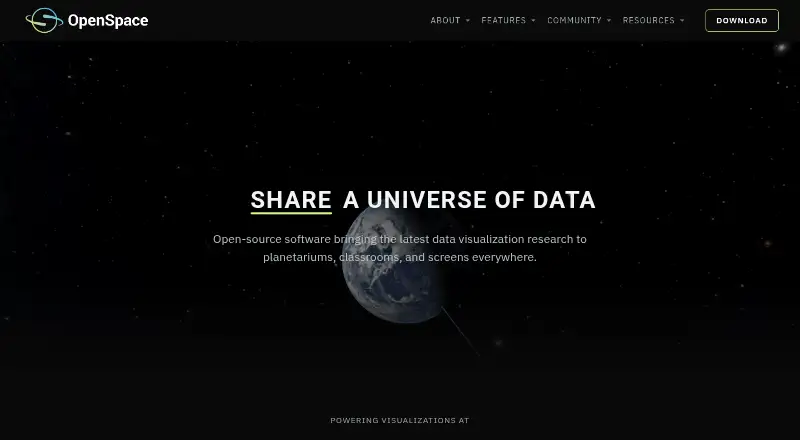
What OpenSpace is
OpenSpace is free, open-source software for interactive exploration of space data from NASA, ESA, and research institutions. It runs on Linux and Windows and is intended for museums, planetariums, teachers, citizens, researchers, and personal computer users. Globe Browsing combines spacecraft imagery with elevation data, while live blending adds overlays and labels. Mission views use trajectory data, instrument footprints, and observation timelines, with controls for playing, rewinding, scrubbing, and accelerating mission histories. Heliophysics views present live and historical space weather from ENLIL and BATS-R-US models. Catalogs cover exoplanets, galaxies, quasars, the cosmic microwave background, asteroids, and comets, with dataset toggles and blending. Display support includes fisheye rendering, MPCDI warping, projector blending, tiled walls, and synchronized machines. Version 0.22.0 supplies a Windows 10-or-newer binary and Linux source code. Full functionality requires internet access and listed hardware.
Good
- Free open-source software
- Mission playback controls
- Live and historical space-weather views
- Broad scientific catalogs
- Advanced multi-display support
Watch out
- macOS no longer supported
- Internet required for full functionality
- Requires dedicated NVIDIA-class graphics hardware
Who it suits
OpenSpace suits educators, researchers, museums, planetariums, and citizens exploring astronomical datasets. It also fits institutions preparing multi-projector or tiled-wall presentations.
Verdict
OpenSpace combines mission visualizations, planetary browsing, space weather, and scientific catalogs in one free package. Its Linux and Windows support and specialized display features make it suitable for educational and institutional visualization.
Plans and prices
From OpenSpace's own pricing page, checked 9 Oct 2026.
| Plan | Price | What it gives you |
|---|---|---|
| OpenSpace | Free | Open-source astrovisualization software; Windows precompiled binary; Linux source code |
The facts
Each one read from OpenSpace's own pages, with the date it was checked.
What it does
- API and documentation
- The official documentation includes sections for getting started, using OpenSpace, profiles, content, building content, and reference material.checked 9 Oct 2026
- Display support
- Display capabilities include fisheye rendering, MPCDI mesh warping, multi-projector blending, tiled walls, and synchronized rendering across multiple machines.checked 9 Oct 2026
- License
- OpenSpace is released under the MIT License, and its site says images and visualizations may be used freely for educational, editorial, and research purposes with appropriate credit.checked 9 Oct 2026
- Mission visualization
- Mission visualizations use NASA and ESA trajectory data, instrument footprints, observation timelines, and controls to play, rewind, scrub, or accelerate through mission history.checked 9 Oct 2026
- Network requirement
- Internet access is required for full functionality, including the user interface and live data features.checked 9 Oct 2026
- Purpose
- OpenSpace is open-source interactive astrovisualization software for exploring data from NASA, ESA, and research institutions, from planetarium domes to personal computers.checked 9 Oct 2026
- Scientific catalogs
- Catalogs include exoplanets, galaxies, quasars, the cosmic microwave background, and asteroids and comets, with options to toggle and blend datasets during presentations.checked 9 Oct 2026
- Space weather
- Heliophysics visualizations include live and historical space weather using ENLIL and BATS-R-US model data developed with NASA CCMC scientists.checked 9 Oct 2026
- Support
- The project directs users to its documentation and Slack community for help getting started, and invites institutions to contact the team about display configuration.checked 9 Oct 2026
- Supported operating systems
- Version 0.22.0 offers a precompiled Windows 10-or-newer binary and Linux source code; the project says macOS is no longer supported going forward.checked 9 Oct 2026
- System requirements
- The minimum listed requirements are an Intel Core i5 or equivalent, NVIDIA GTX 1060 or comparable GPU, 8 GB RAM, and 4 GB VRAM.checked 9 Oct 2026
- Users
- The project describes its audiences as museums, planetariums, teachers, citizens, and researchers.checked 9 Oct 2026
Money
- Planetary surfaces
- Globe Browsing combines spacecraft imagery and elevation data, with live blending of imagery, overlays, and labels.checked 9 Oct 2026
Alternatives to OpenSpace
- 1
Solar System Scope
Free planAndroidiOSWebmacOS8.0$9.80 one-time - 2
NASA Eyes
Free planOpen sourceAndroidiOSWebLinux7.8Free plan - 3
SkyORB
Free planAndroidiOSmacOSWindows7.7$4.99 one-time - 4
ISS Detector
Free planAndroidiOSWebmacOS7.3$17.99 one-time - 5

Cosmic Watch
Free planAndroidiOSmacOS7.2From $4.99 a year - 6
Gaia Sky
Free planOpen sourceAPILinuxmacOSSelf-hosted7.2Free plan