EdiPDF
The facts below are what the maker publishes about EdiPDF, checked and dated. Our editors have not written about it yet.
Plans and prices
From EdiPDF's own pricing page, checked 11 Oct 2026.
| Plan | Price | What it gives you |
|---|---|---|
| Free | Free | All tools free with no usage limits or daily caps · No account · No watermarks · File size limited by device RAM |
The facts
Each one read from EdiPDF's own pages, with the date it was checked.
What it does
- Accounts and downloads
- The site says no account or login is required and downloaded files have no watermarks or branding.checked 11 Oct 2026
- Annotation tools
- Yeschecked 20 Sep 2026
- Business model
- EdiPDF says it is supported by non-intrusive advertisements, including Google AdSense.checked 11 Oct 2026
- Compliance claim
- The privacy policy describes EdiPDF as GDPR and CCPA compliant because it says personal data and document contents are not transferred to or stored on its servers.checked 11 Oct 2026
- Creation
- The PDF creator lets users start with a blank canvas and add text, images, and shapes before saving a PDF locally.checked 11 Oct 2026
- Editing
- Users can edit text in text-based PDFs, add text boxes, insert or edit images, and modify pages; scanned PDFs require OCR, which the site says is on its roadmap.checked 11 Oct 2026
- Local processing
- PDF files are processed in the browser using WebAssembly and are not uploaded to EdiPDF’s servers.checked 11 Oct 2026
- Merge limit
- Users can merge multiple PDFs, with the practical limit determined by the device’s available RAM.checked 11 Oct 2026
- OCR
- Nochecked 20 Sep 2026
- Offline use
- EdiPDF says it works offline after it has loaded in a modern browser.checked 11 Oct 2026
- PDF conversion
- Yeschecked 20 Sep 2026
- Privacy policy
- The privacy policy says EdiPDF does not require personal information to use its tools and does not collect, store, or view document contents.checked 11 Oct 2026
- Product
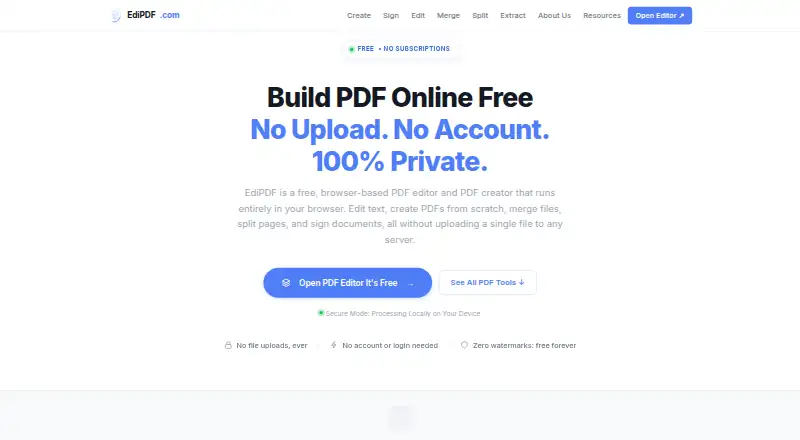
- EdiPDF is a browser-based PDF editor and creator for editing, creating, merging, splitting, extracting, and signing PDFs.checked 11 Oct 2026
- Service terms
- The terms say the service is provided as-is, and EdiPDF may modify or discontinue tools or features without prior notice.checked 11 Oct 2026
- Signing
- Users can add a signature by drawing it, typing their name, or uploading a signature image.checked 11 Oct 2026
- Text editing
- Yeschecked 20 Sep 2026
- Third-party services
- The privacy policy names Google Analytics for anonymized site analytics and Google AdSense for advertising, whose providers may use cookies.checked 11 Oct 2026
Money
- Free plan
- Yeschecked 20 Sep 2026
Where it runs
- Platforms
- The site says EdiPDF works in modern browsers on Windows, Mac, Linux, Android, and iOS, as well as on desktop, mobile, and tablet.checked 11 Oct 2026
- Supported platforms
- web,Windows,macOS,Linux,iOS,Androidchecked 20 Sep 2026
Alternatives to EdiPDF
- 1

Smallpdf
Free planAndroidiOSWebWindows8.9From $10 a month - 2

LightPDF
Free planAndroidiOSWebAPI8.8From $15.99 a year - 3
PDF2Go
Free planAndroidiOSWebAPI8.7$6.42 usage-based - 4
Foxit PDF Editor
AndroidiOSWebmacOS8.6 - 5
WPS PDF Editor
Free planAndroidiOSWebExtension8.5From $3 a year - 6

PDF Candy
Free planAndroidiOSWebLinux8.5From $4 a year