DeviceMapper
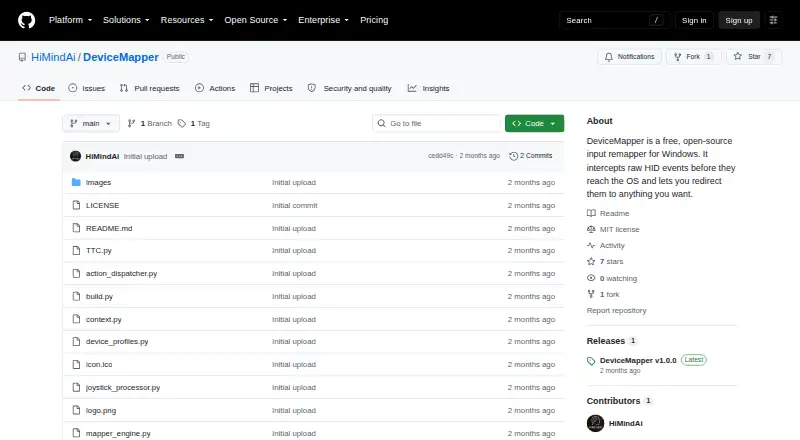
The facts below are what the maker publishes about DeviceMapper, checked and dated. Our editors have not written about it yet.
Plans and prices
From DeviceMapper's own pricing page, checked 11 Oct 2026.
| Plan | Price | What it gives you |
|---|---|---|
| Free | Free | Free, open-source Windows input remapper |
The facts
Each one read from DeviceMapper's own pages, with the date it was checked.
What it does
- Action types
- Per-button actions include blocking input, sending key combinations, mouse clicks or scrolling, Xbox controller inputs, launching files or apps, running Python snippets, and firing TTC commands.checked 11 Oct 2026
- Axis processing
- Analog axis settings include dead zones, sensitivity curves, per-device speed multipliers, drift suppression, and forwarding to mouse movement or an Xbox stick.checked 11 Oct 2026
- Controller requirement
- Xbox controller emulation requires the separate ViGEmBus kernel driver; the project says other features work without it.checked 11 Oct 2026
- Download
- The project offers a Windows installer named DeviceMapper_Setup.exe that installs without requiring Python.checked 11 Oct 2026
- Headless use
- The engine can run without the GUI using the --headless option and a selected profile, including for server or kiosk scenarios.checked 11 Oct 2026
- License
- The repository identifies an MIT license.checked 11 Oct 2026
- Profiles
- Profiles are portable JSON files stored in a profiles folder next to the executable and can be edited by hand or managed in the interface.checked 11 Oct 2026
- Purpose
- DeviceMapper remaps raw HID input events on Windows to actions such as keypresses, mouse actions, controller inputs, app launches, scripts, and TTC commands.checked 11 Oct 2026
- Release
- The GitHub releases page lists DeviceMapper v1.0.0 as the latest release.checked 11 Oct 2026
- Sensitivity controls
- Yeschecked 22 Sep 2026
- Support
- The project invites bug reports and feature requests through GitHub Issues and says issues and pull requests are welcome.checked 11 Oct 2026
- Supported operating systems
- windowschecked 22 Sep 2026
Where it runs
- App-specific mappings
- Context filters let a button behave differently depending on which application is in the foreground.checked 11 Oct 2026
- Cross-device combos
- Users can combine buttons from different devices to trigger an action, with a configurable timing window that defaults to 80 ms.checked 11 Oct 2026
- Device support
- It supports Windows-recognized HID devices, including keyboards, macro pads, VR remotes, joysticks, gamepads, foot pedals, and stream decks.checked 11 Oct 2026
- Macro support
- Yeschecked 22 Sep 2026
- Per-app profiles
- Yeschecked 22 Sep 2026
Money
- Free plan
- Yeschecked 22 Sep 2026
Alternatives to DeviceMapper
- 1
SteelSeries GG
Free planAndroidiOSWebAPI8.3Free plan - 2
be quiet! IO Center
Free planWebLinuxmacOSWindows7.9Free plan - 3

Akko Cloud Driver
Free planWebmacOSWindows7.8Free plan - 4
MonsGeek Driver
Free planWebLinuxmacOSWindows7.8Free plan - 5
ROCCAT Swarm II
Free planAndroidiOSWindows7.8Free plan - 6
Rebind
Free planmacOSWindows7.7$140 one-time