ControlUp for VDI
ControlUp for VDI monitors, troubleshoots, and optimizes virtual desktop infrastructure and desktop-as-a-service deployments in real time.
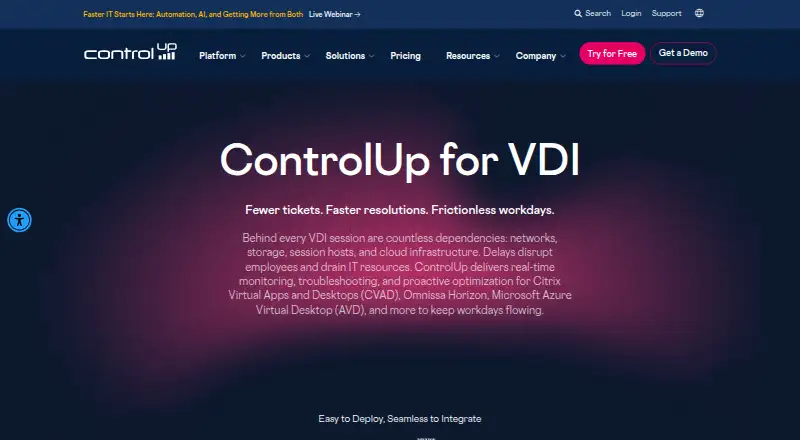
What ControlUp for VDI is
ControlUp for VDI monitors, troubleshoots, and optimizes virtual desktop infrastructure and desktop-as-a-service deployments in real time. It gathers performance data from hypervisors, storage, networks, gateways, VDI session hosts, and endpoint devices. Listed environments include Citrix DaaS and Citrix Cloud, Omnissa Horizon, Microsoft Azure Virtual Desktop, Remote Desktop Session Hosts, and single- and multi-session Windows machines. Teams can configure manual, automated, or scheduled remediation, including scripts in PowerShell, batch, and Visual Basic. The product lists 450 built-in script-based actions developed by ControlUp and its community. Remote assistance includes session control, shadowing, user consent settings, messaging, and file transfer, with role-based access controls. Historical reporting covers one month with Essential and one year with Advanced. The hybrid deployment requires the Real-Time DX Console to connect to virtual infrastructure and configure important features; at least one monitor is needed for the VDI app and reports. Pricing is available on request.
Good
- Collects performance data across infrastructure and endpoints
- Supports manual, automated, and scheduled remediation
- Lists 450 built-in script-based actions
- Remote assistance includes session control and file transfer
- Advanced historical reporting covers one year
Watch out
- Pricing is available on request
- Real-Time DX Console is required for virtual infrastructure connections
- At least one monitor is needed for the VDI app and reports
- Essential historical reporting covers one month
Who it suits
ControlUp for VDI suits teams responsible for monitoring and supporting virtual desktop or DaaS deployments. It is relevant to administrators who need remediation, scripting, and remote assistance across the listed environments.
Verdict
ControlUp for VDI combines performance monitoring, remediation, reporting, and remote assistance for supported virtual desktop environments.
Plans and prices
From ControlUp for VDI's own pricing page, checked 8 Oct 2026.
| Plan | Price | What it gives you |
|---|---|---|
| Advanced | Priced on request | Historical troubleshooting and reporting: 1 year |
| Essential | Priced on request | Historical troubleshooting and reporting: 1 month |
The facts
Each one read from ControlUp for VDI's own pages, with the date it was checked.
The company
- Company history
- ControlUp’s company page says its VDI offering launched in 2014.checked 8 Oct 2026
- Headquarters
- Rishon LeZion, Israelchecked 28 Sep 2026
What it does
- Data retention
- Historical captured metrics are available for up to one year; the pricing page lists one month for Essential and one year for Advanced historical reporting.checked 8 Oct 2026
- Deployment requirement
- The Real-Time DX Console is required to connect ControlUp to virtual infrastructure and configure important features, and at least one monitor is needed to access the VDI app and reports.checked 8 Oct 2026
- Download
- The ControlUp for VDI Console is downloadable for Windows, and the download page showed version 9.2.5.776 dated September 10, 2026.checked 8 Oct 2026
- Endpoint support
- The datasheet lists Windows, macOS, HP ThinPro, IGEL, Dell Wyse, Stratodesk NoTouch, Unicon eLux, and ChromeOS endpoints for Remote Endpoint Visibility.checked 8 Oct 2026
- Integrations
- ControlUp for VDI connects to virtual infrastructure including VMware Horizon, Citrix, Azure Virtual Desktop, and Amazon WorkSpaces.checked 8 Oct 2026
- Monitoring
- It collects performance data across hypervisors, storage, networks, gateways, VDI session hosts, and endpoint devices.checked 8 Oct 2026
- Purpose
- ControlUp for VDI monitors, troubleshoots, and optimizes VDI and DaaS deployments in real time.checked 8 Oct 2026
- Remediation
- Users can configure triggers to run manual, automated, or scheduled remediation actions, including scripts.checked 8 Oct 2026
- Remote assistance
- Remote assistance includes session control, shadowing, user consent settings, messaging, and file transfer, with role-based access controls.checked 8 Oct 2026
- Scripts
- The product supports PowerShell, batch, and Visual Basic scripts and lists 450 built-in script-based actions developed by ControlUp and its community.checked 8 Oct 2026
- Security and compliance
- ControlUp’s Trust Center lists ISO/IEC 27001, 27017, 27018, and 27701 certifications and SOC 2 Type 2 and SOC 3 materials.checked 8 Oct 2026
- Supported environments
- Listed VDI environments include Citrix DaaS and Citrix Cloud, Omnissa Horizon, Microsoft Azure Virtual Desktop, Remote Desktop Session Hosts, and single- and multi-session Windows machines.checked 8 Oct 2026
Alternatives to ControlUp for VDI
- 1

Kasm Workspaces
Free planOpen sourceAndroidiOSWebAPI8.6From $10 a month - 2
QVD
Free planOpen sourceAndroidiOSWebAPI8.4Free plan - 3

Amazon WorkSpaces
Free planAndroidiOSWebAPI8.2From $3.25 a month - 4

ThinLinc
Free planAndroidiOSWebLinux8.2From $103 a year - 5

Hydra
Free planWebAPISelf-hostedWindows7.5From $1 a month - 6

Inuvika OVD Enterprise
AndroidiOSWebLinux7.3