
AKVIS Magnifier AI
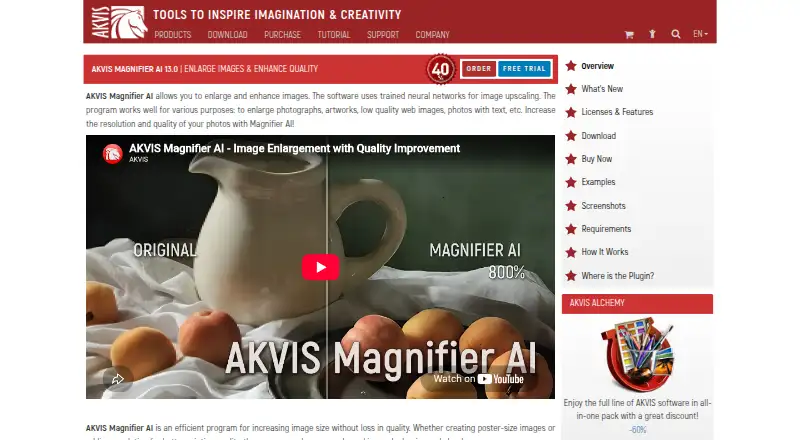
The facts below are what the maker publishes about AKVIS Magnifier AI, checked and dated. Our editors have not written about it yet.
Plans and prices
From AKVIS Magnifier AI's own pricing page, checked 11 Oct 2026.
| Plan | Price | What it gives you |
|---|---|---|
| Home Plugin | $53.40, paid once | Plugin · personal use only · 2 computers · Lifetime license |
| Home Standalone | $53.40, paid once | Standalone · personal use only · 2 computers · Lifetime license |
| Home Deluxe | $59.40, paid once | Plugin + standalone · full functionality · personal use only · 2 computers · Lifetime license |
| Business | $119.40, paid once | Plugin + standalone · full functionality · commercial use · 2 computers · Lifetime license |
The facts
Each one read from AKVIS Magnifier AI's own pages, with the date it was checked.
What it does
- AI modes
- Its Standard, Universal, and Intensified modes offer different combinations of detail enhancement, edge sharpening, and noise reduction.checked 11 Oct 2026
- API access
- Nochecked 22 Sep 2026
- Batch processing
- Batch Processing can automatically upscale or downscale a series of images in a folder.checked 11 Oct 2026
- Input formats
- JPEG, RAW, PNG, BMP, WEBP, TIFFchecked 22 Sep 2026
- Integrations
- The software runs as a standalone application or as a plugin for Adobe Photoshop and Adobe Photoshop Elements.checked 11 Oct 2026
- Intended users
- AKVIS describes the product as useful for producing high-resolution prints, posters, and panoramas, and says it is a tool for professionals as well as general users.checked 11 Oct 2026
- License limit
- Each license allows registering and using the software on two computers, including computers on different platforms.checked 11 Oct 2026
- License restrictions
- Home and Home Deluxe licenses are for personal non-commercial use, while the Business license allows commercial use.checked 11 Oct 2026
- Maximum enlargement
- The software can increase image size by up to 800%.checked 11 Oct 2026
- Maximum scale
- 8xchecked 22 Sep 2026
- Privacy and security
- AKVIS's privacy policy says its networks use industry-standard firewalls and password protection, while stating that internet transmission security cannot be guaranteed; the policy was last updated August 9, 2022.checked 11 Oct 2026
- Purpose
- Magnifier AI uses trained neural networks to enlarge and enhance photos, artwork, low-quality web images, and images containing text.checked 11 Oct 2026
- Support
- AKVIS directs users with license or upgrade questions to [email protected].checked 11 Oct 2026
- System requirements
- The listed minimum requirements include 8 GB RAM and 8 GB disk space on Windows and macOS, and 8 GB RAM on Linux.checked 11 Oct 2026
- Upscaling method
- bothchecked 22 Sep 2026
Where it runs
- Desktop app
- Yeschecked 22 Sep 2026
- Platforms
- The download page lists 64-bit versions for Windows, macOS, and Linux; the Linux option is standalone.checked 11 Oct 2026
The company
- Founded
- 2004checked 19 Oct 2026
Money
- Free plan
- Nochecked 22 Sep 2026
- Trial
- The full version can be used free for 10 days without registration, after which a license key can activate it without a time limit.checked 11 Oct 2026
Alternatives to AKVIS Magnifier AI
- 1
Cutout.Pro
Free planAndroidiOSWebAPI8.5From $5 a month - 2

Krea Enhancer
Free planiOSWebAPISelf-hosted8.4Free plan - 3

Bigjpg
Free planAndroidiOSWebAPI8.4$6 one-time - 4
Phot.AI
Free planAndroidiOSWebAPI8.4From $9 a month - 5

Pixelcut
Free planAndroidiOSWebAPI8.4From $8 a month - 6
Upscal
Free planiOSmacOSWindows8.3Free plan