Witch
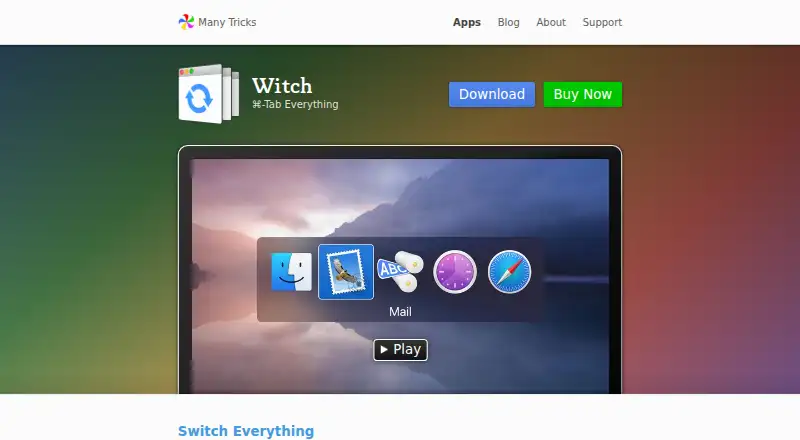
The facts below are what the maker publishes about Witch, checked and dated. Our editors have not written about it yet.
Plans and prices
From Witch's own pricing page, checked 11 Oct 2026.
| Plan | Price | What it gives you |
|---|---|---|
| Witch 4 | $14, paid once | macOS 10.13 High Sierra or newer · One-time purchase; license valid forever; includes at least 1 year of updates |
The facts
Each one read from Witch's own pages, with the date it was checked.
Where it runs
- App access
- Witch uses Apple’s Accessibility API to get information about open windows and requires permission to interact with other apps.checked 11 Oct 2026
The company
- Company
- Many Tricks’ about page identifies Peter Maurer and Rob Griffiths and lists its address in Beaverton, Oregon, USA.checked 11 Oct 2026
What it does
- Compatibility
- Witch 4.7 requires macOS 10.13 High Sierra or newer.checked 11 Oct 2026
- Layouts
- Switchers can use horizontal, vertical, or menu bar layouts.checked 11 Oct 2026
- Multiple switchers
- Users can create multiple switchers and customize each one’s actions, sort order, orientation, and tab handling.checked 11 Oct 2026
- Privacy
- Many Tricks says it does not directly collect much personal information, and that FastSpring handles app sale transactions and purchase-related data.checked 11 Oct 2026
- Purpose
- Witch switches between apps, windows, and tabs on macOS.checked 11 Oct 2026
- Search
- Search-based switching filters matching apps, windows, or tabs in real time as the user types.checked 11 Oct 2026
- Support
- Users can contact support through a ticket, email, or the company’s Discord channel.checked 11 Oct 2026
- Tab support
- Witch can show tabs for apps with mac-standard tabs that it can see.checked 11 Oct 2026
- Window controls
- Keyboard shortcuts can hide, minimize, quit, close, or zoom selected apps and windows.checked 11 Oct 2026
Alternatives to Witch
- 1
Hammerspoon
Free planmacOS5.9Free plan - 2
Alt-Tab Terminator
Windows4.5 - 3
AltAppSwitcher
Windows4.5 - 4
AltTab
macOS4.5 - 5
AppSwitcher
Windows4.5 - 6
BetterCmdTab
macOS4.5