
WinDbg
WinDbg is a Windows debugging tool for investigating software behavior and failures.
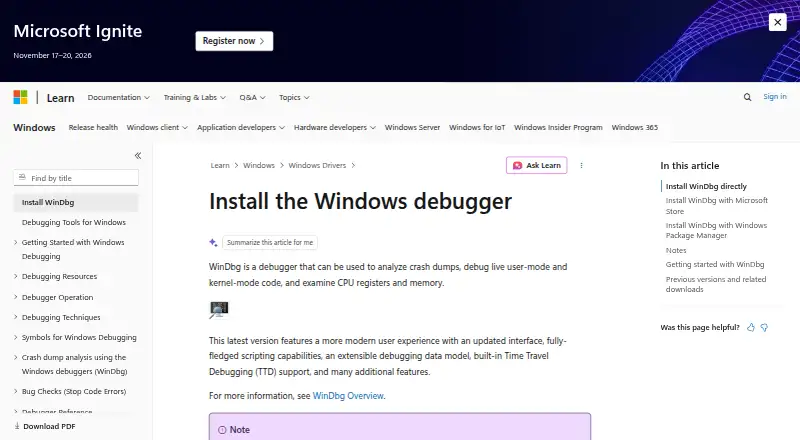
What WinDbg is
WinDbg is a Windows debugging tool for investigating software behavior and failures. It supports code in C++, C#, JavaScript, and assembly, and can work with Windows targets as well as Linux crash dumps. Its debugging features include remote debugging, conditional breakpoints that can pause execution when a condition is met, and exception breakpoints for stopping on exceptions. WinDbg also supports time-travel debugging and core dump debugging, giving developers options for examining program execution and crash data. The software is listed as free, with a free plan, and its platform is Windows. These capabilities make it relevant both for stepping through code and for examining crash dumps, including dumps originating from Linux systems.
Good
- Free plan is available.
- Supports C++, C#, JavaScript, and assembly.
- Can debug Linux crash dumps.
- Includes remote debugging and time-travel debugging.
- Supports conditional and exception breakpoints.
Watch out
- Listed platform is Windows only.
Who it suits
WinDbg suits developers working with supported languages who need to debug Windows software or inspect Linux crash dumps. Its remote debugging and breakpoint options may also fit those diagnosing issues outside a local session.
Verdict
WinDbg brings several debugging approaches together, including remote sessions, time-travel debugging, and core dump analysis. Its listed platform is Windows, though it can inspect Linux crash dumps.
Alternatives to WinDbg
- 1

PyCharm
Free planOpen sourceAPILinuxmacOSSelf-hosted8.2From $100 a year - 2

BugSnag
Free planAndroidiOSWebAPI7.8Free plan - 3

CLion
Free planExtensionLinuxmacOSSelf-hosted7.8From $10.90 a month - 4

IntelliJ IDEA
Free planAPIExtensionLinuxmacOS7.8Free plan - 5

Backtrace
Free planAndroidiOSWebLinux7.7From $600 a year - 6

Airbrake
Free planAndroidiOSWebAPI7.6From $17 a month