Vtila
The facts below are what the maker publishes about Vtila, checked and dated. Our editors have not written about it yet.
Plans and prices
From Vtila's own pricing page, checked 11 Oct 2026.
| Plan | Price | What it gives you |
|---|---|---|
| Free | Free | Core editing tools and AI features included · No signup or credit card · No trial period |
The facts
Each one read from Vtila's own pages, with the date it was checked.
What it does
- AI features
- AI tools include background removal, upscaling, object removal, depth maps, portrait bokeh, and style transfer.checked 11 Oct 2026
- AI retouching
- Yeschecked 22 Sep 2026
- AI technology
- The site says its AI models run locally via ONNX Runtime and Hugging Face Transformers, and are downloaded once and cached in the browser.checked 11 Oct 2026
- Cloud sync
- Nochecked 22 Sep 2026
- File formats
- The editor supports PNG, JPEG, WebP, PSD, and PDF import and export.checked 11 Oct 2026
- Intended users
- Vtila describes itself as useful for freelancers and designers, students, content creators, and privacy-conscious users.checked 11 Oct 2026
- Layer editing
- Yeschecked 22 Sep 2026
- Mobile access
- The site says the browser editor works on desktop and mobile.checked 11 Oct 2026
- Offline use
- Vtila can be used offline after the page and AI models are cached.checked 11 Oct 2026
- PSD support
- Vtila can open and export PSD files with layers, names, opacity, and visibility; smart objects, adjustment layers, and vector masks may be flattened on import.checked 11 Oct 2026
- RAW photo support
- Nochecked 22 Sep 2026
- Saving
- Edits auto-save to browser storage, and users can export files to keep permanently.checked 11 Oct 2026
- Support resources
- Vtila provides tutorials for getting started, PSD files, AI background removal, layer editing, local browser saves, and keyboard shortcuts.checked 11 Oct 2026
- What it does
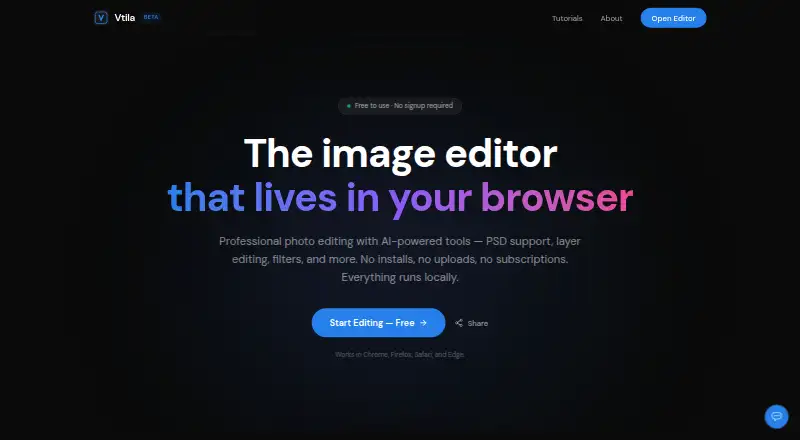
- Vtila is a browser-based image editor with layers, brushes, selections, filters, PSD support, PDF import/export, and AI tools.checked 11 Oct 2026
Where it runs
- Browser support
- Vtila says it works in Chrome, Firefox, Safari, and Edge, and recommends a Chromium-based browser for best performance.checked 11 Oct 2026
- On-device processing
- Vtila says image editing and AI processing happen locally in the browser, and images are never uploaded.checked 11 Oct 2026
- Platform
- webchecked 22 Sep 2026
Money
- Free plan
- Yeschecked 22 Sep 2026
Alternatives to Vtila
- 1

Picsart
Free planAndroidiOSWebAPI9.0From $10.50 a month - 2

Photoroom
Free planAndroidiOSWebAPI9.0From $7.50 a month - 3
PhotoPad
Free planAndroidiOSWebExtension8.8Free plan - 4

Adobe Photoshop
AndroidiOSWebmacOS8.7 - 5

Adobe Lightroom
AndroidiOSWebmacOS8.7 - 6

BeFunky
Free planAndroidiOSWeb8.7Free plan