
Typing.com
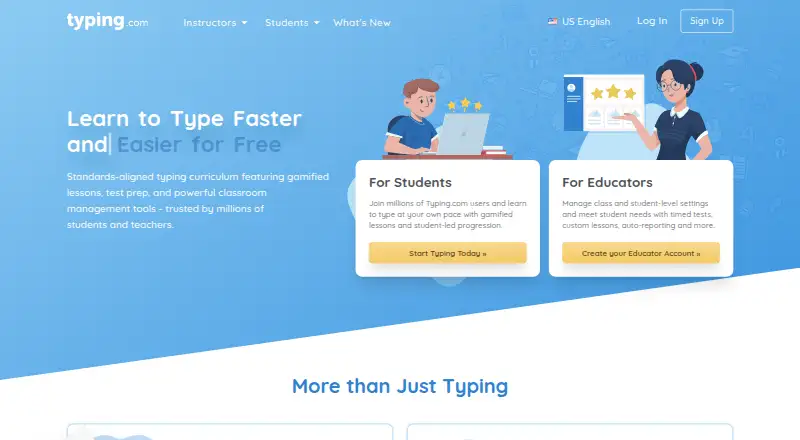
The facts below are what the maker publishes about Typing.com, checked and dated. Our editors have not written about it yet.
Plans and prices
From Typing.com's own pricing page, checked 30 Sep 2026.
| Plan | Price | What it gives you |
|---|---|---|
| FREE Edition | Free | Ads · 70-day data retention · email-only support · grade-based typing lessons, tests, and games · classroom-level settings only |
| PLUS Edition | Priced on request | Ad-free · unlimited data retention · priority phone and email support · expanded curriculum · assignments, auto grading, benchmarking, daily goals, and real-time student monitoring · Pricing varies by subscription type and duration; schools and districts can request a quote. |
| PLUS for one person | — | Ad-free · unlimited data retention · PLUS lessons and units · priority support · Monthly; cancel anytime. Checkout shows the price in the buyer’s currency. |
The facts
Each one read from Typing.com's own pages, with the date it was checked.
Where it runs
- Browser access
- Typing.com is web-based, requires an internet connection, and works in recent Chrome, Firefox, Safari, or Edge browsers on laptops, Chromebooks, and tablets.checked 30 Sep 2026
What it does
- Educator tools
- PLUS includes assignments, customizable grading thresholds, student progress monitoring, customized benchmarks, and daily practice goals.checked 30 Sep 2026
- Google Classroom
- Teachers can manually sync selected Google Classroom classes and students into Typing.com from the Classes page.checked 30 Sep 2026
- Integrations
- The support guide describes sign-in or rostering options for Google, Google Classroom, Microsoft Teams, Clever, ClassLink, and Schoology.checked 30 Sep 2026
- No installation
- The technical requirements page says no installation or download is required to use Typing.com.checked 30 Sep 2026
- Privacy
- The privacy policy says the free version is ad-supported and may share aggregated, anonymized usage information with advertisers, while paid users’ personal information is not provided to advertisers.checked 30 Sep 2026
- Product
- Typing.com is an online typing tutor and digital literacy platform for schools, teachers, and students.checked 30 Sep 2026
- Security
- Typing.com says it uses AWS, a cybersecurity framework, least-privilege employee access, and private networks for databases; it does not guarantee absolute security.checked 30 Sep 2026
- Student data
- The privacy policy says student personally identifiable information belongs to the customers Typing.com serves and gives parents rights to review and request deletion of a child’s information.checked 30 Sep 2026
- Support
- The free edition lists email-only support; PLUS lists priority phone and email support.checked 30 Sep 2026
- Typing curriculum
- The free edition includes grade-based typing lessons, tests, and games, while PLUS adds curriculum areas such as digital citizenship, AI literacy, computer applications, coding, and test prep.checked 30 Sep 2026
- Who it serves
- Typing.com describes its curriculum as intended for kindergarten through high school and provides teacher, school, district, and homeschool account options.checked 30 Sep 2026
Alternatives to Typing.com
- 1

Codecademy
Free planAndroidiOSWeb8.1Free plan - 2

Kodable
Free planAndroidiOSWeb8.1From $119.99 a year - 3
Khan Academy
Free planAndroidiOSWeb7.7From $10 a year - 4

CodeHS
Free planAndroidiOSWeb7.6From $990 a year - 5
Scratch
Free planAndroidWebmacOSWindows7.4From $35 a year - 6
CodeMonkey
AndroidiOSWeb6.9From $11 a month