Smultron
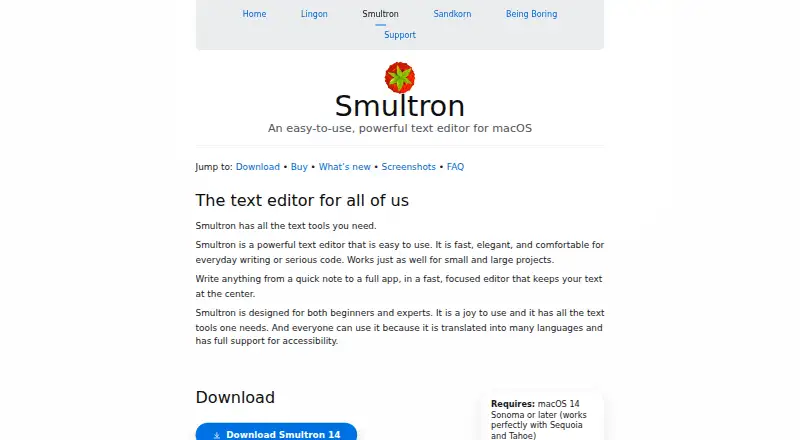
The facts below are what the maker publishes about Smultron, checked and dated. Our editors have not written about it yet.
Plans and prices
From Smultron's own pricing page, checked 11 Oct 2026.
| Plan | Price | What it gives you |
|---|---|---|
| Smultron 14 | $9.99, paid once | macOS 14 Sonoma or later · Demo cannot save documents until licensed · Pay once; use it forever |
The facts
Each one read from Smultron's own pages, with the date it was checked.
What it does
- Accessibility and languages
- The maker says Smultron supports accessibility and is translated into many languages; the page lists 29 languages for version 14.checked 11 Oct 2026
- Code languages
- The editor provides syntax coloring and support for a broad list of programming and markup languages, including Python, JavaScript, Swift, HTML, and Markdown.checked 11 Oct 2026
- Column editing
- Yeschecked 23 Sep 2026
- Editor features
- Smultron 14 includes a sidebar, inspector, bookmarks, notes, syntax support, advanced find, columns, and document comparison.checked 11 Oct 2026
- Integrations
- Smultron can use Continuity Camera to take an iPhone or iPad photo for text scanning, when Continuity is enabled.checked 11 Oct 2026
- Large-file handling
- Yeschecked 23 Sep 2026
- Notable limit
- The maker says there is no command-line utility for Smultron, though macOS standard commands can open files in the app.checked 11 Oct 2026
- Privacy
- The maker says its apps do not request or collect user information and do not send information from the apps.checked 11 Oct 2026
- Product
- Smultron is a text editor for everyday writing and code, intended for beginners and experts.checked 11 Oct 2026
- Refund
- Purchases from the maker’s store have a 14-day refund guarantee; the maker says this does not apply to Mac App Store purchases.checked 11 Oct 2026
- Sandboxing
- The Mac App Store edition is sandboxed, while the maker-store version of Smultron 14 is not sandboxed.checked 11 Oct 2026
- Support
- The maker offers support by email at [email protected].checked 11 Oct 2026
- Tools
- Built-in tools include plist editing, text extraction from images, language analysis, focus mode, file browsing, snippets, previews, and commands.checked 11 Oct 2026
Money
- Free plan
- Nochecked 23 Sep 2026
- Free tryout
- The downloadable demo includes all functionality except saving documents until a license is purchased.checked 11 Oct 2026
Where it runs
- Supported platforms
- macOSchecked 23 Sep 2026
Alternatives to Smultron
- 1

Calmly Writer
Free planAndroidWebLinuxmacOS8.6Free plan - 2

Zed
Free planLinuxmacOSWindows8.3From $10 a month - 3

Visual Studio Code
Free planWebLinuxmacOSWindows8.2Free plan - 4
Neovim
Free planAndroidAPILinuxmacOS8.1Free plan - 5
Geany
Free planOpen sourceLinuxmacOSWindows8.1Free plan - 6
GNU Emacs
Free planAndroidLinuxmacOSWindows8.0Free plan