Seesaw Digital Portfolios
Seesaw Digital Portfolios help PreK–5th grade students document learning and show how their work develops over time.
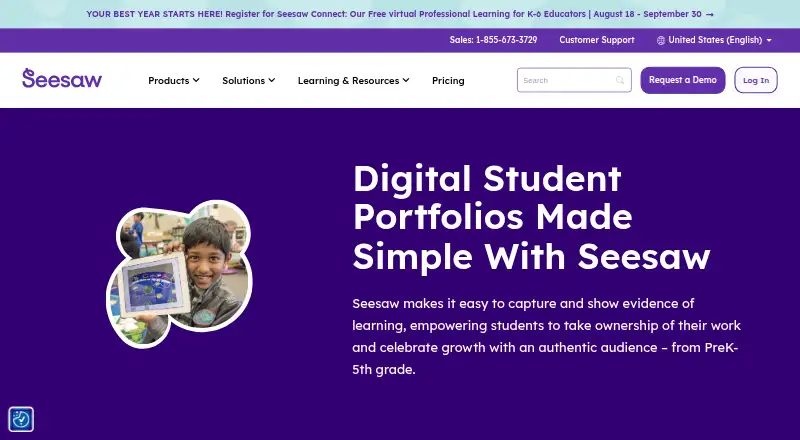
What Seesaw Digital Portfolios is
Seesaw Digital Portfolios help PreK–5th grade students document learning and show how their work develops over time. Students can capture classroom assignments as photos, videos, or audio recordings, upload digital work, and reflect on what they have learned. They can shape their own portfolios, assess themselves against learning objectives, and save selected work with reflections in highlights folders. Schools can organize evidence around district priorities using competency stickers and custom folders. Teachers decide what is shared and with whom; student work is private to the classroom by default. Seesaw lists integrations with Schoology, Canvas, and Google Classroom, along with Google, Microsoft, and Okta single sign-on. Districts can automate class, teacher, and student rostering through Clever or ClassLink. The service has a free plan and is available on the web, iOS, and Android. Its mobile app is not supported on Chromebooks, which should access Seesaw through a compatible browser.
Good
- Students can capture work with photos, video, and audio.
- Students can self-assess against learning objectives.
- Teachers control sharing, with work private by default.
- Supports Clever and ClassLink rostering.
- A free plan and web, iOS, and Android access are listed.
Watch out
- The mobile app is not supported on Chromebooks.
- The listed LMS plan is only available to schools or districts.
- Paid teacher licenses are not offered.
Who it suits
It suits elementary schools and teachers who want students to collect, reflect on, and share learning evidence. Students can maintain portfolios while schools organize work around learning objectives or district competencies.
Verdict
Seesaw Digital Portfolios center student reflection and evidence collection, with teacher-managed sharing and school-level organization. Chromebook users need to use the web version rather than the mobile app.
Plans and prices
From Seesaw Digital Portfolios's own pricing page, checked 30 Sep 2026.
| Plan | Price | What it gives you |
|---|---|---|
| Seesaw LMS | Priced on request | Available only to schools or districts · paid teacher licenses not offered · includes teaching and learning tools, school and district dashboards, gradebook and progress monitoring, family communication and engagement, and limited AI |
The facts
Each one read from Seesaw Digital Portfolios's own pages, with the date it was checked.
What it does
- Competencies
- Schools can use competency stickers and custom folders to collect evidence aligned with district priorities, including creativity, communication, and critical thinking.checked 30 Sep 2026
- Compliance
- Seesaw states it is SOC Type II compliant and complies with FERPA, COPPA, GDPR, LGPD, MFIPPA, and the Australian Privacy Act.checked 30 Sep 2026
- Digital artifacts
- Students can upload digital assignments to Seesaw and reflect on their learning.checked 30 Sep 2026
- Integrations
- Seesaw lists Schoology, Canvas, Google Classroom, and Microsoft SSO integrations, and supports Google, Microsoft, and Okta SSO.checked 30 Sep 2026
- Portfolio growth
- Portfolios follow students through their school journey, and highlights folders can save noteworthy work with student reflections.checked 30 Sep 2026
- Privacy controls
- Student work is private to the classroom by default, and teachers control what is shared and with whom.checked 30 Sep 2026
- Purpose
- Seesaw digital portfolios help PreK–5th grade students capture and show evidence of learning and celebrate growth.checked 30 Sep 2026
- Rostering
- Districts can automate class, teacher, and student rostering by syncing Seesaw with Clever or ClassLink.checked 30 Sep 2026
- Security
- Seesaw says it encrypts content in transit, uses secure server communication, and conducts regular third-party security audits.checked 30 Sep 2026
- Work capture
- Students can add photos, videos, and audio recordings of assignments, including hands-on classroom work.checked 30 Sep 2026
The company
- Data ownership
- Students and their schools own work added to Seesaw, and users can download their content or delete their account.checked 30 Sep 2026
- Founded
- 2013checked 28 Sep 2026
- Headquarters
- San Francisco, California, United Stateschecked 28 Sep 2026
- Student ownership
- Students can create their own portfolios, shape what goes into them, and self-assess against learning objectives.checked 30 Sep 2026
Where it runs
- Platform access
- Seesaw is available on the web at app.seesaw.me and through iOS and Android apps.checked 30 Sep 2026
- Platform limit
- The Seesaw mobile app is not supported on Chromebooks; Chromebook users should use a compatible web browser.checked 30 Sep 2026