PVE Hardware Monitor
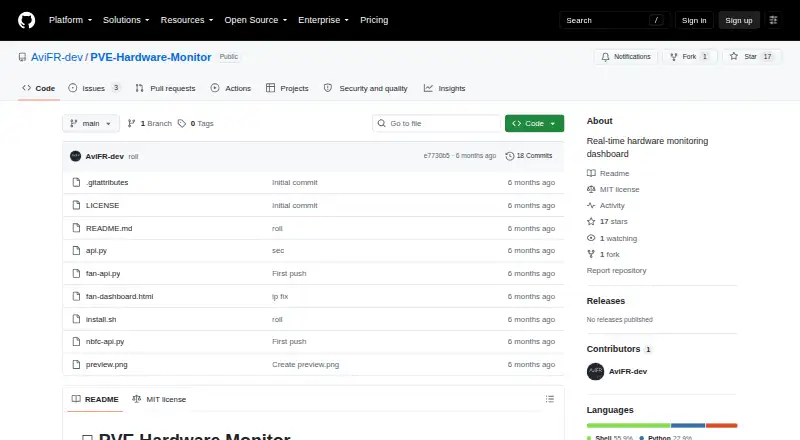
The facts below are what the maker publishes about PVE Hardware Monitor, checked and dated. Our editors have not written about it yet.
The facts
Each one read from PVE Hardware Monitor's own pages, with the date it was checked.
What it does
- Access and API
- After installation, the dashboard is served in a browser at the Proxmox host's port 9099, and GET /api/status returns sensor data as JSON.checked 11 Oct 2026
- API
- The project documents a GET /api/status endpoint that returns sensor data as JSON and a POST /api/mode endpoint for ASUS laptop fan profiles.checked 5 Oct 2026
- Compatibility
- The README lists Proxmox VE 8.x and 9.x as tested, along with an ASUS GL503VM and Dell PowerEdge R740.checked 11 Oct 2026
- Dependencies
- The project describes its API as using only Python's standard library, with no pip installs required.checked 11 Oct 2026
- Deployment
- The documented installation runs on a Proxmox host and serves the dashboard at port 9099.checked 5 Oct 2026
- Fan controls
- On supported ASUS laptops, users can select Silent, Normal, or Boost fan profiles.checked 11 Oct 2026
- Hardware metrics
- It displays fan speeds, CPU, NVMe and PCH temperatures, battery status, IPMI sensors, and system metrics.checked 11 Oct 2026
- History
- A live chart shows a rolling five-minute history of fan RPM, temperatures, and power draw.checked 11 Oct 2026
- History chart
- The dashboard includes a five-minute rolling chart for RPM, temperatures and power draw.checked 5 Oct 2026
- Installation
- The installer detects hardware, installs lm-sensors and ipmitool if needed, deploys the dashboard, and creates a systemd service on the Proxmox host.checked 11 Oct 2026
- Integrations
- It reads data from Linux hwmon, ASUS embedded controller registers, IPMI via ipmitool, sysfs battery data, and procfs system metrics.checked 11 Oct 2026
- IPMI
- For servers, IPMI support includes fan speeds, temperatures, power consumption, PSU status, and voltage rails.checked 11 Oct 2026
- IPMI features
- For supported servers, it reports fan speeds, temperatures, power consumption, PSU status and voltage rails.checked 5 Oct 2026
- License
- The software is under the MIT License, which grants use, copying, modification, and distribution subject to its stated conditions.checked 11 Oct 2026
- License and security
- The repository includes an MIT license; its license text provides the software as-is without warranty.checked 5 Oct 2026
- Limitations
- The project says hardware testing is limited and that IPMI has been tested on a Dell PowerEdge R740 with iDRAC 9; other vendors are untested, and out-of-band lanplus is not supported.checked 11 Oct 2026
- Limits
- The project describes itself as early-stage, says hardware testing is limited, and notes that out-of-band IPMI lanplus is not supported.checked 5 Oct 2026
- Maturity and support
- The project identifies itself as early-stage, expects bugs, and asks users to report them through GitHub issues with hardware and Proxmox details.checked 11 Oct 2026
- Monitoring
- It displays fan speeds, CPU, NVMe and chipset temperatures, battery status, IPMI sensors, uptime, load average and memory usage.checked 5 Oct 2026
- Purpose
- A real-time hardware monitoring dashboard for Proxmox VE hosts.checked 11 Oct 2026
- Sensor setup
- The installer detects available sensors and configures their paths automatically.checked 5 Oct 2026
- Support
- The README directs users to open a GitHub issue with their hardware model, Proxmox version and diagnostic output when reporting bugs.checked 5 Oct 2026
Alternatives to PVE Hardware Monitor
- 1

Checkmk
Free planOpen sourceAndroidiOSWebAPI8.8From $275 a month - 2
Netdata
Free planOpen sourceAndroidiOSWebAPI8.7From $4.50 a month - 3

Centreon
Free planOpen sourceWebAPILinuxSelf-hosted8.3From €2.27 a year - 4

ManageEngine OpManager
Free planAndroidiOSWebAPI8.3From $95 a year - 5
Telegraf
Free planOpen sourceWebAPILinuxmacOS8.3From $18,000 a year - 6

Nagios XI
Free planWebAPILinuxmacOS8.1$2,595 one-time