PanWriter
PanWriter is a free, open-source Markdown editor for drafting and preparing documents for publication.
What PanWriter is
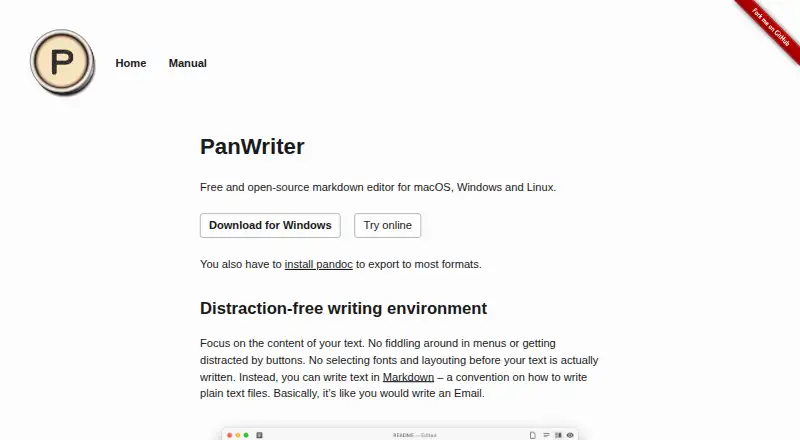
PanWriter is a free, open-source Markdown editor for drafting and preparing documents for publication. It runs on Linux, macOS and Windows and works with local files. Its text-focused workspace places a Markdown document beside a live preview, while a paginated view helps review page layout for print or PDF. You can adjust the layout with CSS and see changes reflected in the preview. PanWriter also converts an imported .docx file to Markdown, then lets you export edited text back to DOCX. Publishing formats include HTML, DOCX, EPUB, LaTeX, PDF, PowerPoint, InDesign ICML and other Pandoc formats. Pandoc must be installed to export to most formats. Scripts and integrations can automate publishing workflows, and the editor can connect with web services or other applications. Questions and feedback are handled through GitHub issues.
Good
- Free and open source
- Runs on Linux, macOS and Windows
- Live Markdown and paginated previews
- Imports and exports DOCX
- CSS changes update the preview live
Watch out
- Pandoc is required for most exports
- DOCX import converts the document to Markdown
Who it suits
PanWriter suits writers who want a text-focused Markdown workspace with a live, paginated preview. It may also fit publishing workflows that use Pandoc formats or DOCX conversion.
Verdict
PanWriter brings Markdown drafting, page review and a range of publishing exports into one editor. Check the Pandoc requirement if you need to export to most listed formats.
Plans and prices
From PanWriter's own pricing page, checked 28 Sep 2026.
| Plan | Price | What it gives you |
|---|---|---|
| PanWriter Free | Free | Free and open-source software |
The facts
Each one read from PanWriter's own pages, with the date it was checked.
What it does
- CSS customization
- Layout can be tuned with CSS lineschecked 28 Sep 2026
- DOCX export
- Edited text can be exported back to .docxchecked 28 Sep 2026
- DOCX import
- Dragging a .docx file converts it to Markdown and opens itchecked 28 Sep 2026
- Export formats
- HTML,DOCX,EPUB,LaTeX,PDF,PowerPoint,InDesign ICML,and other Pandoc formatschecked 20 Sep 2026
- External integrations
- Can integrate with web services or other applicationschecked 28 Sep 2026
- Live CSS updates
- CSS changes are reflected live in the previewchecked 28 Sep 2026
- Live preview
- Markdown appears on the left with a preview on the rightchecked 28 Sep 2026
- Local file support
- Yeschecked 20 Sep 2026
- Markdown editing
- Users write plain-text documents in Markdownchecked 28 Sep 2026
- Markdown flavor
- commonmarkchecked 20 Sep 2026
- Open-source status
- The software is open sourcechecked 28 Sep 2026
- Paginated preview
- Preview lays text out on pages for print and PDF reviewchecked 28 Sep 2026
- Pandoc requirement
- Pandoc must be installed to export to most formatschecked 28 Sep 2026
- Pricing model
- Free software with no paid pricing statedchecked 28 Sep 2026
- Support channel
- Questions and feedback are handled through GitHub issueschecked 28 Sep 2026
- Workflow automation
- Pandoc scripts and integrations can automate workflowschecked 28 Sep 2026
- Writing environment
- Distraction-free environment focused on text contentchecked 28 Sep 2026
Money
- Free plan
- Yeschecked 20 Sep 2026
Where it runs
- Supported platforms
- macOS, Windows, and Linuxchecked 28 Sep 2026