Ogmo Editor
OGMO Editor is a free, open-source level editor for indie game developers, available on Linux, macOS, and Windows.
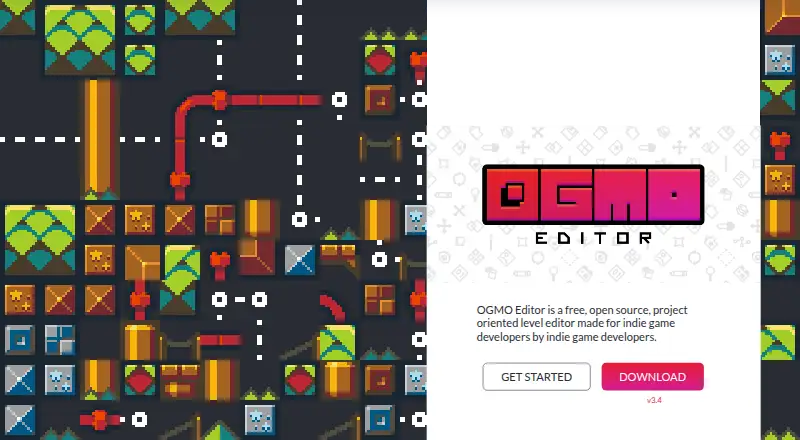
What Ogmo Editor is
OGMO Editor is a free, open-source level editor for indie game developers, available on Linux, macOS, and Windows. Its project-oriented workflow connects project data with level files that users can access from the main window. Tile layers let developers build levels from a tileset, while decal layers place images that can be scaled and rotated for decoration. Entity layers are for placing complex objects in a game, and grid layers add metadata to levels. Edited levels are saved as JSON files, which can be parsed to access authored tiles, decals, and entities. The editor is free for personal and commercial projects under the MIT license. An online manual covers its workflow, and the download page has a community area with discussion topics and a changelog. The website credits Maddy Thorson and friends as its creators.
Good
- Free for personal and commercial projects
- MIT-licensed and open source
- Tile, decal, entity, and grid layers
- Saves edited levels as JSON
- Available for Linux, macOS, and Windows
Watch out
- Designed for 2D level editing
Who it suits
OGMO Editor suits indie developers building 2D levels who want tile, decal, entity, and grid layers. It is available across Linux, macOS, and Windows.
Verdict
OGMO Editor offers a project-based workflow with several layer types and JSON output. Its free MIT license covers personal and commercial projects.
Plans and prices
From Ogmo Editor's own pricing page, checked 7 Oct 2026.
| Plan | Price | What it gives you |
|---|---|---|
| OGMO Editor | Free | Free for personal and commercial projects · MIT licensed · Free forever |
The facts
Each one read from Ogmo Editor's own pages, with the date it was checked.
What it does
- Decal layers
- Decal layers let users place, scale, and rotate images to decorate levels.checked 7 Oct 2026
- Documentation
- An online manual is available and covers the editor's workflow in detail.checked 7 Oct 2026
- Entity layers
- Entity layers let users place complex objects in a game.checked 7 Oct 2026
- Export and integration
- Edited levels save as JSON files that can be parsed to access authored tiles, decals, and entities.checked 7 Oct 2026
- Grid layers
- Grid layers let users add metadata to levels.checked 7 Oct 2026
- Product
- OGMO Editor is a free, open-source, project-oriented level editor made for indie game developers.checked 7 Oct 2026
- Project workflow
- Project data flows down to level files, which are accessible from the main window.checked 7 Oct 2026
- Support and community
- The download page provides a community area with discussion topics and a changelog.checked 7 Oct 2026
- Tile layers
- Tile layers let users create levels from a tileset.checked 7 Oct 2026
Money
- License and cost
- The editor is free for personal and commercial projects and is open source under the MIT license.checked 7 Oct 2026
The company
- Maker attribution
- The website credits OGMO Editor as created by Maddy Thorson and friends.checked 7 Oct 2026
Where it runs
- Platforms
- The downloadable tool is listed for Windows, macOS, and Linux.checked 7 Oct 2026
Alternatives to Ogmo Editor
- 1
Avidemux
Free planOpen sourceWebLinuxmacOSWindows7.3Free plan - 2
Dune II - The Maker Map Editor
Free planOpen sourceLinuxmacOSWindows7.2Free plan - 3

GtkRadiant
Free planOpen sourceLinuxmacOSWindows7.2Free plan - 4

LDtk
Free planOpen sourceAPILinuxmacOSWindows7.2Free plan - 5

GridCraft
Free planWebAPILinuxmacOS7.0From $3.99 a month - 6

Sprite Fusion
Free planWebLinuxmacOSWindows6.9$14.99 one-time