Live File Backup
Live File Backup is Windows software that continuously copies working files in the background between regular system backups.
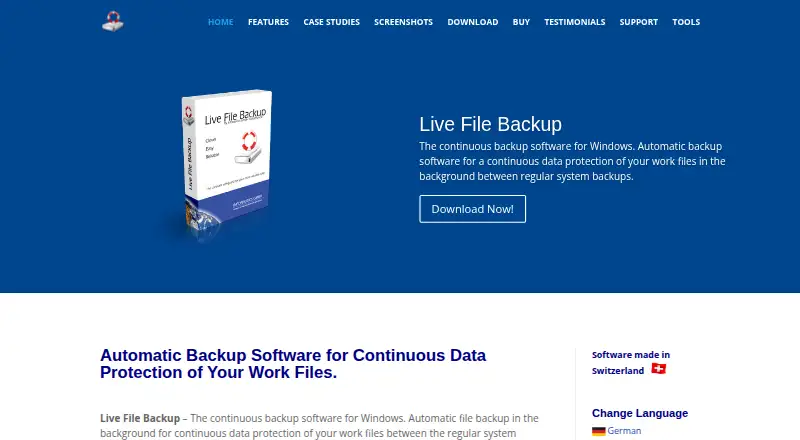
What Live File Backup is
Live File Backup is Windows software that continuously copies working files in the background between regular system backups. It creates multiple generations, allowing restoration of lost or older versions. Destinations include local and external drives, USB sticks, network drives, NAS, and Internet or Intranet locations through FTP. Users set backup intervals, copy counts, and retention duration. Recovery can run from the application or Windows Explorer, to the original path or another location. The product supports point-in-time recovery, a 60-second minimum RPO, and self-hosted deployment. A free trial is available, but automatic backup stops after two hours until restarted and saved data lasts at most two days. Paid one-time licenses do not expire and include future updates: $25, paid once for one PC, $45, paid once for four PCs, $115, paid once for up to ten company PCs, and $245, paid once for unlimited company PCs/users.
Good
- Continuous background backups
- Multiple generations and point-in-time recovery
- Many local, network, and FTP destinations
- Restore through software or Windows Explorer
- One-time licenses include future updates
Watch out
- Windows-only platform
- No free plan
- Trial automation stops after two hours
- Paths are limited to 238 characters
Who it suits
It suits home computers, business PCs, and laptops needing continuous file-version backups. Organizations can choose licenses based on the number of PCs or users.
Verdict
Live File Backup focuses on frequent file protection between system backups, with configurable retention and broad storage destinations. Its trial limits and Windows-only support matter when planning evaluation or deployment.
Plans and prices
From Live File Backup's own pricing page, checked 7 Oct 2026.
| Plan | Price | What it gives you |
|---|---|---|
| Single (1 PC) | €25, paid once | 1 PC/User · One-time fee; non-expiring; all future updates included. Page shows “25 EUR / USD / CHF (exchange rate dependent).” |
| Personal (4 PCs) | €45, paid once | 4 PCs of the same person · One-time fee; non-expiring; all future updates included. Page shows “45 EUR / USD / CHF (exchange rate dependent).” |
| Business (10 PCs) | €115, paid once | Up to 10 PCs/Users within the same company · One-time fee; non-expiring; all future updates included. Page shows “115 EUR / USD / CHF (exchange rate dependent).” |
| Corporate License (11+ PCs) | €245, paid once | Unlimited PCs/Users within the same company; public enterprises and large corporations: per-license departments/locations of about 100 employees · One-time fee; non-expiring; all future updates included. Page shows “245 EUR / USD / CHF (exchange rate dependent).” |
The facts
Each one read from Live File Backup's own pages, with the date it was checked.
What it does
- Configurable retention
- Users can set backup intervals, the number of copies, and how long copies are kept.checked 7 Oct 2026
- File versions
- It automatically creates multiple backup generations so users can restore lost or older file versions.checked 7 Oct 2026
- Intended users
- The maker describes the software for home computers, business PCs, and laptops.checked 7 Oct 2026
- Notable path limit
- The features page states that the backup target path and source file path/name may contain at most 238 characters; otherwise the file is skipped.checked 7 Oct 2026
- Notable storage consideration
- The FAQ says storing more generations for longer requires more storage space and warns that slow networks or limited server directories may run out of resources.checked 7 Oct 2026
- Purpose
- Live File Backup continuously backs up working files in the background between regular system backups.checked 7 Oct 2026
- Recovery
- Files can be restored through the software or Windows Explorer, to the original location or another chosen location.checked 7 Oct 2026
- Security claim
- The maker says the software and installer are digitally signed and contain no advertising or third-party software.checked 7 Oct 2026
- Storage destinations
- Backups can be saved to local or external drives, USB sticks, network drives, NAS, or Internet/Intranet locations via FTP.checked 7 Oct 2026
- Support
- The maker offers free email support in English and German and says questions are answered within 48 hours.checked 7 Oct 2026
The company
- Founded
- 1995checked 28 Sep 2026
- Headquarters
- Steinhausen, Switzerlandchecked 28 Sep 2026
- Maker history
- INFONAUTICS GmbH says it has developed software since 1995, including software for small and mid-sized companies.checked 7 Oct 2026
Money
- Trial limits
- The free trial stops automatic backup after two hours until manually restarted and keeps saved data for at most two days.checked 7 Oct 2026
Alternatives to Live File Backup
- 1
UrBackup
Free planOpen sourceAndroidWebAPILinux8.7Free plan - 2

IDrive
Free planAndroidiOSWebLinux8.4From $0.25 a month - 3

Bacula Enterprise
AndroidWebAPILinux7.9From $90 a year - 4

Backblaze Computer Backup
AndroidiOSWebmacOS7.8From $7.88 a month - 5

Storware Backup & Recovery
Free planWebAPILinuxmacOS7.5Free plan - 6
Vinchin Backup & Recovery
Free planWebLinuxSelf-hostedWindows7.3Free plan