jrnl
jrnl is a free, open-source command-line application for creating, searching, and viewing journal entries.
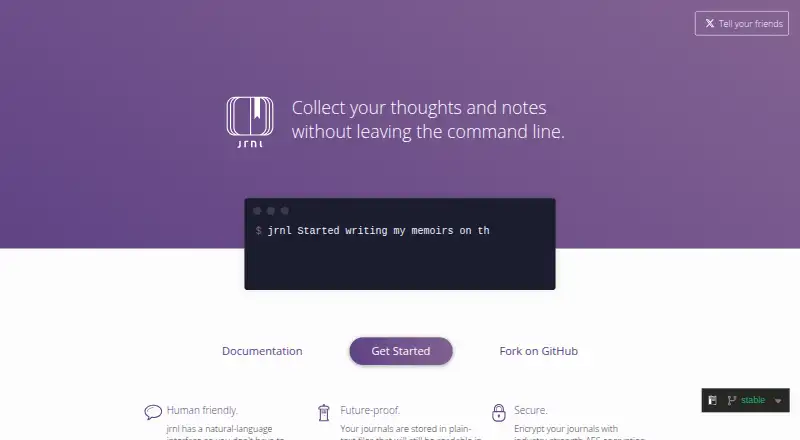
What jrnl is
jrnl is a free, open-source command-line application for creating, searching, and viewing journal entries. It runs on Linux, macOS, and Windows, and can be used offline. Entries can use natural-language timestamps, while inline tags help with searching and filtering. You can keep multiple journals in one file or across several files, for example to separate work and personal writing. Journals are stored as readable plain-text files that can be placed in shared folders to sync between devices. jrnl also supports AES encryption; new encrypted writes use the jrnl v3 format. When encrypting a journal, it asks whether to save the password in the system keychain. Passwords cannot be recovered or reset, so losing one makes the encrypted data inaccessible. Entries can be sent to configured external editors such as Visual Studio Code, Vim, and Notepad++. The application supports importing entries and exporting data in JSON, Markdown, plain text, XML, and YAML. Its installation guide recommends pipx with Python 3.11 or later. For help, the project directs users to submit a GitHub issue.
Good
- Runs on Linux, macOS, and Windows
- Works offline
- Supports multiple journals and inline tags
- Imports entries and exports multiple formats
Watch out
- Uses a command-line interface
- Lost encryption passwords cannot be recovered or reset
- Installation guide recommends pipx with Python 3.11 or later
Who it suits
jrnl suits people who prefer a command-line journal and want separate records for work, personal life, or other parts of their lives. It also fits users who want offline access and plain-text journal files.
Verdict
jrnl offers a focused journaling workflow with offline use, multiple journals, and export options. Keep encryption passwords safe, since they cannot be reset and losing one blocks access to the data.
Plans and prices
From jrnl's own pricing page, checked 5 Oct 2026.
| Plan | Price | What it gives you |
|---|---|---|
| Free and open source | Free | Command-line journal application |
The facts
Each one read from jrnl's own pages, with the date it was checked.
What it does
- Editors
- jrnl can pass entries to a configured external editor, including Visual Studio Code, Vim, and Notepad++.checked 5 Oct 2026
- Encryption
- The application supports AES encryption, and its documentation says encrypted journals use the jrnl v3 format for new encrypted writes.checked 5 Oct 2026
- Export formats
- multiplechecked 20 Sep 2026
- Import and export
- jrnl supports importing entries and exporting them in formats including JSON, Markdown, plain text, XML, and YAML.checked 5 Oct 2026
- Installation requirement
- The installation guide recommends pipx with Python 3.11 or later.checked 5 Oct 2026
- Keychain
- When encrypting a journal, jrnl asks whether to store its password in the system keychain.checked 5 Oct 2026
- Natural-language entry
- Entries can be created with natural-language timestamps such as “yesterday.”checked 5 Oct 2026
- Offline access
- Yeschecked 20 Sep 2026
- Open source
- The project says it is free and open source, and its GitHub repository identifies the license as GPL-3.0.checked 5 Oct 2026
- Password recovery
- The documentation states that jrnl passwords cannot be recovered or reset, and losing one makes the data inaccessible.checked 5 Oct 2026
- Plain-text storage
- Journals are stored as human-readable plain-text files that can be placed in shared folders to synchronize between devices.checked 5 Oct 2026
- Purpose
- jrnl is a command-line journal application for creating, searching, and viewing journal entries.checked 5 Oct 2026
- Support
- The project directs users who need help to submit an issue on GitHub.checked 5 Oct 2026
- Sync and integrations
- The homepage suggests syncing journal files with tools such as Dropbox; the documentation also describes external editors and data formats for piping or exporting journal data.checked 5 Oct 2026
- Tags and journals
- jrnl supports inline tags for searching and filtering, and multiple journals stored as one file or a set of files.checked 5 Oct 2026
- Who it is for
- The homepage presents jrnl as a tool for keeping separate journals for different parts of life, including work and personal use.checked 5 Oct 2026
Money
- Free plan
- Yeschecked 20 Sep 2026
Alternatives to jrnl
- 1

Stoic
Free planAndroidiOSWebmacOS8.9From $39.99 a year - 2

Journey
Free planAndroidiOSWebLinux8.6From $50.04 a year - 3
Day One
Free planAndroidiOSExtensionmacOS8.4From $49.99 a year - 4

Mindsera
Free planAndroidiOSWeb8.4From $129 a year - 5

Daybook
Free planAndroidiOSWeb8.1From $39.99 a year - 6
Skrive
Free planAndroidiOSmacOS8.1Free plan