JetBrains AI Assistant for Visual Studio Code
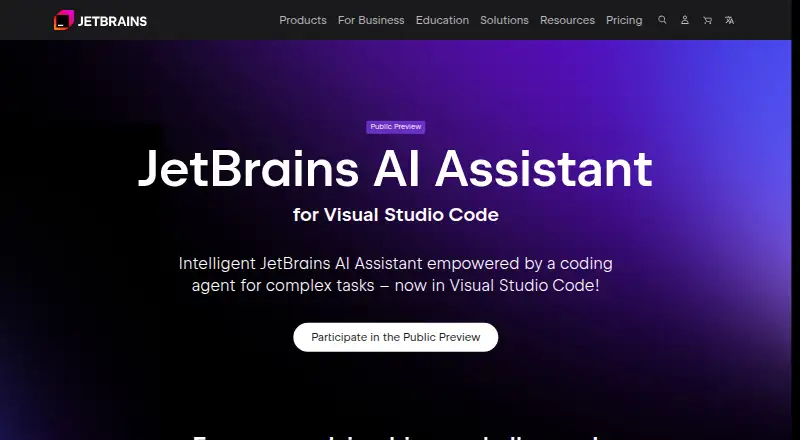
The facts below are what the maker publishes about JetBrains AI Assistant for Visual Studio Code, checked and dated. Our editors have not written about it yet.
Plans and prices
From JetBrains AI Assistant for Visual Studio Code's own pricing page, checked 9 Oct 2026.
| Plan | Price | What it gives you |
|---|---|---|
| AI EAP license | Free | Free license during the public preview; sign in with a JetBrains Account |
The facts
Each one read from JetBrains AI Assistant for Visual Studio Code's own pages, with the date it was checked.
What it does
- Agent
- The agent coordinates multiple AI models on complex tasks while allowing the user to guide or interrupt the work.checked 9 Oct 2026
- China availability
- The extension does not work in China during the public preview.checked 9 Oct 2026
- Codebase chat
- AI Chat answers natural-language questions with context about the codebase and target programming language.checked 9 Oct 2026
- Code completion
- Its Mellum-powered suggestions can complete a single line or entire code blocks across the languages listed on the product page.checked 9 Oct 2026
- Editor availability
- JetBrains focuses on a VS Code plugin, which it says can also be installed in compatible editors without usage restrictions.checked 9 Oct 2026
- Feedback and support
- The product page directs users to its issue tracker or a feedback form for feature requests and feedback.checked 9 Oct 2026
- Language support limit
- The extension does not provide language features such as code highlighting, code analysis, or refactoring; the product page recommends installing a language extension for those capabilities.checked 9 Oct 2026
- Marketplace distribution
- The extension is available through the Visual Studio Code Marketplace and Open VSX Registry for compatible editors including Cursor, Windsurf, and VSCodium.checked 9 Oct 2026
- Model choice
- Users can select from language model providers offered by the extension.checked 9 Oct 2026
- Multi-file editing
- Chat can suggest edits across multiple files and identify which files are affected.checked 9 Oct 2026
- Other features
- The extension can generate commit messages and inline documentation, explain code, find mistakes, and suggest improvements.checked 9 Oct 2026
- Preview access
- During public preview, users can sign in with a JetBrains Account to receive a free AI EAP license or use an existing JetBrains AI subscription; plans and pricing apply after full public release.checked 9 Oct 2026
- Purpose
- JetBrains AI Assistant for VS Code helps developers write, optimize, and fix code with AI and a built-in coding agent.checked 9 Oct 2026
- Telemetry
- The extension collects telemetry to help JetBrains understand how to improve the product, and its Marketplace listing refers users to the JetBrains Privacy Notice.checked 9 Oct 2026
The company
- Company
- JetBrains lists its headquarters in Amsterdam, the Netherlands, and says it was founded in February 2000.checked 9 Oct 2026
- Headquarters
- Amsterdam, Netherlandschecked 28 Sep 2026
Alternatives to JetBrains AI Assistant for Visual Studio Code
- 1

OpenCode
Free planOpen sourceiOSWebAPIExtension8.6From $10 a month - 2

Amazon Q
Free planAndroidiOSWebAPI8.4Free plan - 3

Replit
Free planAndroidiOSWebLinux8.4From $18 a month - 4
Cursor
Free planiOSWebAPILinux8.3From $8 a month - 5
GitHub Copilot
Free planAndroidiOSWebExtension8.3From $10 a month - 6

Claude Code
Free planAndroidiOSWebAPI8.2From $17 a month