IntaHub Kitchen Display System
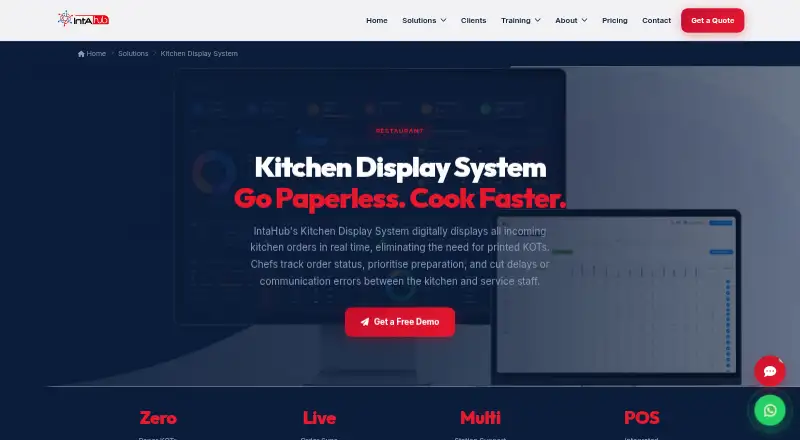
The facts below are what the maker publishes about IntaHub Kitchen Display System, checked and dated. Our editors have not written about it yet.
The facts
Each one read from IntaHub Kitchen Display System's own pages, with the date it was checked.
What it does
- Alerts
- Orders that exceed their target preparation time are flagged for chefs and managers.checked 11 Oct 2026
- Analytics
- The system tracks average preparation time, peak order hours, and station performance.checked 11 Oct 2026
- Completion and recall
- Staff can complete items or orders using a bump bar or touch input, and recall completed orders with a timestamped history.checked 11 Oct 2026
- Completion controls
- Staff can mark items or full orders complete using a bump bar or touch tap.checked 11 Oct 2026
- Delay alerts
- Orders that exceed their target preparation time are flagged for chefs and managers.checked 11 Oct 2026
- Display hardware
- The system runs on standard touch-screen displays or dedicated KDS hardware, according to IntaHub.checked 11 Oct 2026
- Hardware
- It runs on standard touch-screen displays or dedicated KDS hardware, according to the product page.checked 11 Oct 2026
- History and analytics
- The system offers timestamped order history and recall, plus analytics for preparation times, peak hours, and station performance.checked 11 Oct 2026
- Intended customers
- IntaHub describes the Kitchen Display System as built for growing hospitality businesses.checked 11 Oct 2026
- Intended users
- IntaHub describes the product as built for hospitality professionals and growing hospitality businesses.checked 11 Oct 2026
- Order details
- Modifiers, allergies, and special requests are displayed with each order.checked 11 Oct 2026
- Order sources
- Orders from POS terminals, QR ordering, or mobile ordering platforms can appear on kitchen screens in real time.checked 11 Oct 2026
- Order status
- Order statuses update live on screen as new, preparing, ready, or served.checked 11 Oct 2026
- Order tracking
- Order statuses—new, preparing, ready, and served—update live on screen.checked 11 Oct 2026
- Pricing availability
- The pricing calculator lists Production Kitchen at AUD 79 per month, but does not list a Kitchen Display module or price.checked 11 Oct 2026
- Prioritisation
- Orders can be prioritised by elapsed time, table, or priority, and change colour as they age.checked 11 Oct 2026
- Privacy and security
- IntaHub says it uses reasonable technical and organisational measures to protect personal information and does not guarantee absolute security.checked 11 Oct 2026
- Purpose
- The Kitchen Display System shows incoming kitchen orders digitally in real time, replacing printed kitchen order tickets.checked 11 Oct 2026
- Service notifications
- Waitstaff can be notified when an order is ready for pickup.checked 11 Oct 2026
- Station routing
- Orders can be routed to stations such as grill, fry, dessert, and bar, with separate displays or a consolidated view.checked 11 Oct 2026
- Support
- IntaHub describes its support as available 24/7 and says onboarding includes guided training and hands-on installation.checked 11 Oct 2026
The company
- Founded
- 2014checked 28 Sep 2026
- Headquarters
- Melbourne, Australiachecked 28 Sep 2026
Where it runs
- POS and ordering connections
- Orders from POS terminals, QR ordering, and mobile ordering platforms appear on kitchen screens in real time.checked 11 Oct 2026
Alternatives to IntaHub Kitchen Display System
- 1

HungerRush
Free planAndroidiOSWebAPI8.1From $149 a month - 2
Slant KDS
Free planAndroidWebAPImacOS7.8From $32 a month - 3

Baresto Manager
Free planOpen sourceAndroidiOSWebAPI7.7Free plan - 4
Toast
Free planAndroidiOSWebAPI7.6From $69 a month - 5
NodeDR OrderRestro
Free planOpen sourceWebAPILinuxmacOS7.5Free plan - 6

Ordering.Tools
Free planAndroidiOSWeb7.5From €30 a month