i2OCR
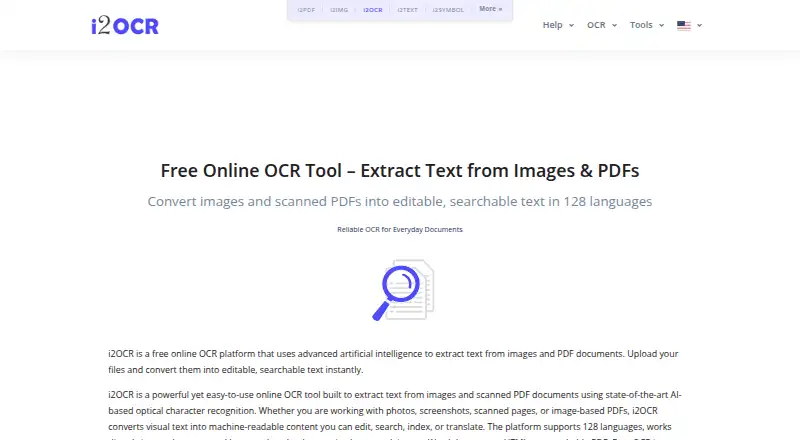
i2OCR extracts text from images and scanned PDF documents in a web browser, with no installation required.
What i2OCR is
i2OCR extracts text from images and scanned PDF documents in a web browser, with no installation required. It supports 128 languages and can return plain text, Word documents, HTML, searchable PDFs, and ZIP files. The free option processes one image or PDF page at a time; bulk processing for larger document sets is a premium option. i2OCR provides image OCR, PDF OCR, and batch tools for images and PDF documents, along with editing functions for summarization, paraphrasing, spelling fixes, number normalization, and diacritics. The service says it uses AI-powered optical character recognition and automatically deletes uploaded files and extracted text after processing. It claims high recognition accuracy across supported languages, while noting that results depend on image quality and document clarity. Complex layouts and handwriting may reduce precision, although handwriting OCR is supported. The service is intended for students, professionals, researchers, translators, editors, and businesses. It lists a free plan; for unanswered questions, the listed contact is [email protected].
Good
- Supports 128 languages and handwriting OCR.
- Runs in modern browsers without installation.
- Exports searchable PDF, Word, HTML, plain text, and ZIP.
- Automatically deletes uploaded files and extracted text after processing.
- Includes batch OCR and text-editing tools.
Watch out
- Free OCR handles one image or PDF page at a time.
- Bulk processing is a premium option.
- Complex layouts and handwriting can reduce precision.
- Results depend on image quality and document clarity.
Who it suits
i2OCR may suit students, professionals, researchers, translators, editors, and businesses that need text extracted from images or scanned PDFs. It is useful for occasional single-page work, while larger sets require the premium bulk option.
Verdict
i2OCR covers common image and scanned-PDF extraction needs, with several output formats and editing tools. The one-page free limit and stated accuracy constraints matter when processing larger or difficult documents.
Plans and prices
From i2OCR's own pricing page, checked 28 Sep 2026.
| Plan | Price | What it gives you |
|---|---|---|
| Free OCR | Free | One image or PDF page processed at a time. |
The facts
Each one read from i2OCR's own pages, with the date it was checked.
What it does
- Accuracy Limitations
- Accuracy depends on image quality and document clarity.checked 28 Sep 2026
- AI OCR
- Uses artificial intelligence and AI-powered optical character recognition.checked 28 Sep 2026
- Automatic Deletion
- Uploaded files and extracted text are automatically deleted after processing.checked 28 Sep 2026
- Bulk Processing
- Bulk OCR is available as a premium option for larger document sets.checked 28 Sep 2026
- Editing Tools
- Includes summarization, paraphrasing, spelling fixes, number normalization, and diacritics.checked 28 Sep 2026
- Handwriting Limitation
- Complex layouts and handwriting may reduce precision.checked 28 Sep 2026
- Handwriting OCR
- Yeschecked 23 Sep 2026
- OCR Tools
- Provides image OCR, PDF OCR, batch OCR images, and batch OCR PDF documents.checked 28 Sep 2026
- Output Formats
- Outputs plain text, Word documents, HTML, searchable PDF, and ZIP.checked 28 Sep 2026
- Recognition Accuracy
- The page claims high recognition accuracy across supported languages.checked 28 Sep 2026
- Searchable PDF
- Yeschecked 23 Sep 2026
- Secure File Handling
- The platform describes its processing as secure, with automatic file deletion.checked 28 Sep 2026
- Support Contact
- Provides [email protected] for unanswered questions.checked 28 Sep 2026
- Supported inputs
- bothchecked 23 Sep 2026
- Supported languages
- 128checked 23 Sep 2026
- Supported Languages
- Supports OCR in 128 languages and scripts.checked 28 Sep 2026
- Target Users
- Targets students, professionals, researchers, translators, editors, and businesses.checked 28 Sep 2026
- Word export
- Yeschecked 23 Sep 2026
Where it runs
- Browser Platform
- Runs directly in modern web browsers without installation.checked 28 Sep 2026
- Primary platform
- webchecked 23 Sep 2026
Money
- Free Online OCR
- i2OCR provides free online OCR for images and scanned PDF documents.checked 28 Sep 2026
- Free plan
- Yeschecked 23 Sep 2026
- Free Tier Limit
- Free OCR processes one image or PDF page at a time.checked 28 Sep 2026
The company
- Headquarters
- USAchecked 28 Sep 2026
Alternatives to i2OCR
- 1
FreeOCR.AI
Free planWebAPImacOSWindows8.3From $80 a year - 2

Open-Capture
Free planOpen sourceWebAPILinuxSelf-hosted8.1Free plan - 3
ScanScan
AndroidiOSWebmacOS7.5CN¥30 one-time - 4
NewOCR
Free planWebAPI7.3$0.50 one-time - 5
Scribe OCR
Free planWebSelf-hosted7.0Free plan - 6
OCR4all
Free planWebLinuxmacOSSelf-hosted7.0Free plan