FlowCap
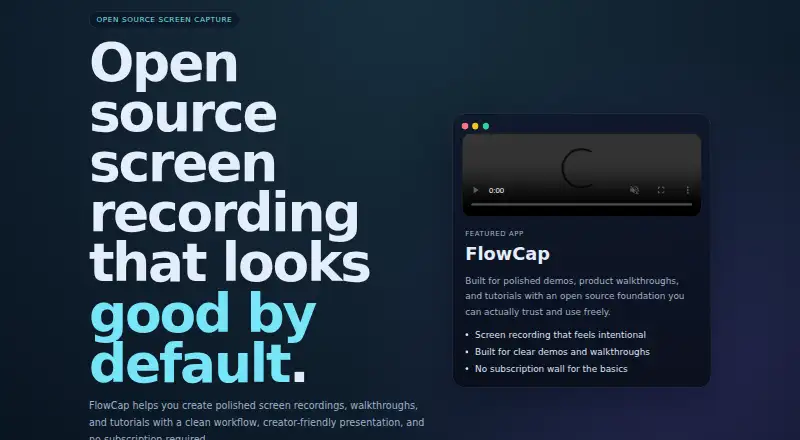
The facts below are what the maker publishes about FlowCap, checked and dated. Our editors have not written about it yet.
The facts
Each one read from FlowCap's own pages, with the date it was checked.
What it does
- Audience
- The maker describes it as designed for builders, creators, and teams.checked 12 Oct 2026
- Availability
- The maker says FlowCap is currently available as a Windows download through GitHub Releases.checked 12 Oct 2026
- Cursor effects
- The README lists auto-zoom that follows the cursor and spotlight mode that dims areas outside it.checked 12 Oct 2026
- Distribution
- The maker says the Windows download is available through GitHub Releases as an MSI installer.checked 12 Oct 2026
- Editing and export
- The README says users can trim recordings and export to MP4, WebM, or animated GIF.checked 12 Oct 2026
- Integrations
- The opened maker pages do not state any third-party integrations.checked 12 Oct 2026
- Intended users
- The maker describes FlowCap as designed for builders, creators, and teams.checked 12 Oct 2026
- License
- The repository README identifies the license as MIT.checked 12 Oct 2026
- Local control
- The maker describes FlowCap as focused on clarity, speed, and local control.checked 12 Oct 2026
- Microphone
- FlowCap records microphone audio and mixes it directly into the output file.checked 12 Oct 2026
- Microphone recording
- Yeschecked 22 Sep 2026
- Open source
- The project is published under the MIT license, according to its README.checked 12 Oct 2026
- Pricing
- The maker says users can download and use FlowCap without a subscription.checked 12 Oct 2026
- Privacy
- The README says there is no cloud upload and recordings stay on the user's machine.checked 12 Oct 2026
- Product
- FlowCap is an open source screen recorder for creating demos, tutorials, and walkthroughs.checked 12 Oct 2026
- Purpose
- FlowCap is an open source screen recorder for polished demos, walkthroughs, and tutorials.checked 12 Oct 2026
- Recording workflow
- The maker describes a fast workflow from capture to export and a clean interface for demos and editing.checked 12 Oct 2026
- Subscription
- The maker says users can keep using FlowCap without paying a monthly subscription.checked 12 Oct 2026
- Support
- The README welcomes pull requests and asks contributors to open an issue first for significant changes.checked 12 Oct 2026
- Watermark
- The README says the app has no watermark.checked 12 Oct 2026
- Webcam and audio
- The README lists a webcam overlay and microphone recording mixed into the output file.checked 12 Oct 2026
- Webcam overlay
- The webcam overlay can be a circle or rounded rectangle, with four corner positions and three sizes.checked 12 Oct 2026
Money
- Free plan
- Yeschecked 22 Sep 2026
Where it runs
- Supported platforms
- windowschecked 22 Sep 2026
Alternatives to FlowCap
- 1

Cap
Free planOpen sourceWebAPIExtensionLinux9.0From $29 a year - 2

Loom
Free planAndroidiOSWebmacOS8.9From $18 a month - 3

Vmaker
Free planiOSWebExtensionmacOS8.9From $18 a month - 4

ScreenPal
Free planAndroidiOSWebmacOS8.8From $4 a month - 5

Claap
Free planAndroidiOSWebAPI8.8From €32 a month - 6

Screencastify
Free planWebExtensionLinuxmacOS8.7From $7 a month