
Figma Buzz
Figma Buzz is a web tool for teams creating and sharing branded static assets such as social media graphics, display ads, and one-pagers.
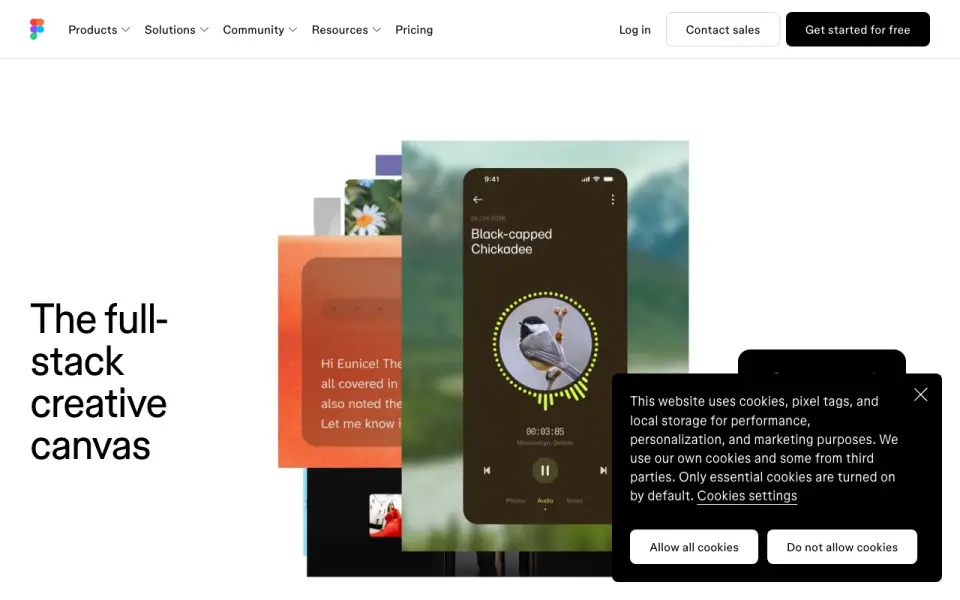
What Figma Buzz is
Figma Buzz is a web tool for teams creating and sharing branded static assets such as social media graphics, display ads, and one-pagers. Brand designers, marketers, and creative partners can work with brand templates that limit edits to approved fields. Teams can populate assets in bulk using CSV or XLSX spreadsheet values, then use multi-editing to apply changes across assets. Built-in AI tools can remove image backgrounds, combine images, increase resolution, and rewrite, shorten, or translate text. For prompt-based image creation, Figma lists integrations with OpenAI gpt-image-1 and Gemini. Buzz can import MP4 and MOV videos, trim them, and export finished assets as PNGs, JPEGs, or PDFs. Plugins support digital asset management, translation, and animation, with options including Air, Brandfolder, Bynder, Lokalise, Phrase, Jitter, and LottieFiles. Buzz is free to use during beta across Figma seats and plans, including Starter. Publishing templates requires a paid plan; Professional teams can create five team templates.
Good
- Bulk-populates assets from CSV or XLSX data
- Multi-editing applies changes across assets
- Supports image tools and text rewriting or translation
- Imports and trims MP4 and MOV video
Watch out
- Template publishing requires a paid plan
- Professional teams can create five team templates
- Available platform is web only
Who it suits
Buzz may suit brand designers, marketers, and creative partners who need to produce branded assets together. It is also relevant to teams that create assets in batches or manage reusable templates.
Verdict
Figma Buzz supports shared branded asset creation, bulk workflows, and several image and video tasks. Teams that need to publish templates should note that publishing is paid, with five templates available to Professional teams.
Plans and prices
From Figma Buzz's own pricing page, checked 19 Sep 2026.
| Plan | Price | What it gives you |
|---|---|---|
| Figma Buzz beta access | — | Free to use while in beta · Available on all seats and plans |
| Figma Starter | Free | Figma Buzz beta available on all seats · Buzz available on all plans · Free |
| Figma Enterprise | — | Figma Buzz beta available on all seats · Publishing templates is available on paid plans · Billed annually · Full seat $90/mo · Dev seat $35/mo · Collab seat $5/mo |
| Figma Organization | — | Figma Buzz beta available on all seats · Publishing templates is available on paid plans · Billed annually · Full seat $55/mo · Dev seat $25/mo · Collab seat $5/mo |
| Figma Professional | — | Figma Buzz beta available on all seats · Publishing templates is available on paid plans · Professional teams can create five team templates · Full seat $16/mo · Dev seat $12/mo · Collab seat $3/mo |
The facts
Each one read from Figma Buzz's own pages, with the date it was checked.
What it does
- AI tools
- Buzz can remove image backgrounds, combine images, increase resolution, and rewrite, shorten, or translate text.checked 2 Oct 2026
- Brand kit
- Yeschecked 19 Sep 2026
- Bulk creation
- Buzz can use CSV or XLSX spreadsheets to populate new assets with text and image values from spreadsheet columns.checked 2 Oct 2026
- Editing at scale
- Buzz supports bulk creation and multi-editing, allowing teams to apply a design change across assets.checked 2 Oct 2026
- Editing limit
- When a template has editing guidelines, users can edit only unlocked fields and the template author-approved fields are the only available editing options.checked 2 Oct 2026
- Exports
- The Figma Buzz introduction describes exporting assets as PNGs, JPEGs, or PDFs.checked 2 Oct 2026
- Image generation
- Figma says Buzz has built-in integrations with OpenAI gpt-image-1 and Gemini for prompt-based image creation.checked 2 Oct 2026
- Plugins and integrations
- Buzz supports plugins for digital asset management, translation, and animation, including Air, Brandfolder, Bynder, OrangeLogic, Lokalise, Phrase, Translated, Jitter, and LottieFiles.checked 2 Oct 2026
- Purpose
- Figma Buzz helps teams create and share on-brand static assets, including social media assets, display ads, and one-pagers.checked 2 Oct 2026
- Security
- Figma says it maintains a Trust Center and has SOC 2 Type 2 and SOC 3 reports, and certifies its product and services against ISO/IEC 27001:2022 and ISO/IEC 27018:2019.checked 2 Oct 2026
- Support
- Figma directs users to its Help Center contact form to request support.checked 2 Oct 2026
- Template publishing limit
- Publishing templates is available on paid plans, and Professional teams can create five team templates.checked 2 Oct 2026
- Templates
- Teams can publish brand templates and restrict which parts teammates can edit to help keep assets within brand guidelines.checked 2 Oct 2026
- Users
- Figma describes Buzz as a tool for brand designers, marketers, and other creative partners to create branded assets together.checked 2 Oct 2026
- Video
- Buzz can import MP4 and MOV videos, trim them, and export finished assets.checked 2 Oct 2026
Money
- Free plan
- Yeschecked 19 Sep 2026
Where it runs
- Mobile app
- Nochecked 19 Sep 2026
Alternatives to Figma Buzz
- 1

Visme
Free planAndroidiOSWebAPI9.2From $12.25 a month - 2
Figma
Free planAndroidiOSWebmacOS9.1From $3 a month - 3
LibreOffice Impress
Free planOpen sourceAndroidiOSWebAPI9.1$8.99 one-time - 4

Picsart
Free planAndroidiOSWebAPI9.0From $10.50 a month - 5

Desygner
Free planAndroidiOSWebAPI9.0From $19 a month - 6

Recraft
Free planAndroidiOSWebAPI8.9Free plan