
FastCapture
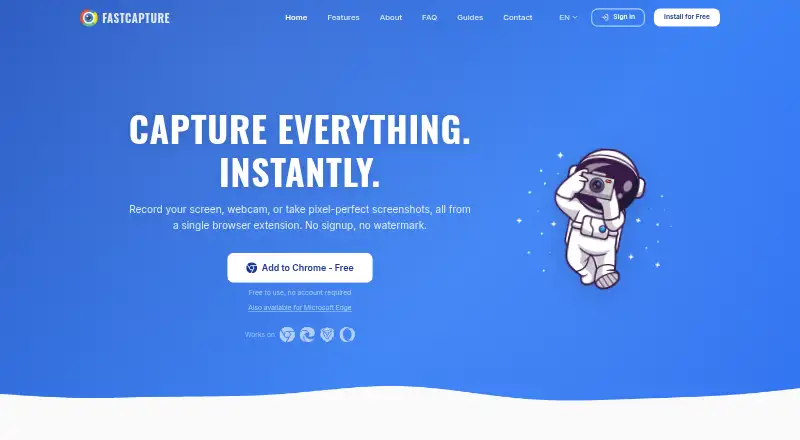
The facts below are what the maker publishes about FastCapture, checked and dated. Our editors have not written about it yet.
Plans and prices
From FastCapture's own pricing page, checked 12 Oct 2026.
| Plan | Price | What it gives you |
|---|---|---|
| Free | Free | No account required · screen recording and screenshots · formats/features vary by plan |
| Pro | — | MP4 export · GIF export · Unlimited recording duration · 60 FPS recording · Extended capture history · Additional annotation tools |
The facts
Each one read from FastCapture's own pages, with the date it was checked.
What it does
- Annotations
- Annotation tools include freehand drawing, text, arrows, shapes, sticky notes, and blur.checked 12 Oct 2026
- Exports
- The site lists WebM, MP4, GIF, PNG, JPG, and PDF exports; the FAQ identifies MP4, GIF, and WebP as Pro features.checked 12 Oct 2026
- Integration
- Optional Gmail sharing uses Google OAuth and the Gmail API to create a draft with the capture attached.checked 12 Oct 2026
- Local history
- The site says captures can be browsed and searched in a built-in history saved locally.checked 12 Oct 2026
- Microphone recording
- Yeschecked 21 Sep 2026
- Pricing detail
- The FAQ says an optional Pro plan unlocks advanced features, but the page gives no Pro price.checked 12 Oct 2026
- Privacy
- The maker says captures are processed locally and not uploaded to its servers or third-party services.checked 12 Oct 2026
- Recording
- It records a browser tab, desktop, region, or camera, with optional webcam overlay and audio.checked 12 Oct 2026
- Screenshots
- It captures the visible area, full page, a selected region, or all open tabs.checked 12 Oct 2026
- Support
- Users can contact the maker to report bugs, ask questions, or suggest features.checked 12 Oct 2026
- System audio
- Yeschecked 21 Sep 2026
- Tracking
- The privacy policy says FastCapture does not use analytics, tracking pixels, cookies, or telemetry.checked 12 Oct 2026
- Webcam recording
- Yeschecked 21 Sep 2026
- What it does
- FastCapture is a browser extension for screen recording and screenshots.checked 12 Oct 2026
- Who it is for
- The creator describes building it for screen captures used in bug reports, client communication, and documentation.checked 12 Oct 2026
Where it runs
- Browser support
- The extension works on Chrome and Chromium-based browsers including Edge, Brave, and Opera.checked 12 Oct 2026
- Supported platforms
- Chrome,Edge,Brave,Operachecked 21 Sep 2026
Money
- Free plan
- Yeschecked 21 Sep 2026
Alternatives to FastCapture
- 1

Cap
Free planOpen sourceWebAPIExtensionLinux9.0From $29 a year - 2

Loom
Free planAndroidiOSWebmacOS8.9From $18 a month - 3

Vmaker
Free planiOSWebExtensionmacOS8.9From $18 a month - 4

ScreenPal
Free planAndroidiOSWebmacOS8.8From $4 a month - 5

Claap
Free planAndroidiOSWebAPI8.8From €32 a month - 6

Screencastify
Free planWebExtensionLinuxmacOS8.7From $7 a month