Damselfly
Damselfly is free, self-hosted photo management software for indexing large, folder-based image collections.
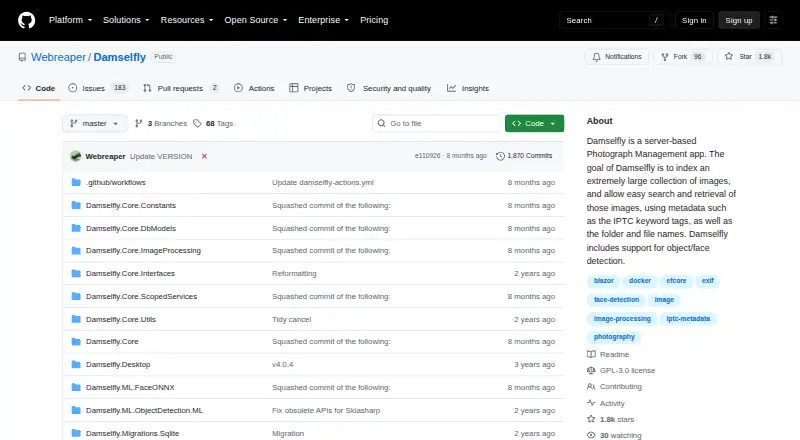
What Damselfly is
Damselfly is free, self-hosted photo management software for indexing large, folder-based image collections. It runs as a server with a web interface and can be deployed with Docker or installed without it. Search supports full-text and partial-word phrases, with filters for dates, faces, objects, camera details, file size, and orientation. Machine-learning features detect and recognize faces, identify objects, and classify image colours; face processing runs locally and offline. Damselfly uses ExifTool to update image metadata without re-encoding JPEG files. Desktop clients for macOS, Windows, and Linux can sync selected server images to a local folder. Baskets may be private or shared, and authentication can assign User, ReadOnly, and Admin roles. By default, anyone with access can browse, change, and download images, so authentication is needed for role-based permissions. Non-Docker installation is unsupported and intended for experts, and AI setup is harder without Docker. AI processing can also use substantial CPU resources.
Good
- Free, self-hosted software.
- Search filters include dates, faces, objects, and camera details.
- Face processing runs locally and offline.
- Metadata updates do not re-encode JPEGs.
- Desktop clients sync selected server images.
Watch out
- Anyone with access can modify images by default.
- Non-Docker installation is unsupported and intended for experts.
- AI setup is harder without Docker.
- AI processing can be CPU-intensive.
Who it suits
Damselfly suits people who want to manage and search a large folder-based photo library on their own server. It may be a fit for users comfortable enabling authentication and, especially for non-Docker installs, handling expert-level setup.
Verdict
Damselfly combines broad image search with local face processing and lossless metadata updates. Set up authentication before relying on role-based access, and account for the more difficult non-Docker and AI setup paths.
Plans and prices
From Damselfly's own pricing page, checked 2 Oct 2026.
| Plan | Price | What it gives you |
|---|---|---|
| Damselfly | Free | Free, open-source software · self-hosted |
The facts
Each one read from Damselfly's own pages, with the date it was checked.
What it does
- Deployment
- Damselfly runs as a server with a web UI and can be deployed using Docker or installed without Docker.checked 2 Oct 2026
- Desktop clients
- The project lists desktop client versions for macOS, Windows, and Linux that sync selected server images to a local folder.checked 2 Oct 2026
- Image recognition
- Its machine-learning features include face detection and recognition, object recognition, and image colour classification.checked 2 Oct 2026
- Image search
- It supports full-text, multi-phrase partial-word search and filters including dates, faces, objects, camera details, file size, and orientation.checked 2 Oct 2026
- Installation limit
- The maintainer says non-Docker installations are unsupported and intended for experts, and that AI setup is harder without Docker.checked 2 Oct 2026
- Integrations
- The selection basket supports uploads to WordPress, which requires JWT authentication configured on the WordPress site.checked 2 Oct 2026
- Metadata
- Damselfly uses ExifTool to write metadata losslessly, so keyword changes do not re-encode JPEGs.checked 2 Oct 2026
- Multi-user access
- Authentication can be enabled with User, ReadOnly, and Admin roles, and baskets can be private or shared.checked 2 Oct 2026
- Offline processing
- The project says face detection and recognition run locally and offline.checked 2 Oct 2026
- Other workflows
- The project documents exporting images for use with DigiKam or Photoshop and syncing files with Rclone.checked 2 Oct 2026
- Performance and resource use
- The README claims searches across a 500,000-image catalogue return results in less than a second; technical documentation warns that AI processing can be CPU-intensive.checked 2 Oct 2026
- Purpose
- Damselfly is a server-based photo management system designed to index large, folder-based photo collections for search and keyword tagging.checked 2 Oct 2026
- Security caveat
- The documentation says that by default anyone with access can browse, modify, and download images; authentication must be enabled to apply user roles and permissions.checked 2 Oct 2026
- Support
- The maintainer directs users to Reddit, GitHub issues, or email for questions, problems, and feature requests.checked 2 Oct 2026
Alternatives to Damselfly
- 1

Ente Photos
Free planOpen sourceAndroidiOSWebLinux8.6From $2.49 a month - 2
Lychee
Free planOpen sourceAndroidiOSWebAPI8.5Free plan - 3

Google Photos
Free planAndroidiOSWebAPI8.3Free plan - 4

iCloud Backup
Free planAndroidiOSWebAPI8.3From $0.99 a month - 5

Flickr
Free planAndroidiOSWebAPI8.2From $82 a year - 6
Tonfotos
Free planAndroidiOSLinuxmacOS8.0$59 one-time