
Command-Tab Plus
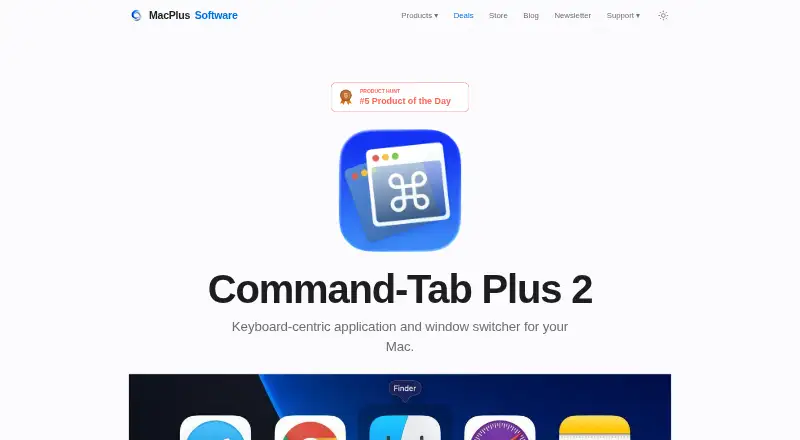
The facts below are what the maker publishes about Command-Tab Plus, checked and dated. Our editors have not written about it yet.
Plans and prices
From Command-Tab Plus's own pricing page, checked 11 Oct 2026.
| Plan | Price | What it gives you |
|---|---|---|
| Command-Tab Plus 2 Standard | £7.85, paid once | 1 Mac · license valid for a year · One-time fee; excludes VAT/sales tax if applicable. |
| Command-Tab Plus 2 Lifetime for 3 Macs | £23.45, paid once | 3 Macs · perpetual license · free upgrades to version 3 and beyond · One-time fee; excludes VAT/sales tax if applicable. |
The facts
Each one read from Command-Tab Plus's own pages, with the date it was checked.
Where it runs
- App switching
- Digital shortcuts let users select an application without repeatedly pressing Tab.checked 11 Oct 2026
- Data sent by app
- The privacy policy says paid-app activation checks an email, license key, and device identifier, and the app checks its server for updates.checked 11 Oct 2026
- Inactive apps
- The app hides inactive apps so they do not appear in the switcher.checked 11 Oct 2026
What it does
- Audience
- The product is presented for Mac users who want to switch between applications and windows, including apps organized across Spaces.checked 11 Oct 2026
- Customization
- Users can choose built-in skins or create their own appearance.checked 11 Oct 2026
- Hotkeys and filters
- Users can choose a preferred keyboard shortcut and filter which apps appear in the switcher.checked 11 Oct 2026
- Privacy
- The maker says its applications have no analytics, tracking, advertising, or third-party data collection kits, and that user documents, window layouts, and settings stay on the Mac.checked 11 Oct 2026
- Processor support
- The app is built natively for Intel and Apple Silicon Macs.checked 11 Oct 2026
- Purpose
- Command-Tab Plus is a keyboard-centric app and window switcher that offers an alternative to the built-in macOS Application Switcher.checked 11 Oct 2026
- Spaces
- By default, the switcher shows apps running on the current display or Space, and this behavior can be disabled in settings.checked 11 Oct 2026
- Support
- The maker invites questions, feedback, and support requests by email.checked 11 Oct 2026
- System requirements
- Version 2 requires macOS 14 Sonoma or later; the site says previous versions work on macOS High Sierra 10.13 or higher.checked 11 Oct 2026
- Window switching
- After selecting an application, users can press Z or ~ to switch between its windows.checked 11 Oct 2026
The company
- Founded
- 2011checked 28 Sep 2026
Money
- Trial
- The maker offers Command-Tab Plus 2 as a free trial, without stating a trial duration on the product page.checked 11 Oct 2026
Alternatives to Command-Tab Plus
- 1

DisplayFusion
Free planAndroidiOSAPIWindows7.9$34 one-time - 2
Avidemux
Free planOpen sourceWebLinuxmacOSWindows7.3Free plan - 3

Dexpot
Free planAPIWindows7.2€24.90 one-time - 4
spectrwm
Free planOpen sourceLinuxmacOSWindows7.1Free plan - 5

Launchpad
Free planWebAPILinuxSelf-hosted7.0Free plan - 6

Reloop
Free planSelf-hosted7.0From $10 a month