Code.org Web Lab
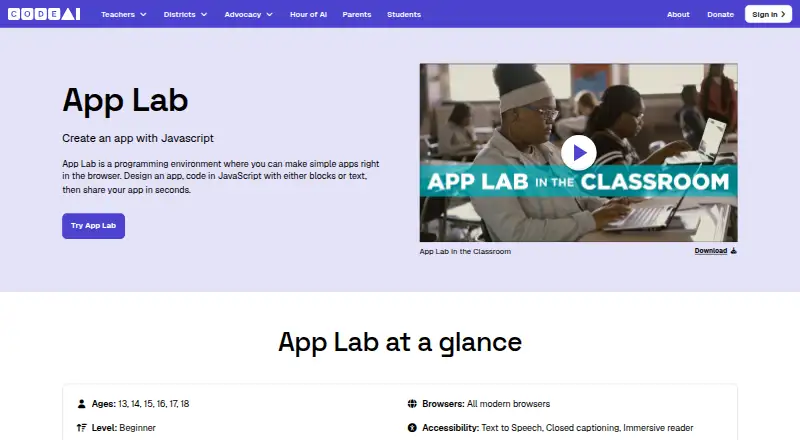
The facts below are what the maker publishes about Code.org Web Lab, checked and dated. Our editors have not written about it yet.
Plans and prices
From Code.org Web Lab's own pricing page, checked 11 Oct 2026.
| Plan | Price | What it gives you |
|---|---|---|
| Free | Free | Free to use · no subscription or license fee |
The facts
Each one read from Code.org Web Lab's own pages, with the date it was checked.
What it does
- Accessibility and language
- The product page describes Web Lab as keyboard and screen-reader accessible and lists English as its supported language.checked 11 Oct 2026
- AI models
- The AI Tutor uses Gemini Flash 2.5, with ChatGPT 4o Mini moderating incoming and outgoing messages.checked 11 Oct 2026
- Audience
- Web Lab is aimed at ages 13–18 and is described as beginner level for middle and high school students.checked 11 Oct 2026
- Curriculum integration
- Web Lab integrates with CodeAI curriculum or can be used as a standalone tool.checked 11 Oct 2026
- Features
- AI Tutor can explain ideas, generate code, suggest improvements, and help students debug; students can review, accept, or reject its suggestions.checked 11 Oct 2026
- Privacy
- CodeAI says AI Tutor interactions are stored securely, automatically deleted after 90 days, and not used to train third-party models.checked 11 Oct 2026
- Private projects
- Yeschecked 23 Sep 2026
- Project limits
- Web Lab focuses on local HTML, CSS, and JavaScript files, and limits external libraries and imports.checked 11 Oct 2026
- Purpose
- Web Lab lets students build interactive websites and apps with HTML, CSS, and JavaScript, using AI as a co-creator.checked 11 Oct 2026
- Safety
- Teachers can view student interactions, and student messages and AI responses pass through a moderation layer.checked 11 Oct 2026
- Sharing controls
- access_controlchecked 23 Sep 2026
- Sketch Lab
- Students can use Sketch Lab to brainstorm and plan designs whose work can provide context in Web Lab; Sketch Lab is available only inside AI Foundations curriculum.checked 11 Oct 2026
- Support
- Teachers and students can report AI Tutor bugs or safety concerns to [email protected] and technical issues to [email protected].checked 11 Oct 2026
- Teacher access
- Teachers must be verified and enable AI Tutor for their students to use it in Web Lab.checked 11 Oct 2026
Where it runs
- Devices and browser
- The product page lists laptops and Chromebooks and says Web Lab works in all modern browsers.checked 11 Oct 2026
The company
- Founded
- 2013checked 19 Oct 2026
- Headquarters
- Seattle, Washington, United Stateschecked 19 Oct 2026
- Maker privacy commitments
- CodeAI says it does not sell personal information or display ads, and describes its tools as designed to comply with COPPA, FERPA, and GDPR.checked 11 Oct 2026
Money
- Free plan
- Yeschecked 23 Sep 2026
Alternatives to Code.org Web Lab
- 1

Replit
Free planAndroidiOSWebLinux9.2From $18 a month - 2

StackBlitz
Free planAndroidiOSWebAPI8.9Free plan - 3

Playcode
Free planAndroidiOSWebAPI8.9From $25 a month - 4
Paperspace Gradient
Free planOpen sourceWebAPIExtensionLinux8.7From $8 a month - 5
GitHub Codespaces
Free planAndroidiOSWebAPI8.6Free plan - 6

JDoodle
Free planAndroidiOSWebAPI8.6From $4 a month